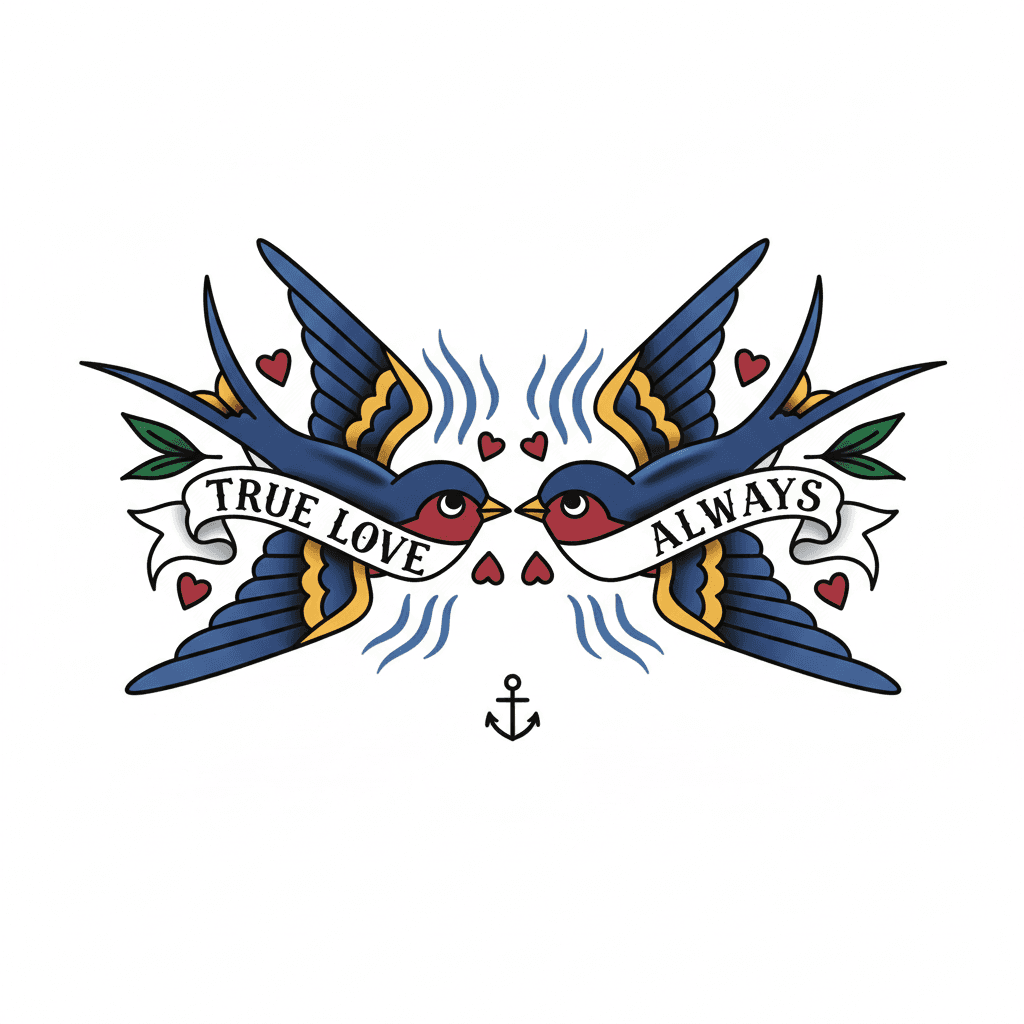
American Traditional
Click image to copy prompt
Explore AI-generated tattoo ideas across the 8 most in-demand styles, then drill down by placement, size, and meaning to find a direction worth taking to your artist. Free to browse. Log in to unlock 2 free previews per day.
If the body area is already obvious, open placement. If the visual lane is already obvious, open styles. If the real job is fixing old ink, jump to cover-up tattoo ideas. This page works best when the user still needs that intent clarified.
This page should not trap the user inside gallery browsing. Its job is to route the user toward the next best decision page: generator, placement page, style page, pricing page, or Japanese hub depending on where the intent is strongest.
Use styles, placements, and motifs to find the lane that already feels closest to the final tattoo direction.
Switch to the generator after style plus placement are clear enough to support stronger prompts.
Pricing makes more sense after free previews show that the direction is worth deeper iteration.
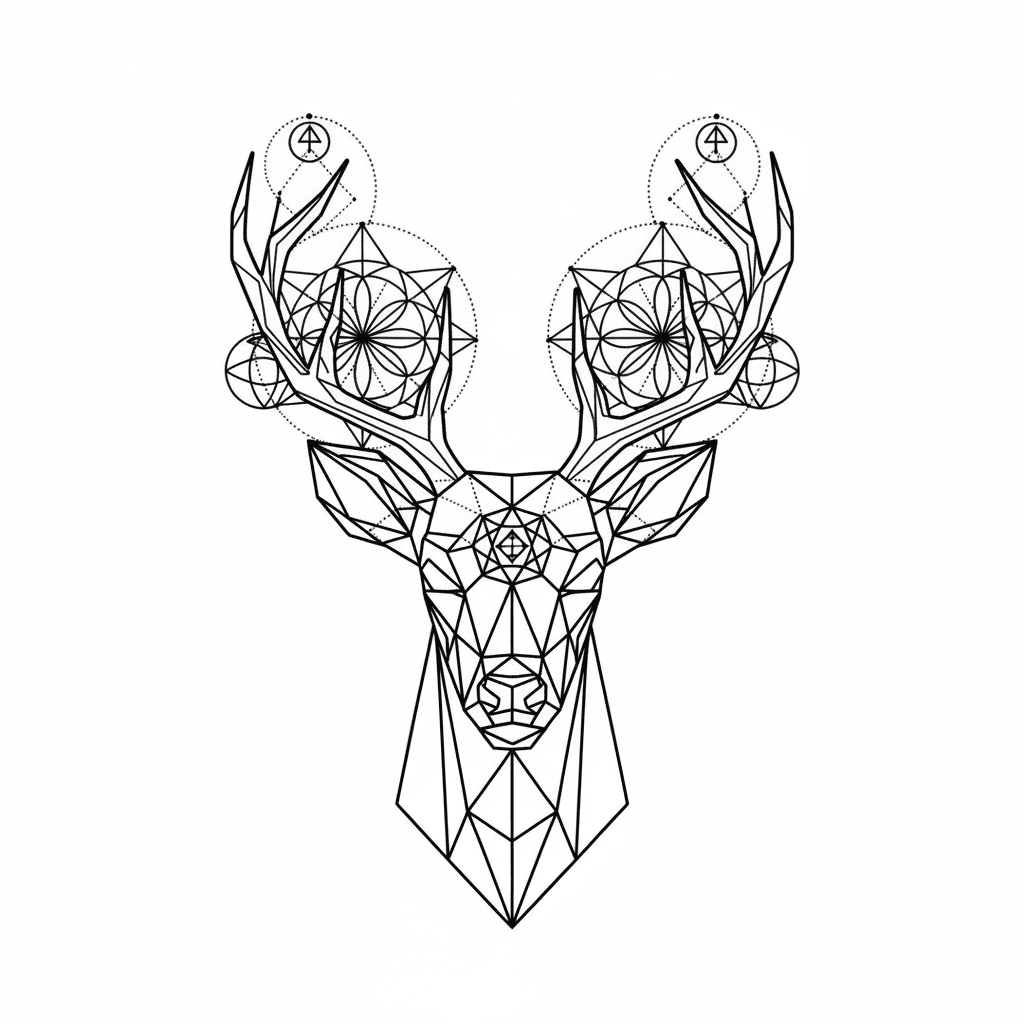
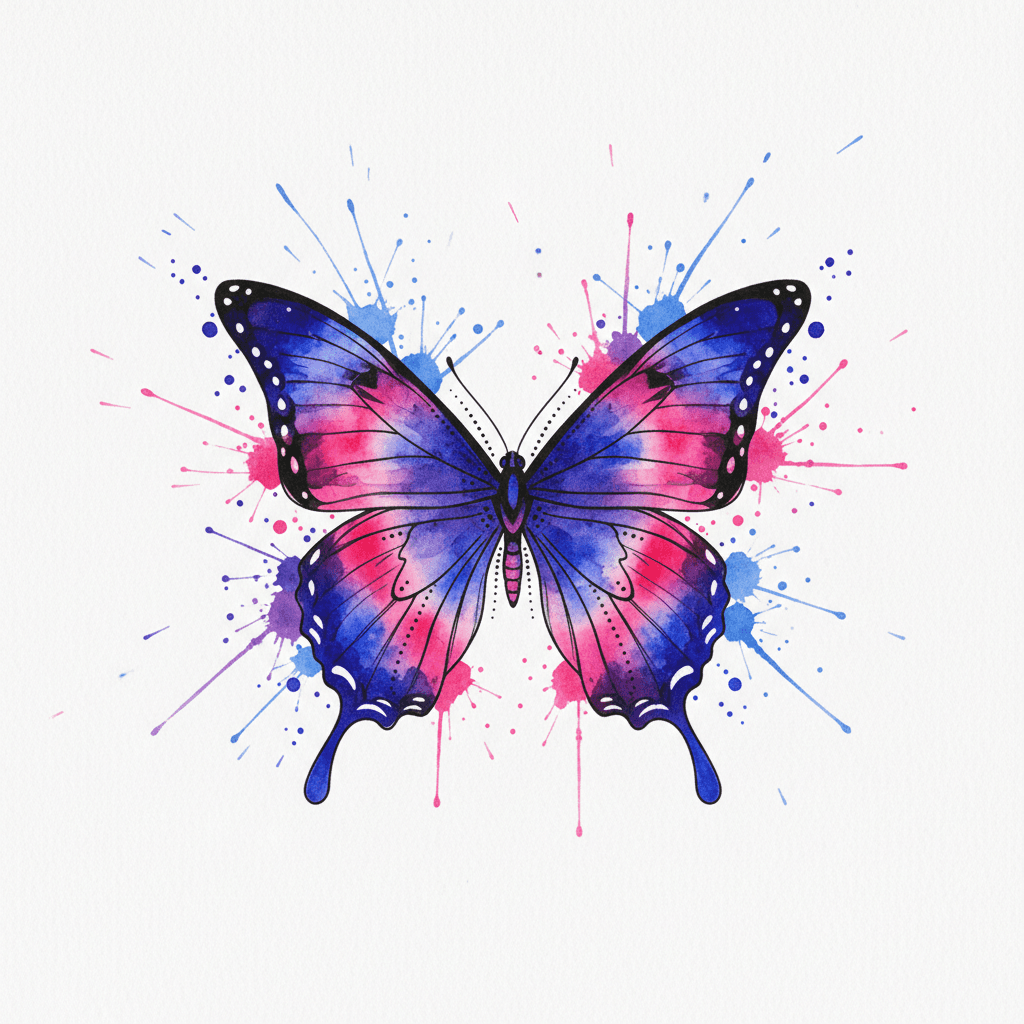
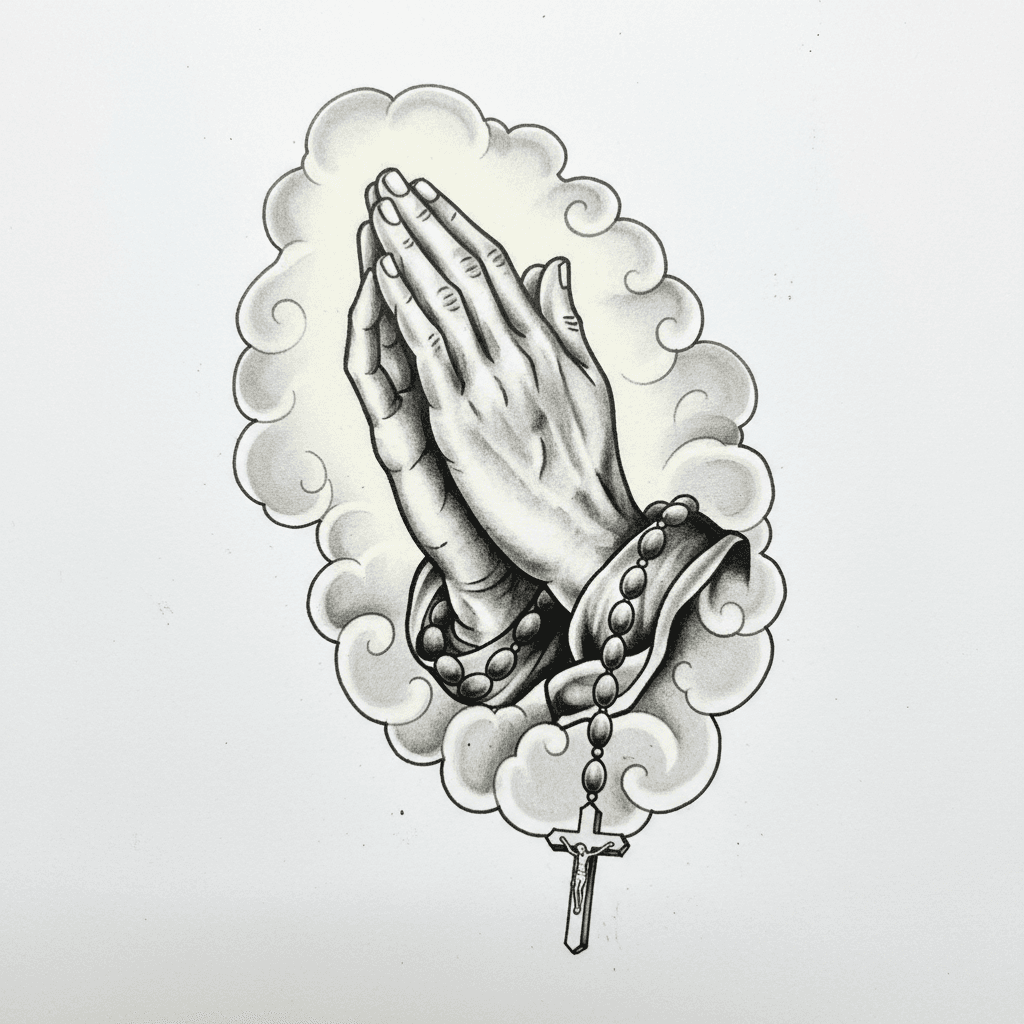
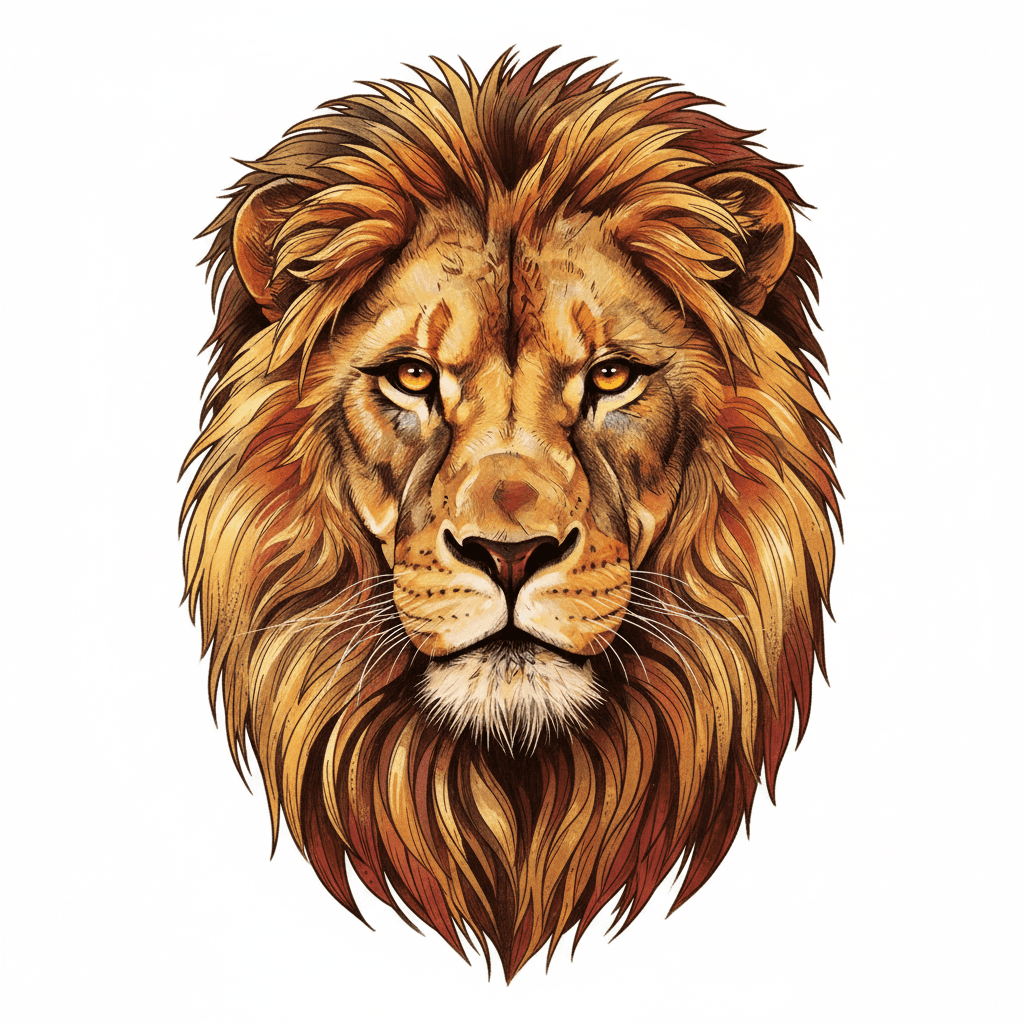
A three-row scrolling wall of AI tattoo ideas across American Traditional, Neo-Traditional, Realism, Black & Grey, Fine Line, Japanese, Geometric & Dotwork, and Watercolor.
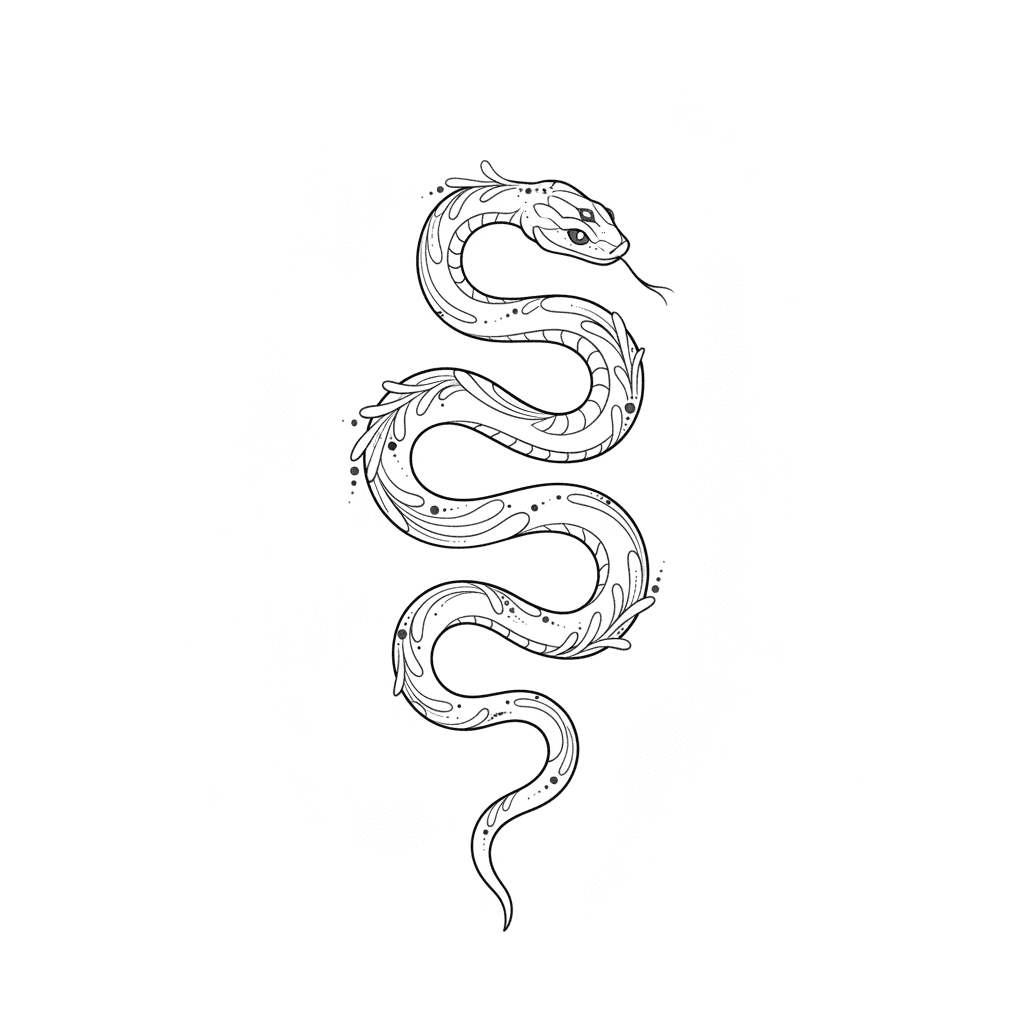
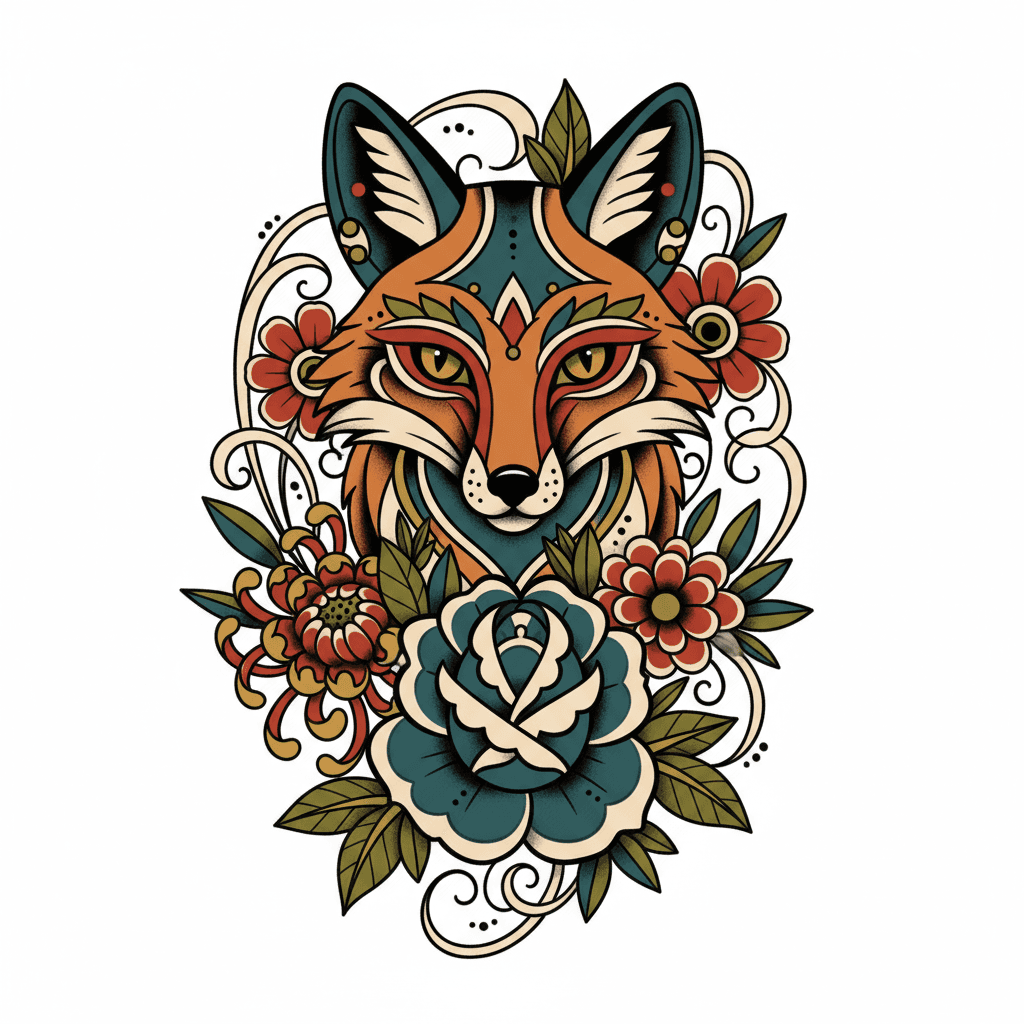
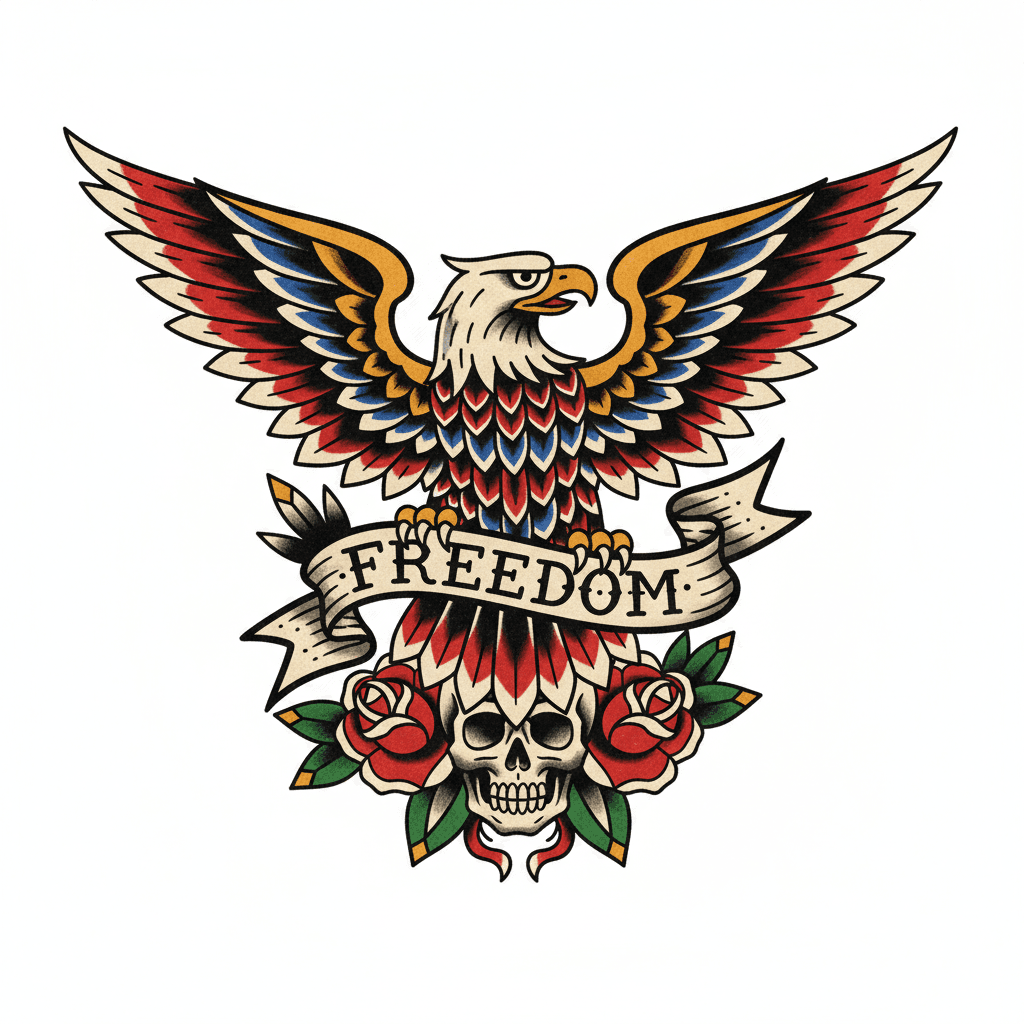
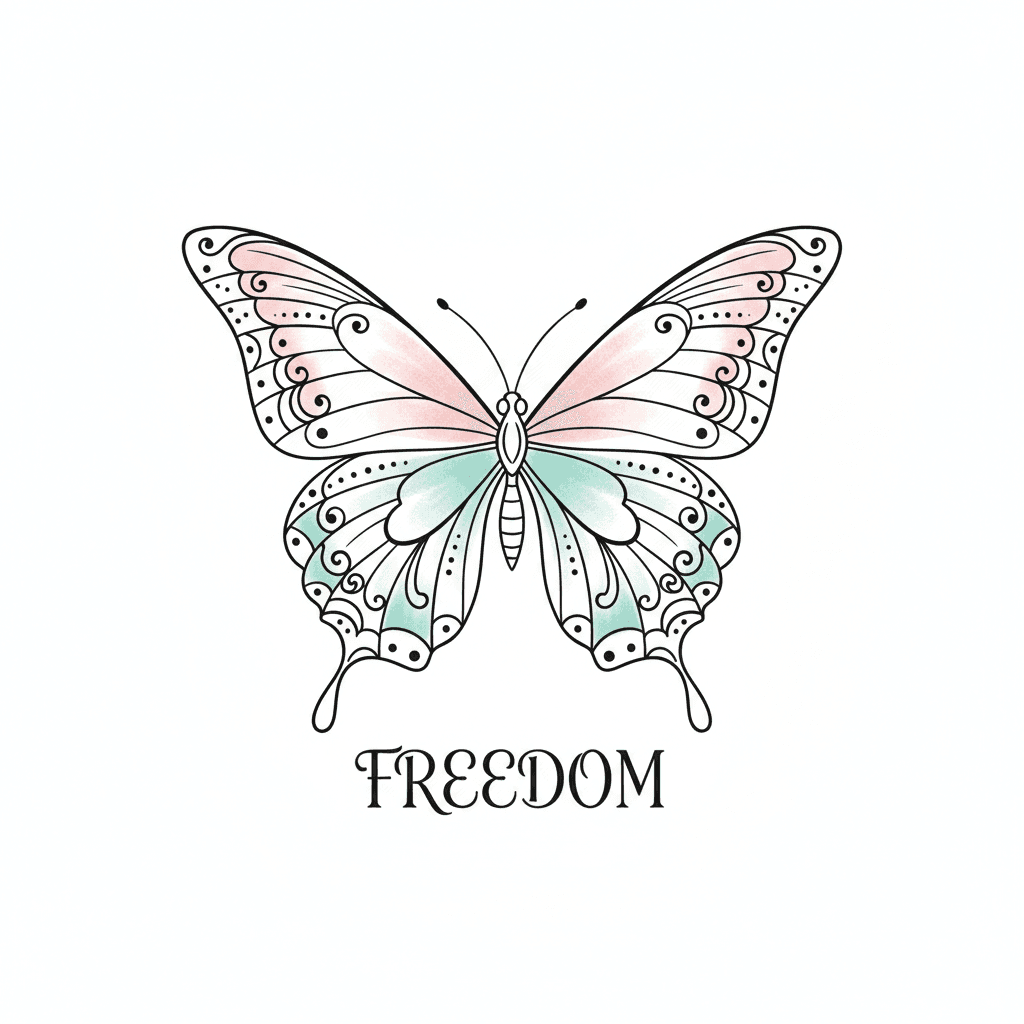
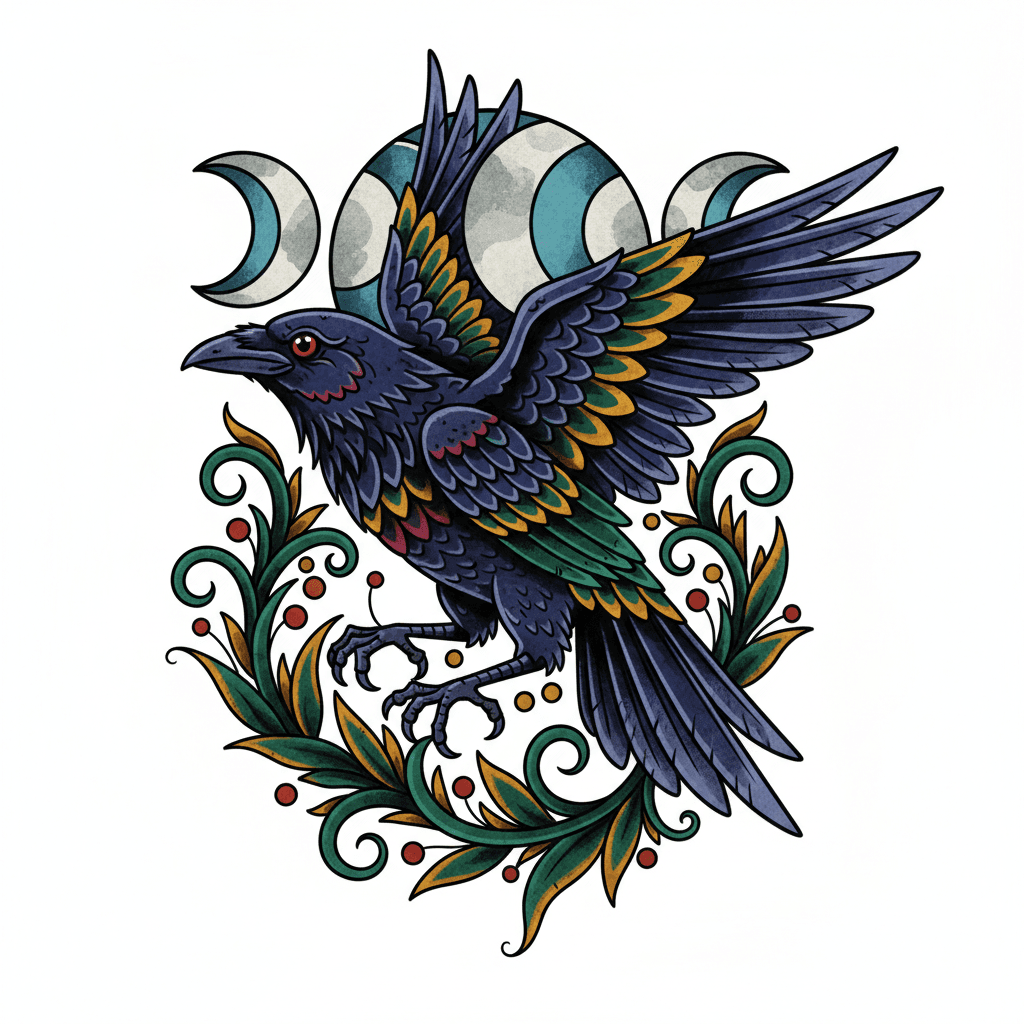
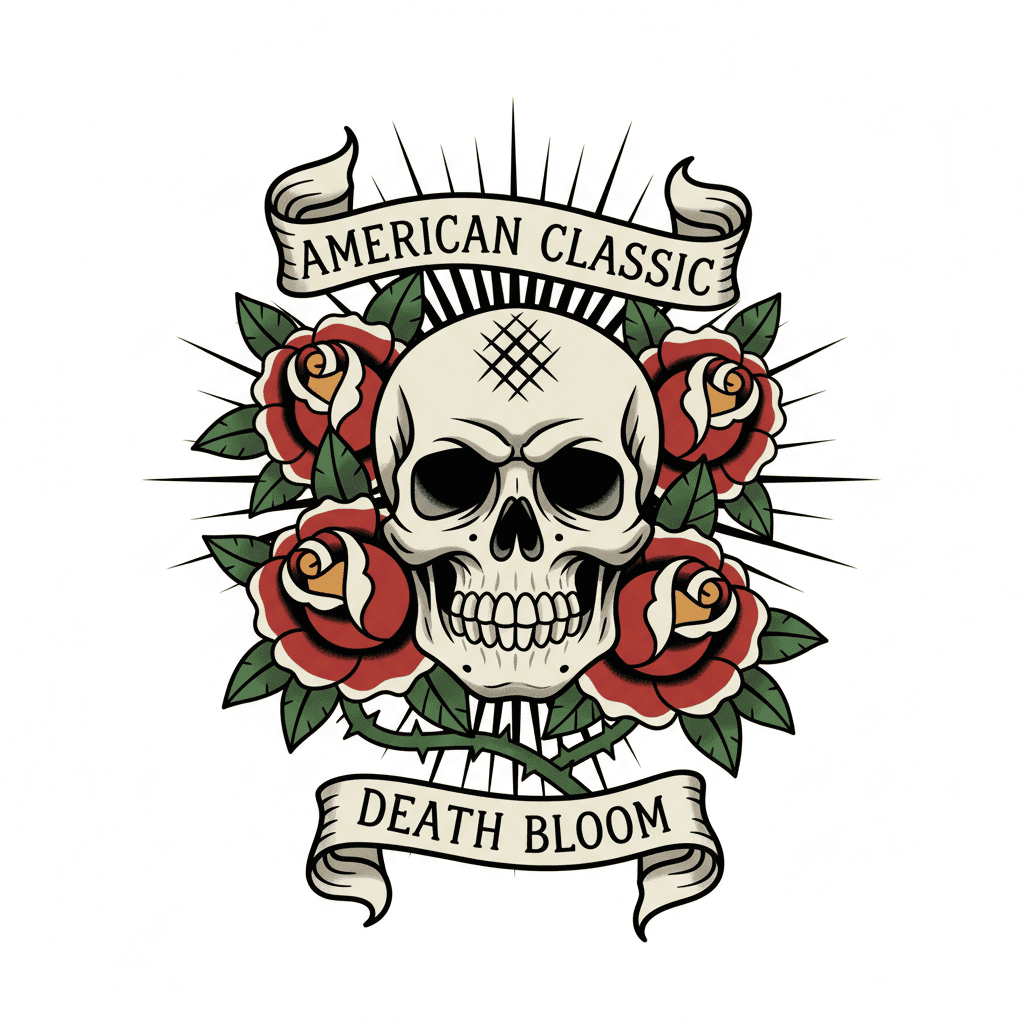
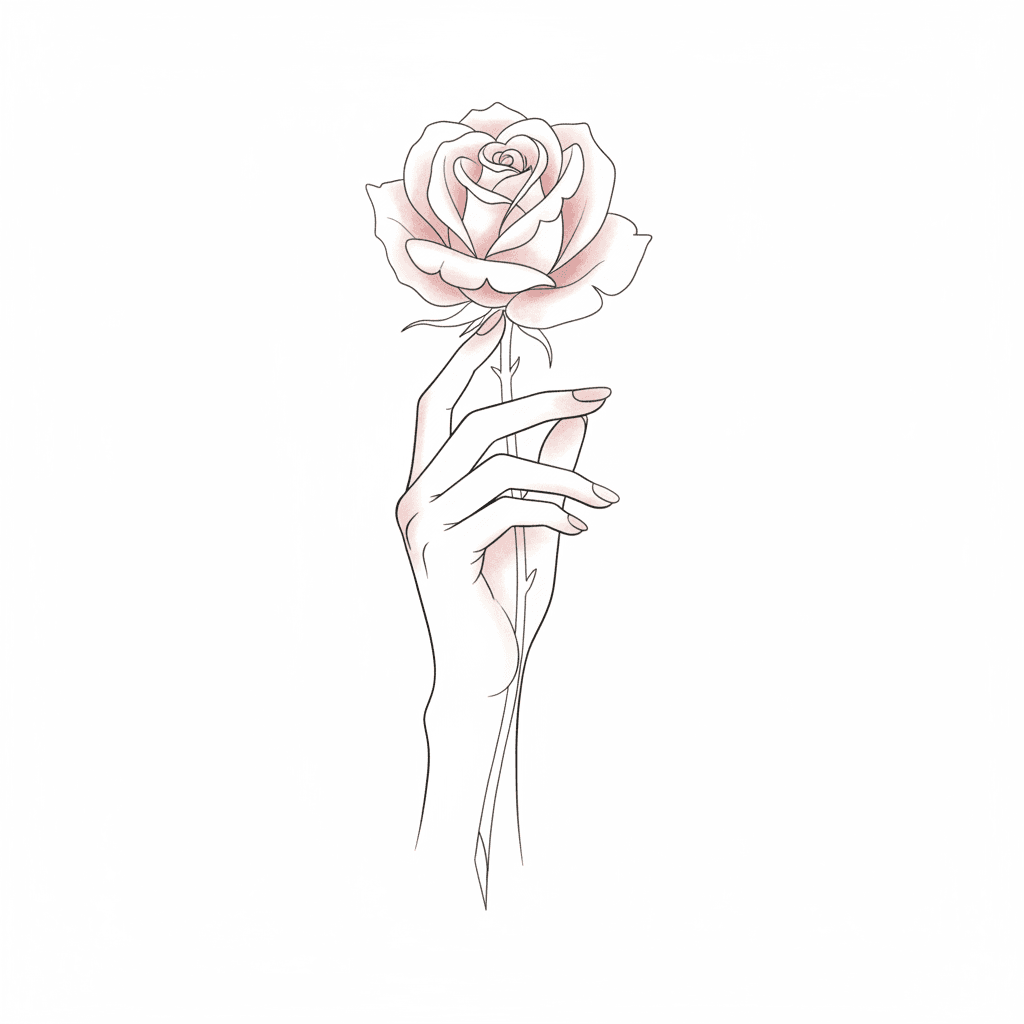
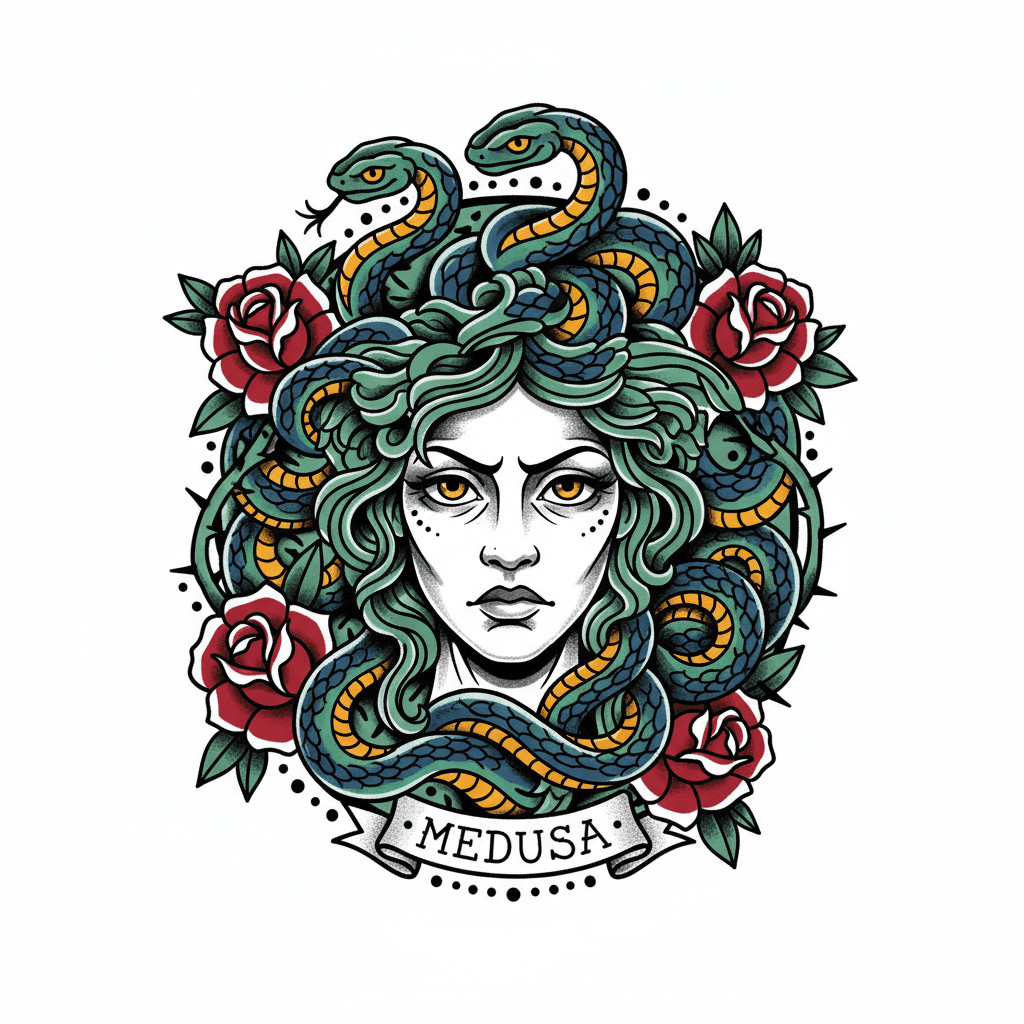
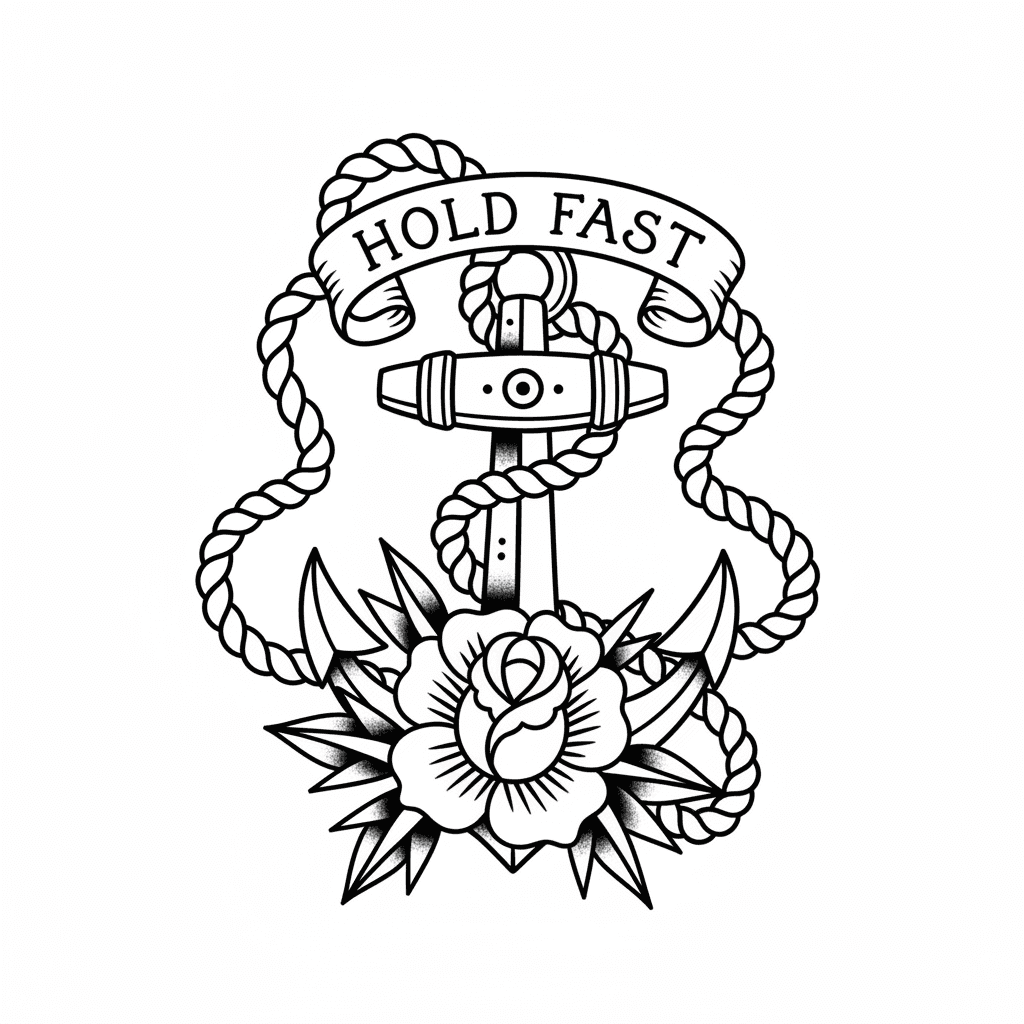
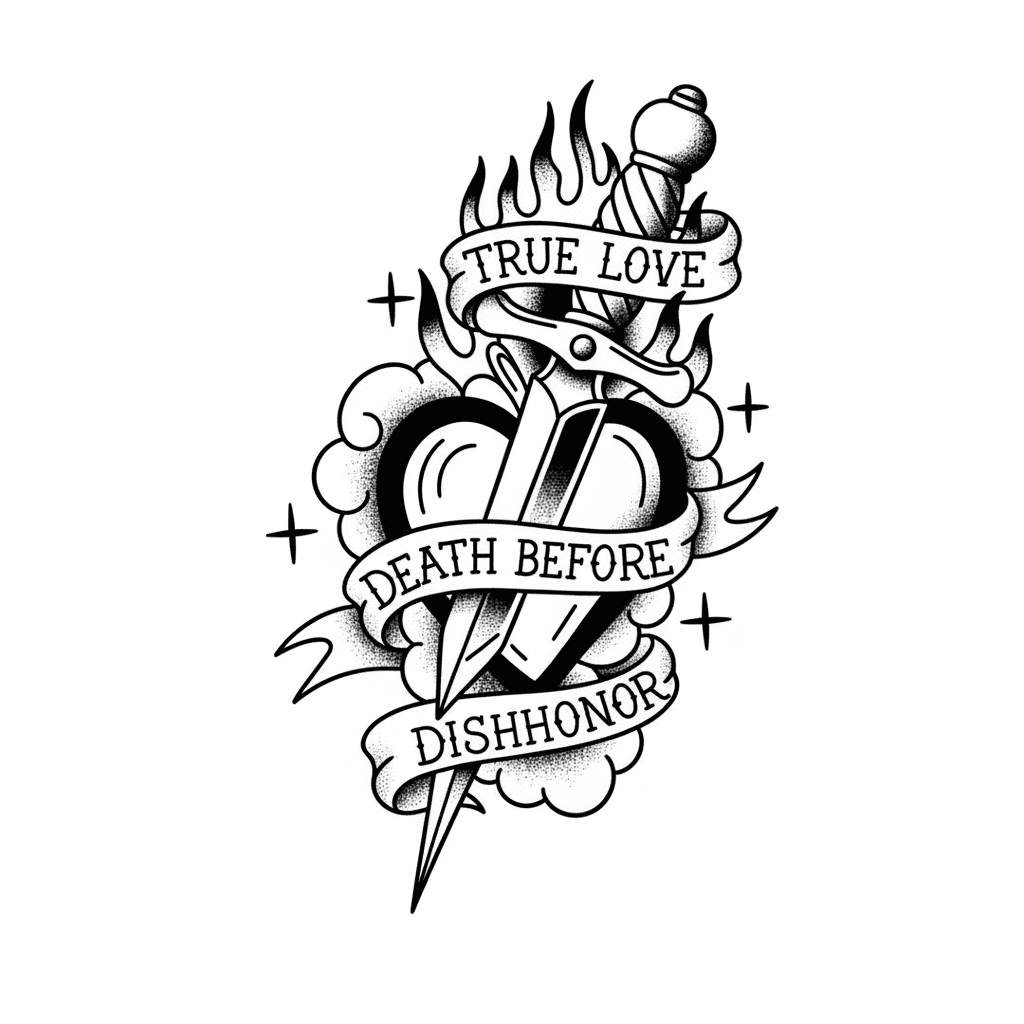
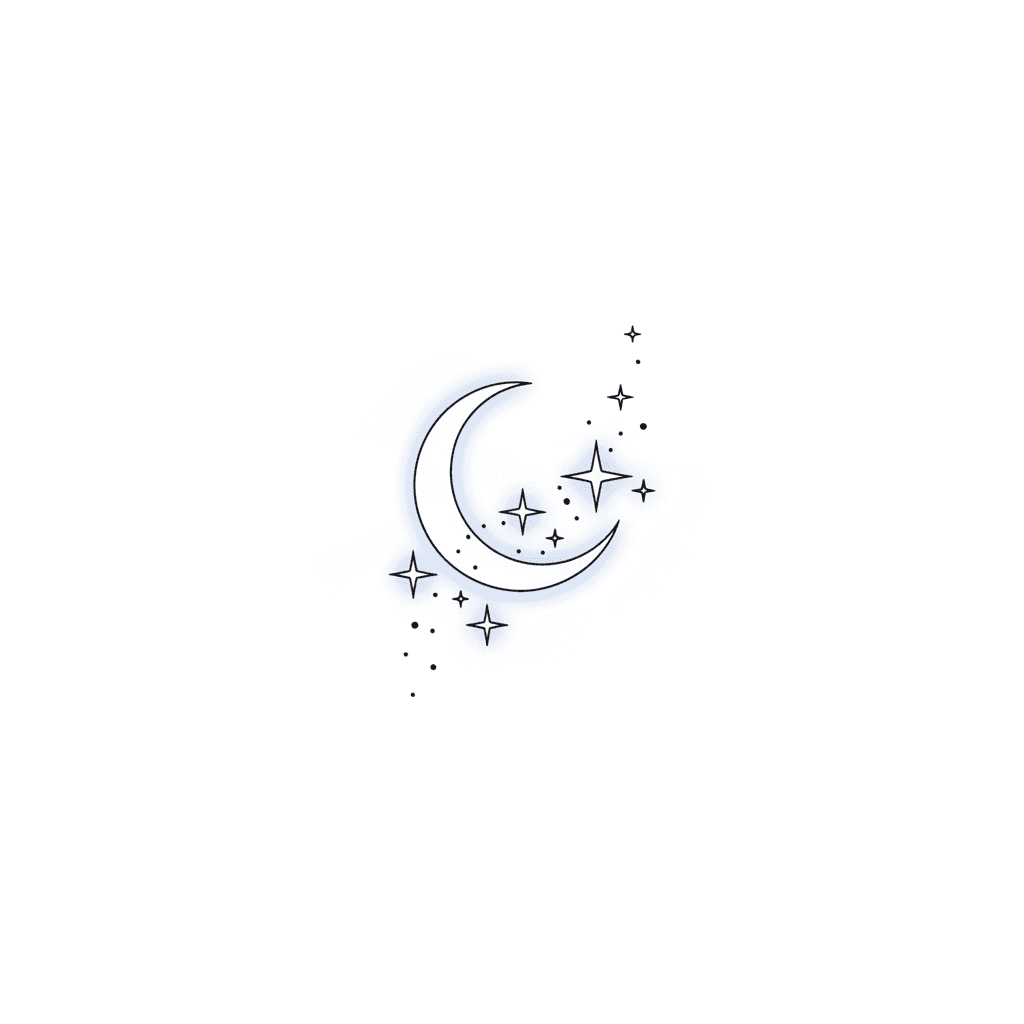
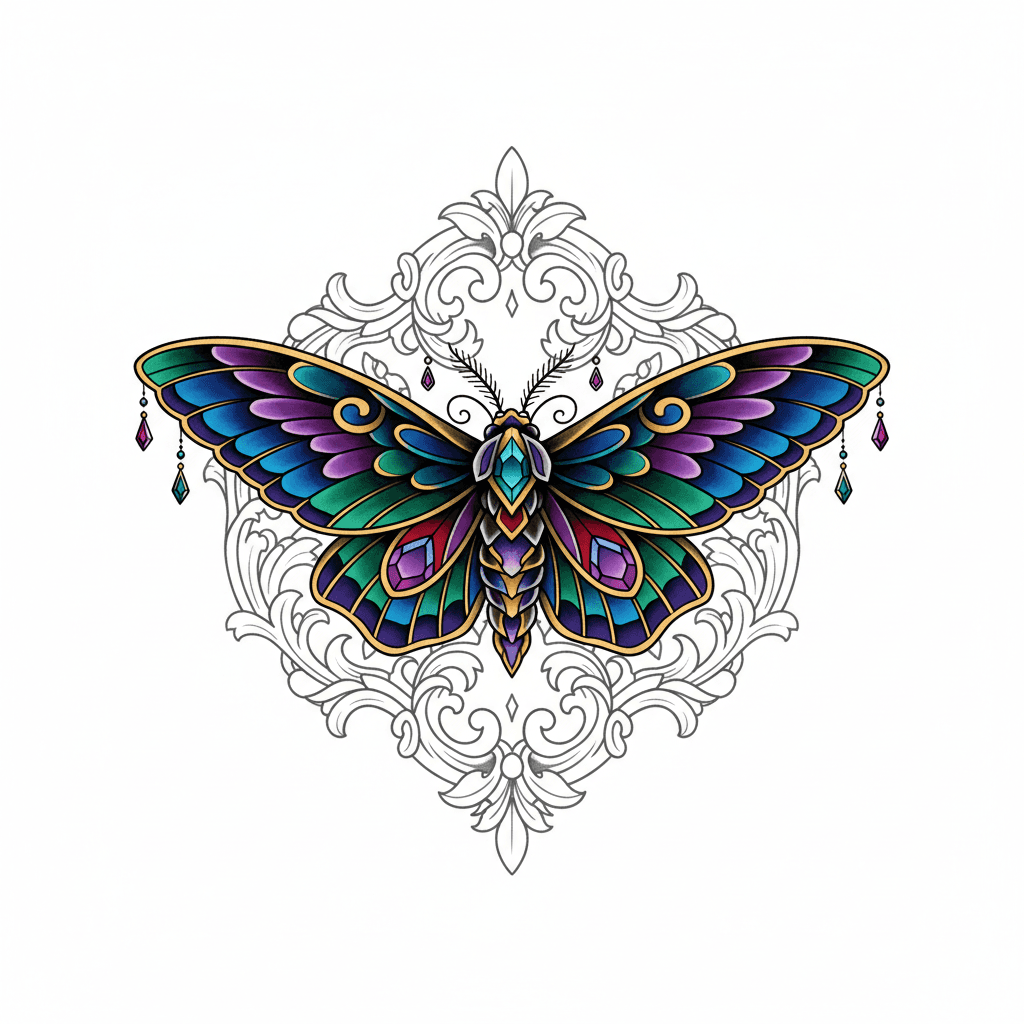
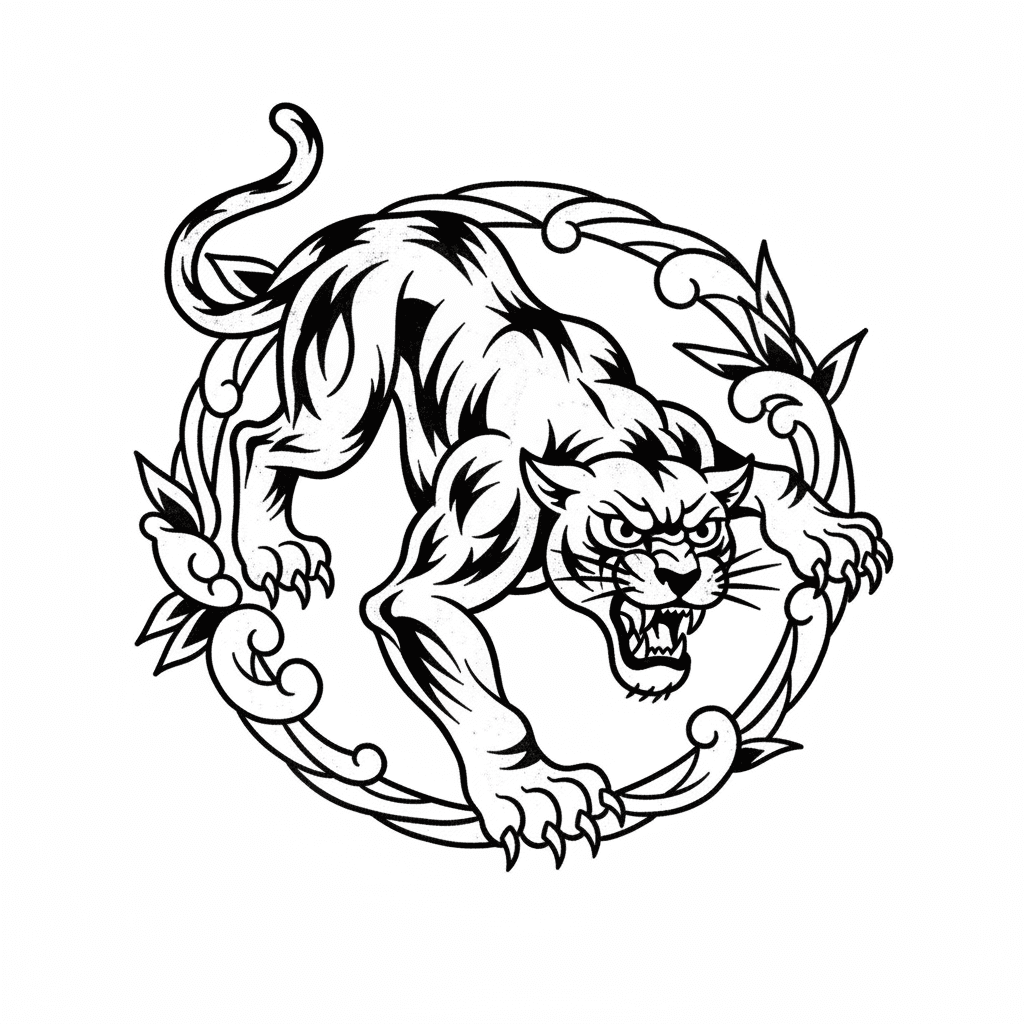

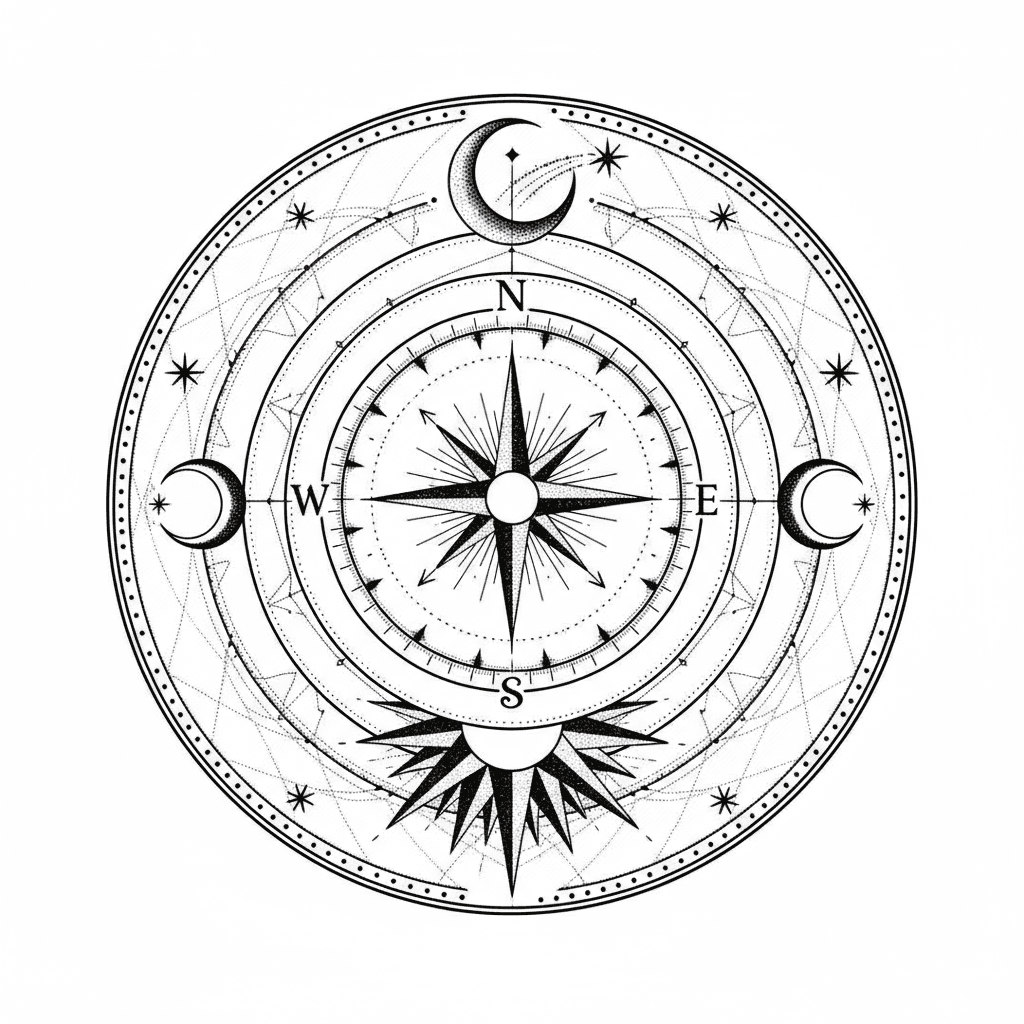
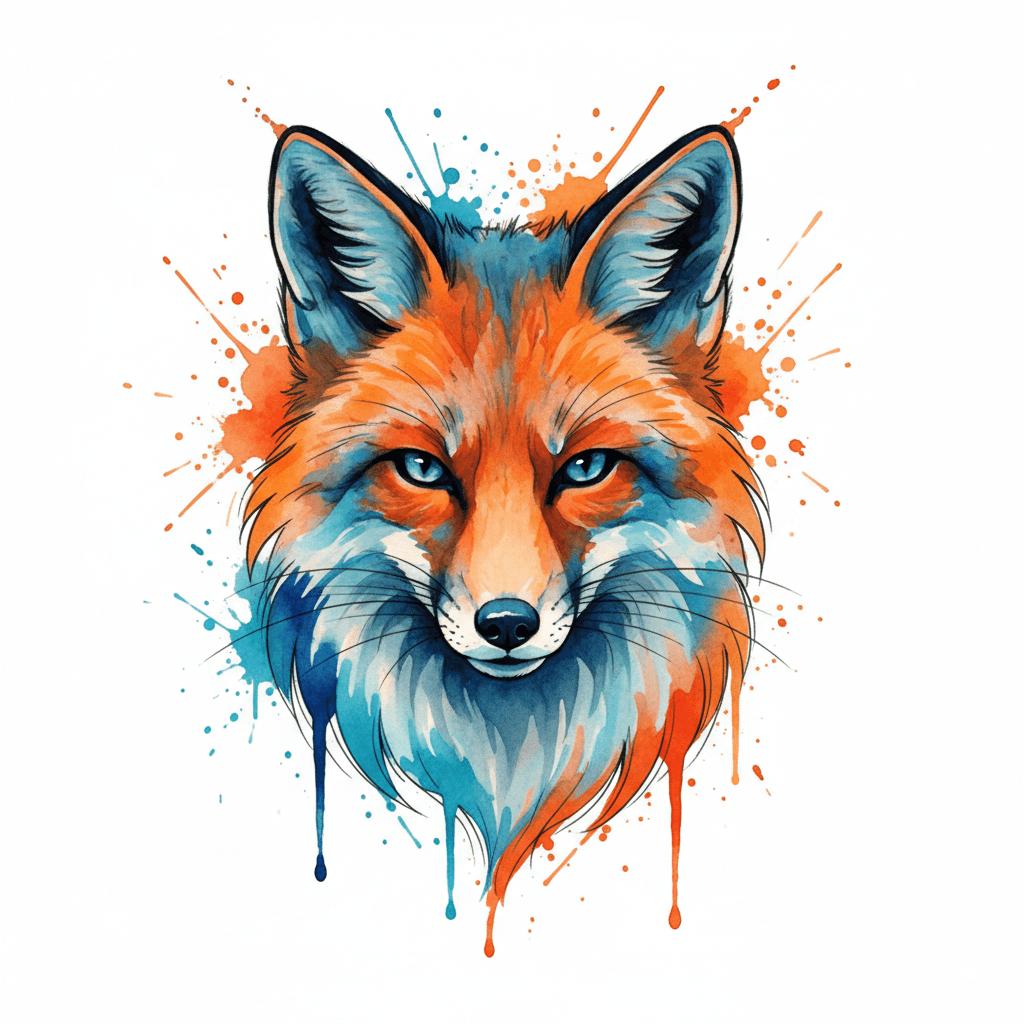
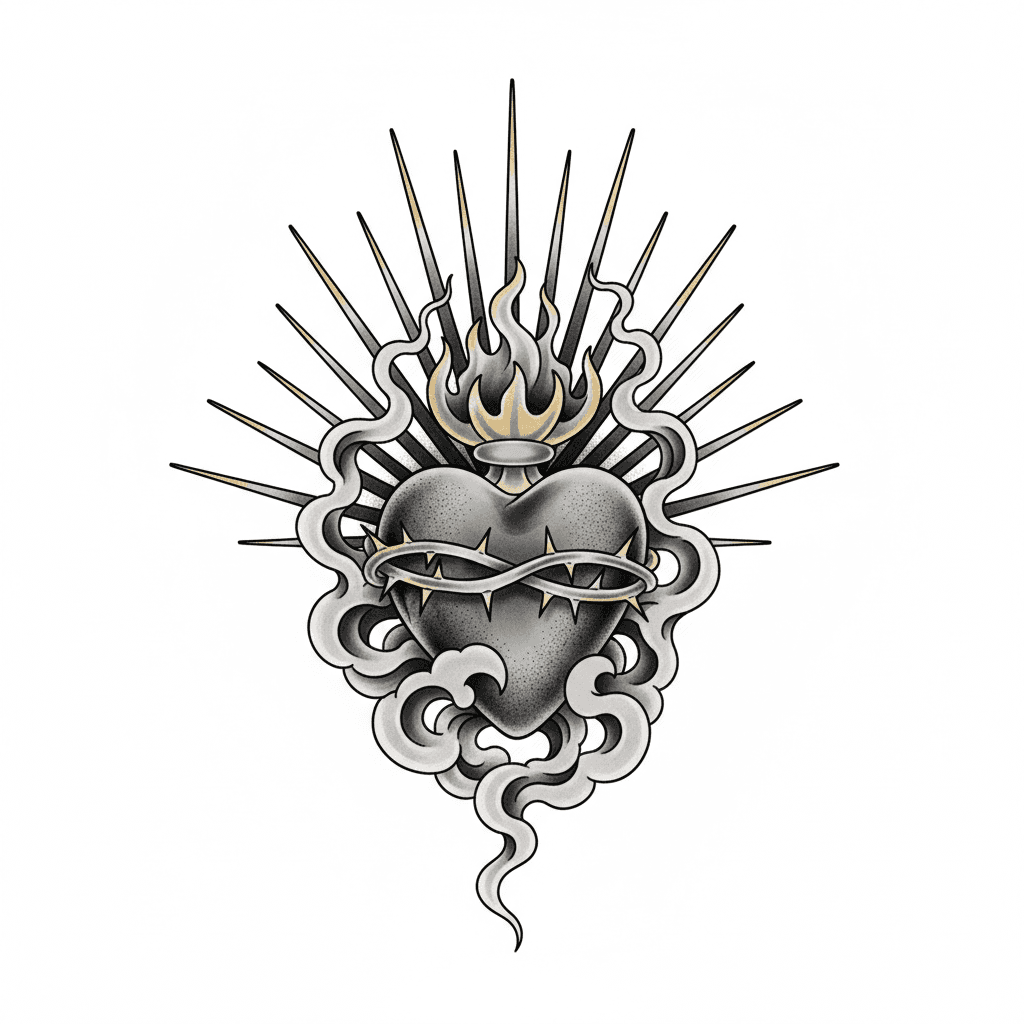
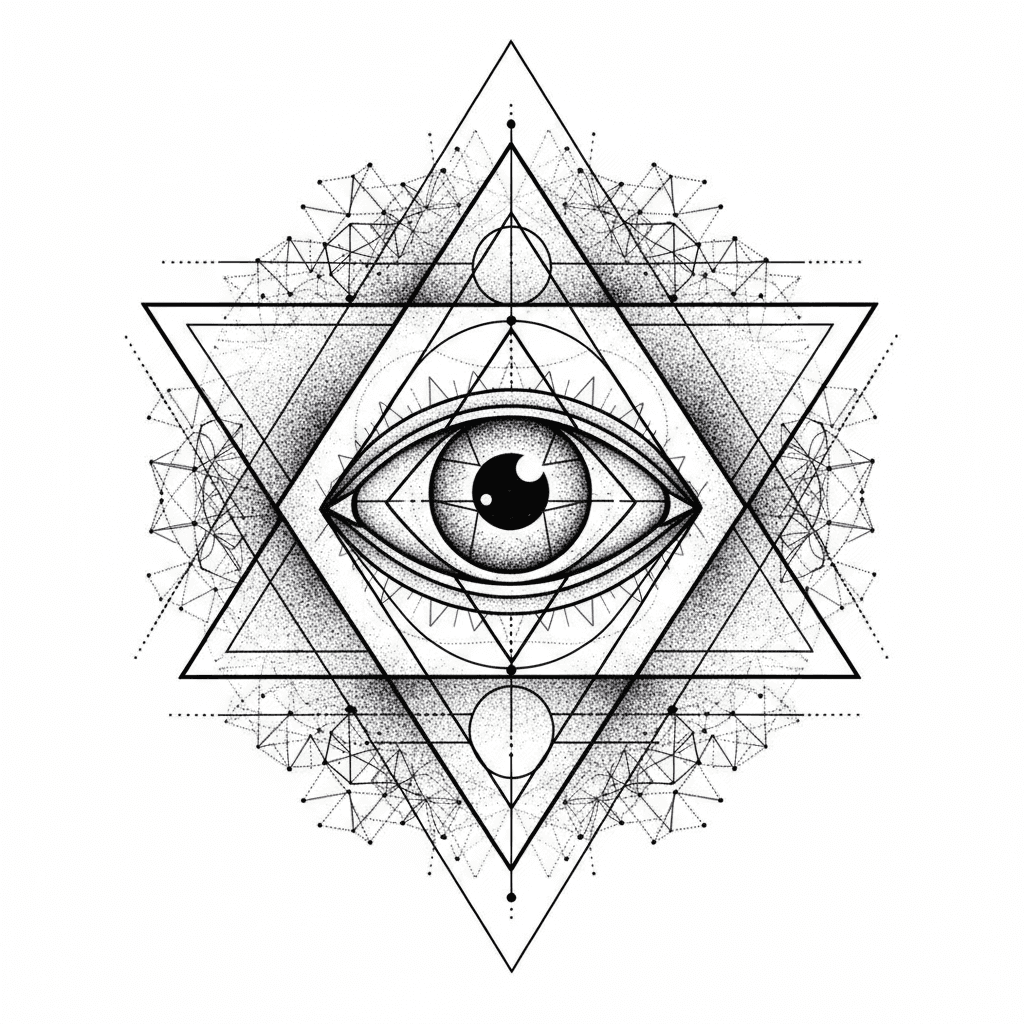
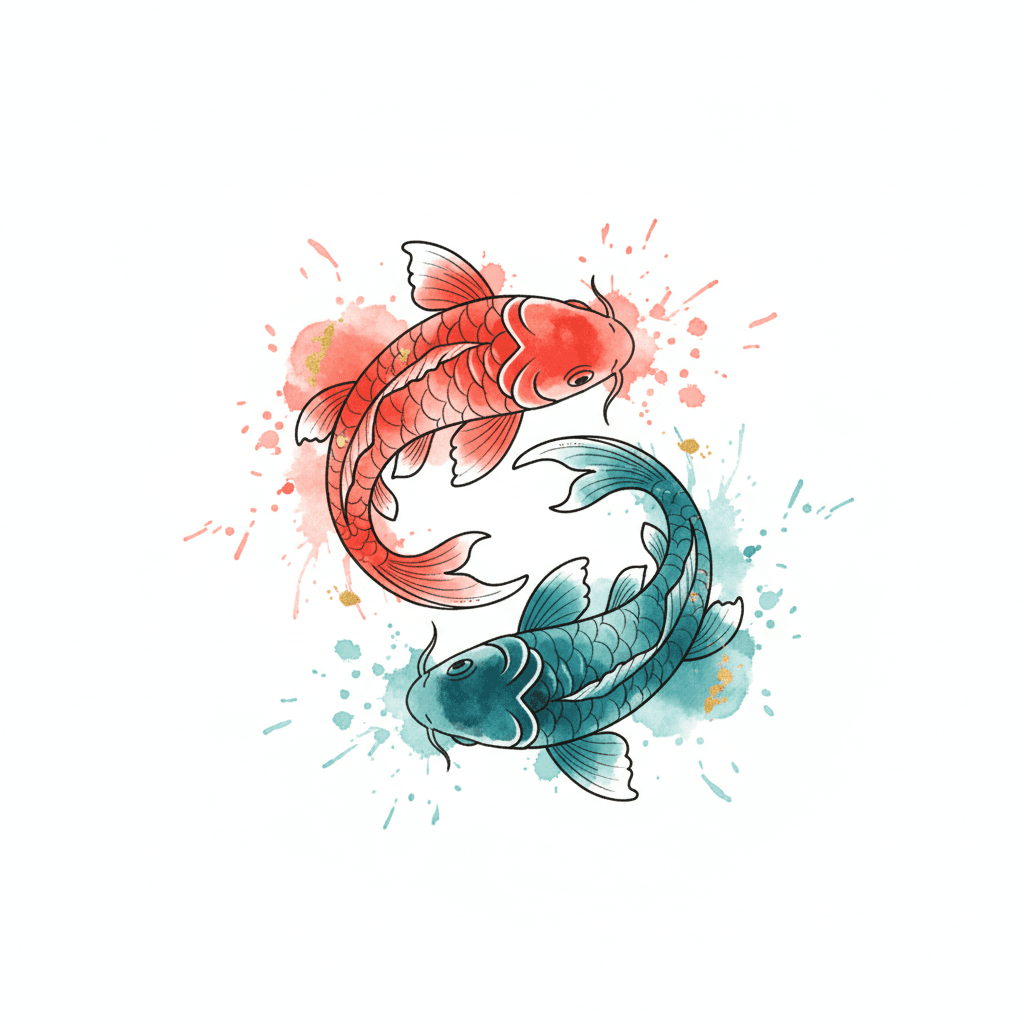
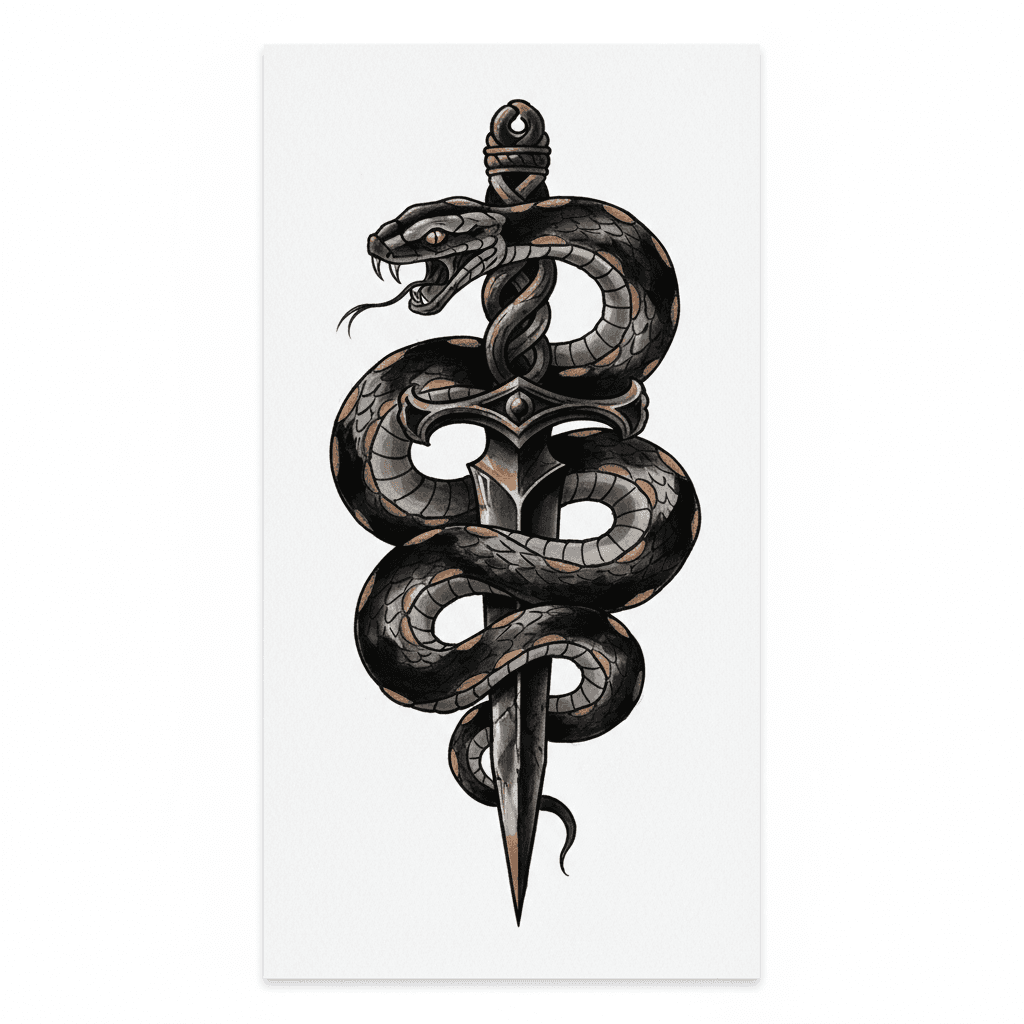
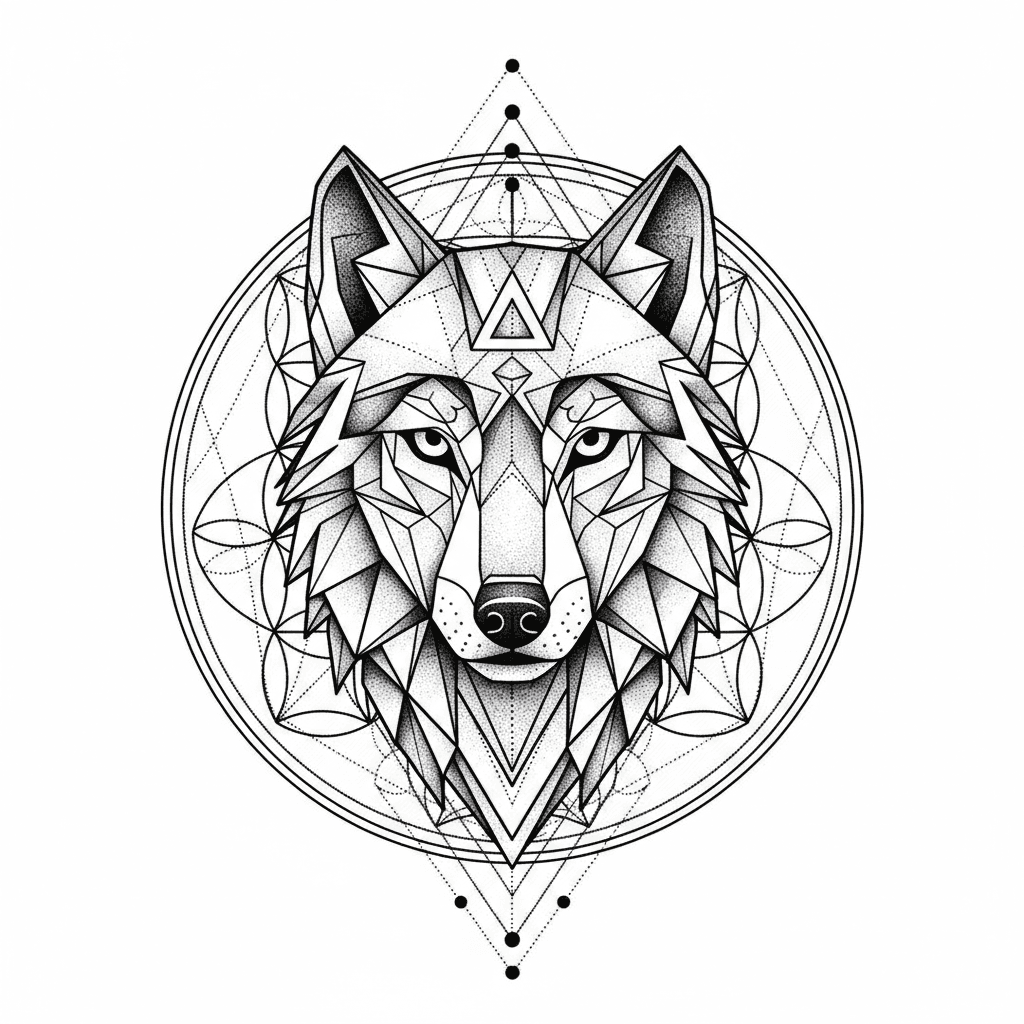
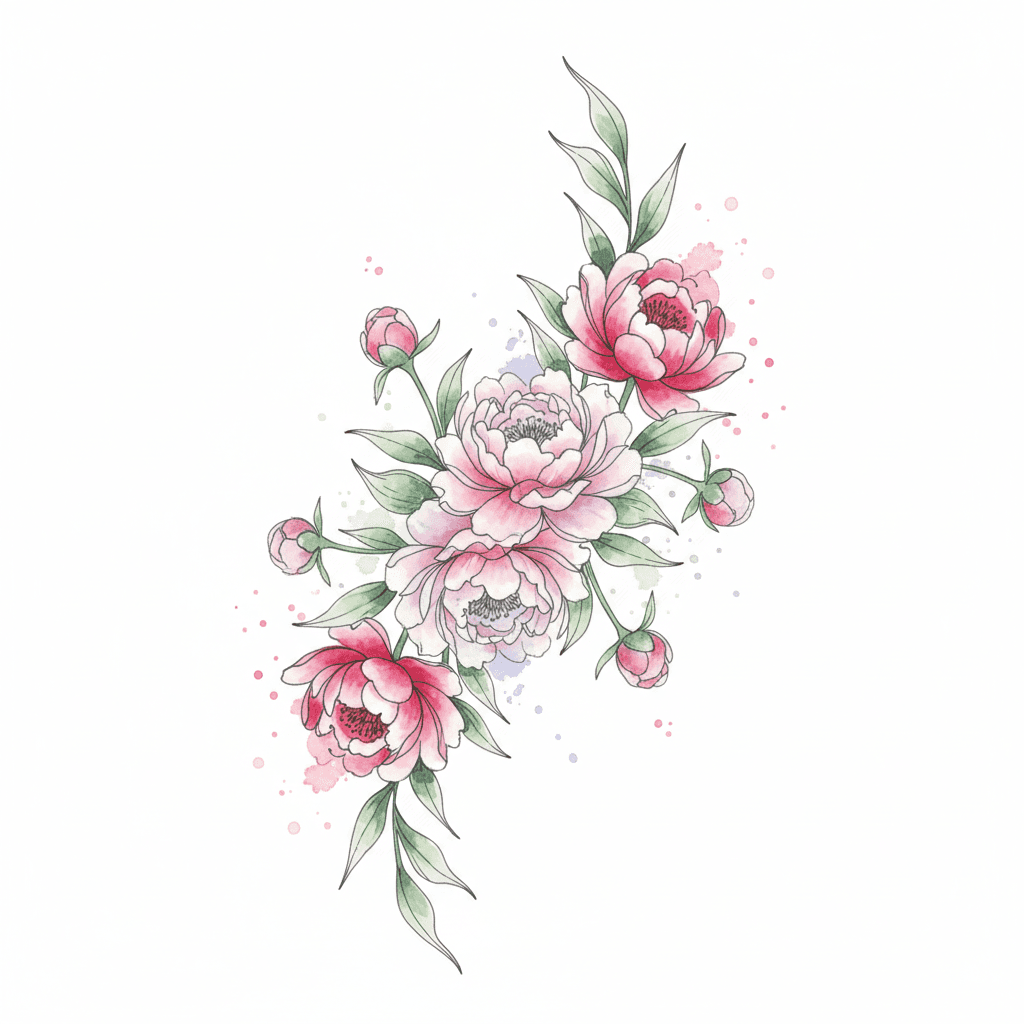
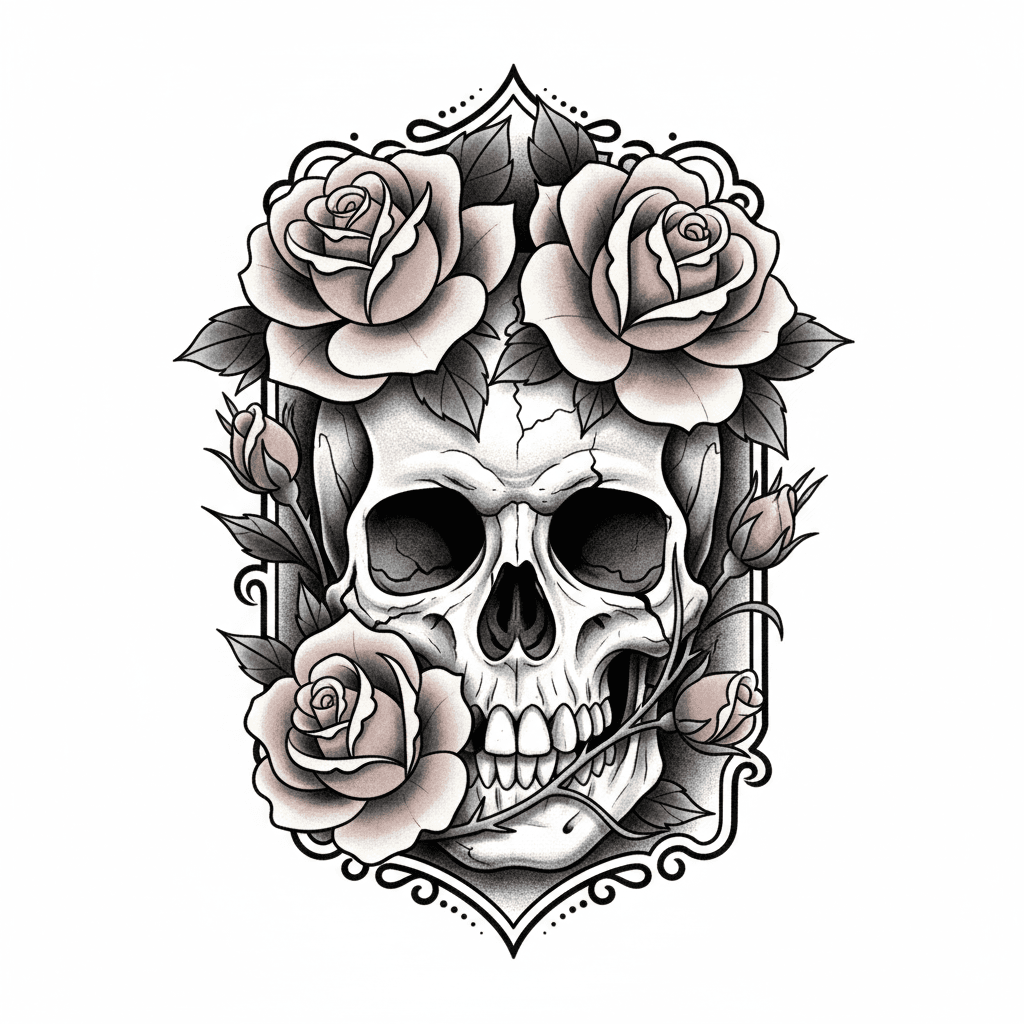
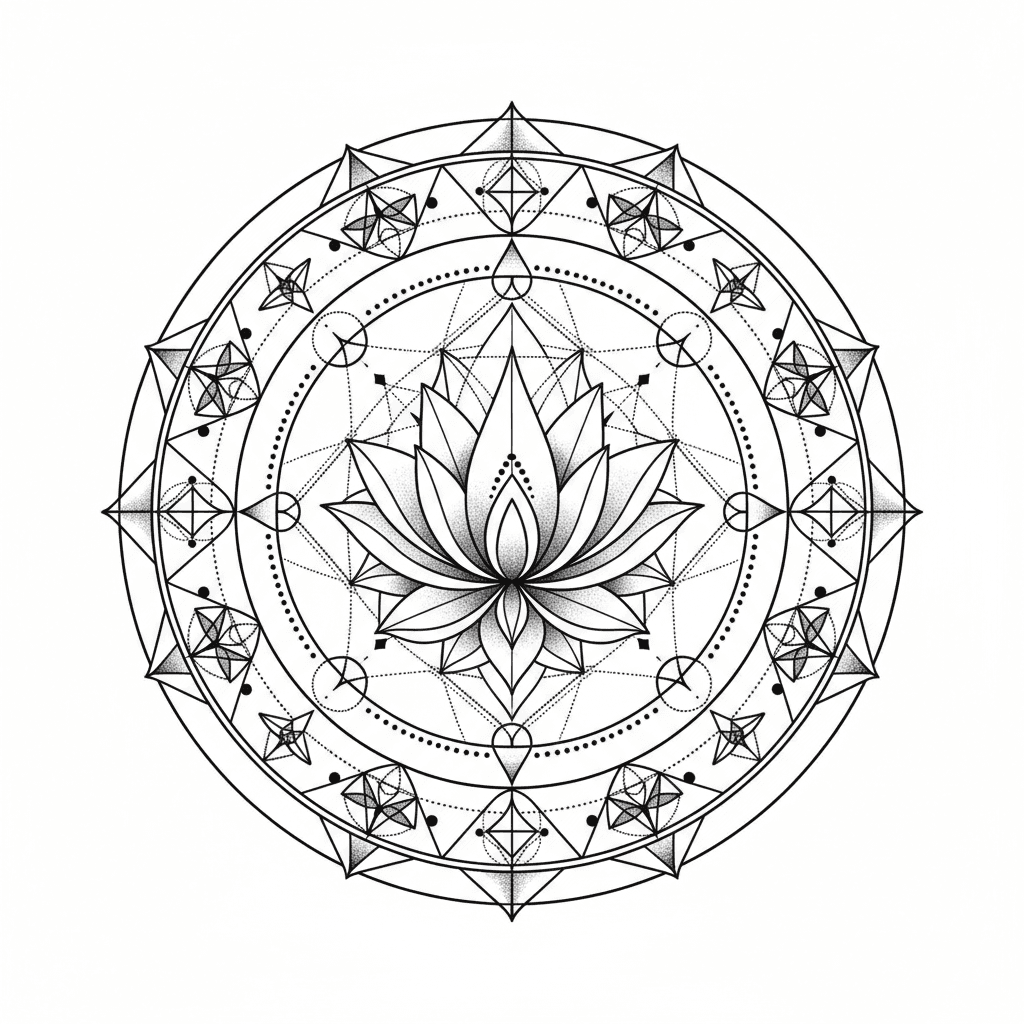
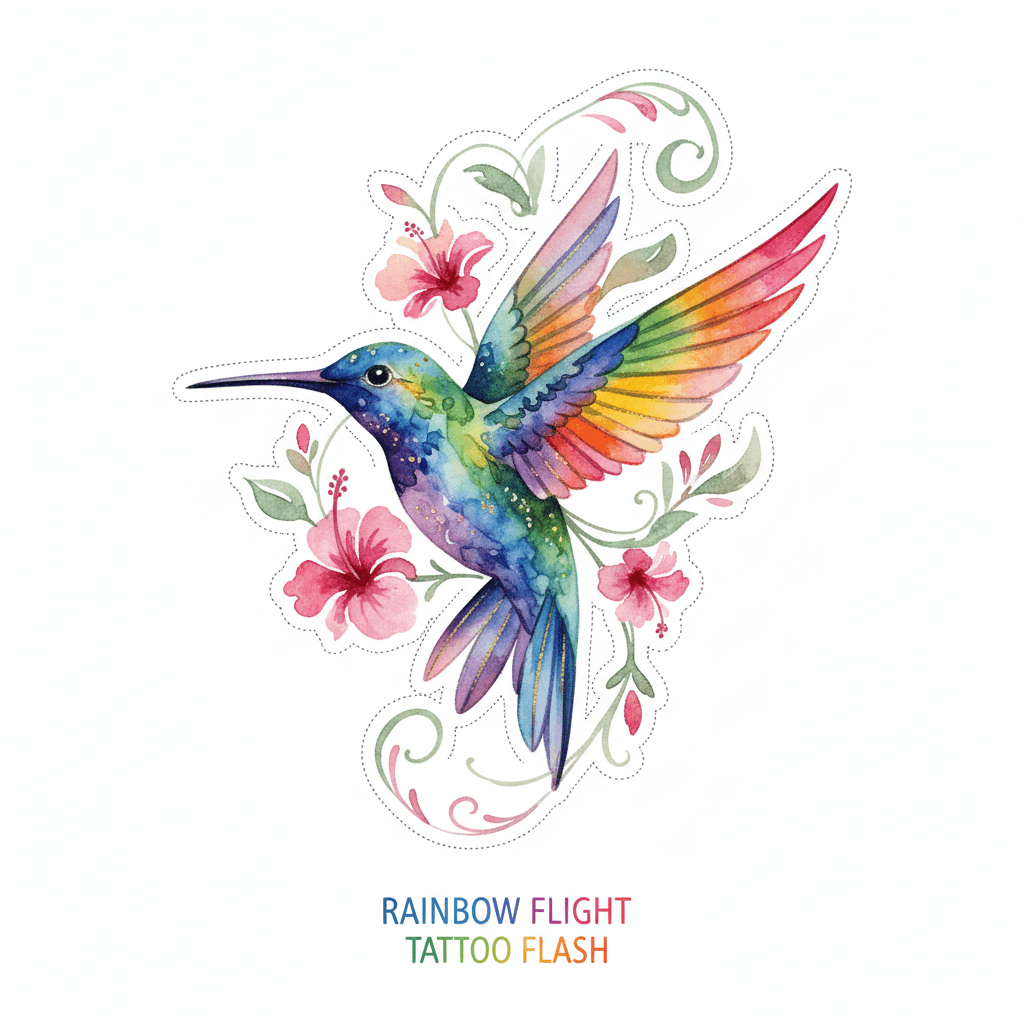
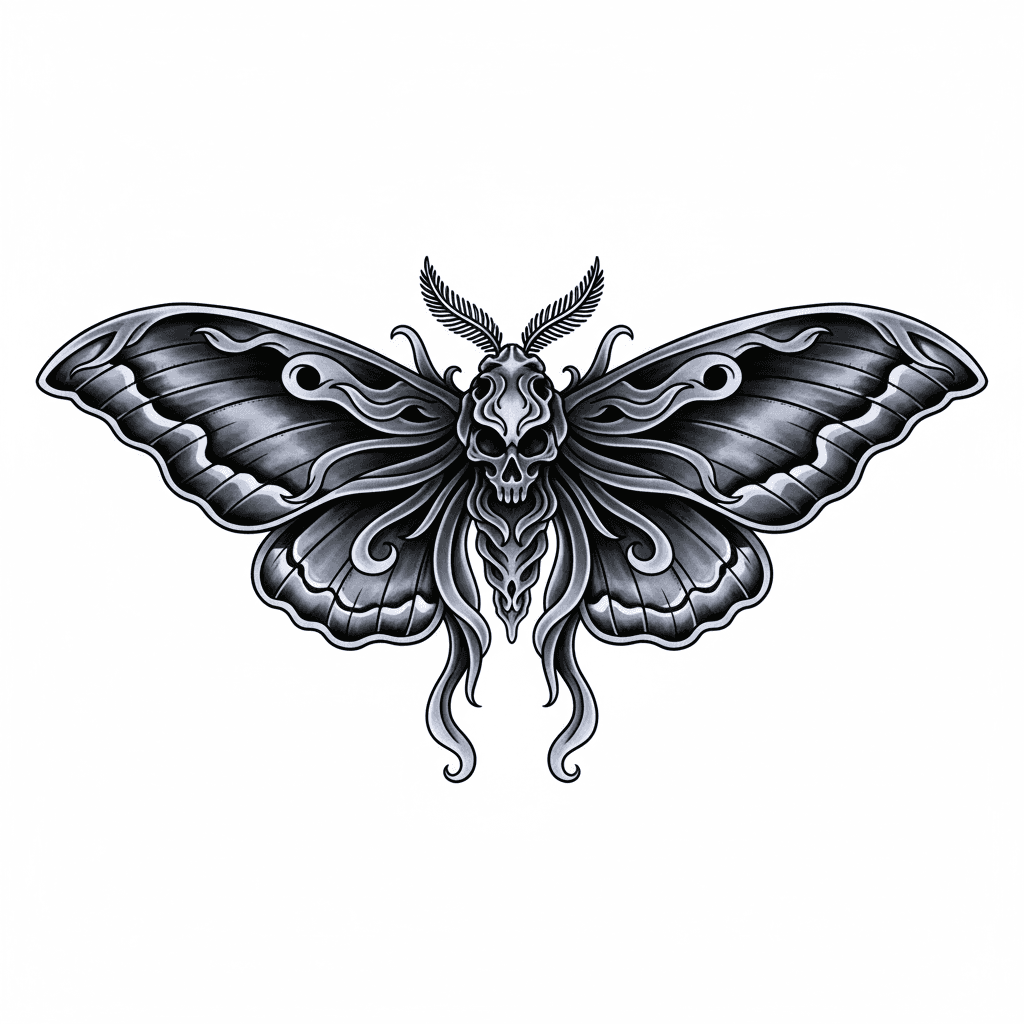
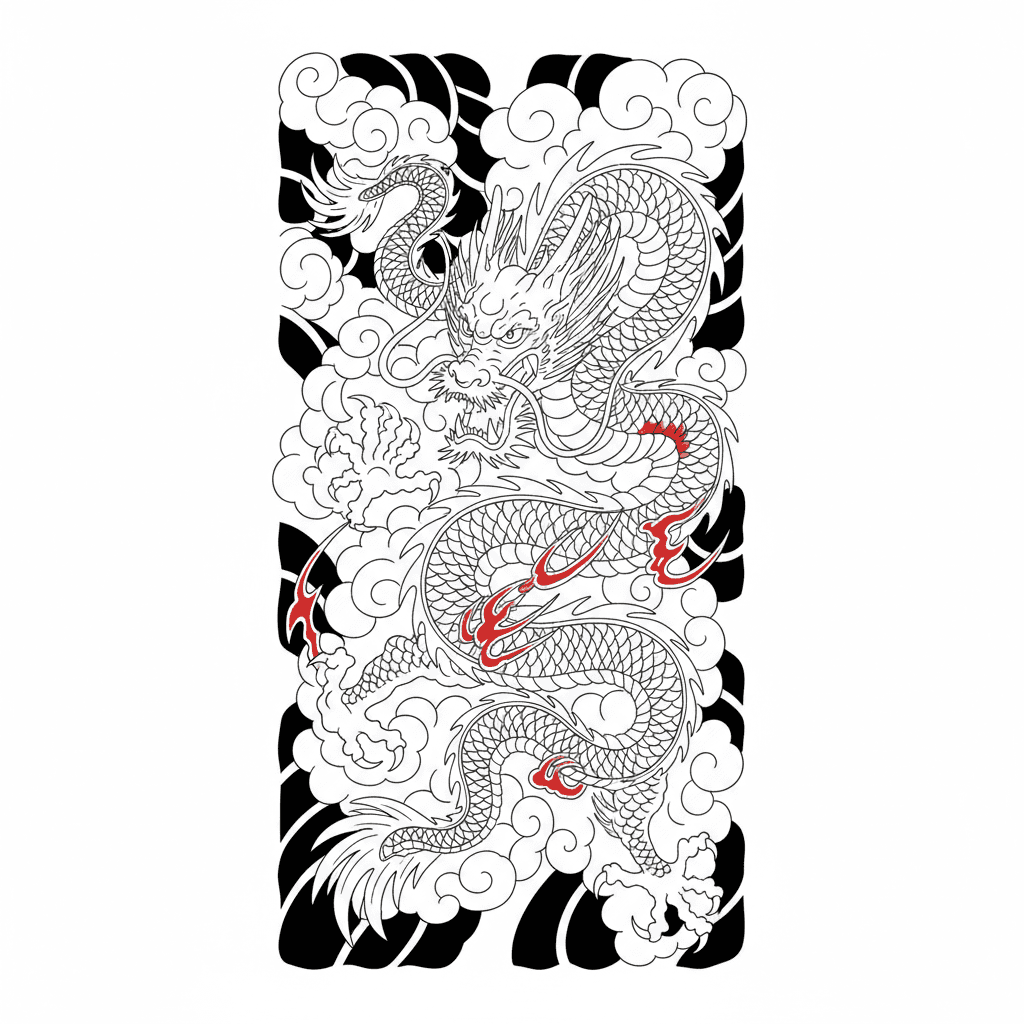
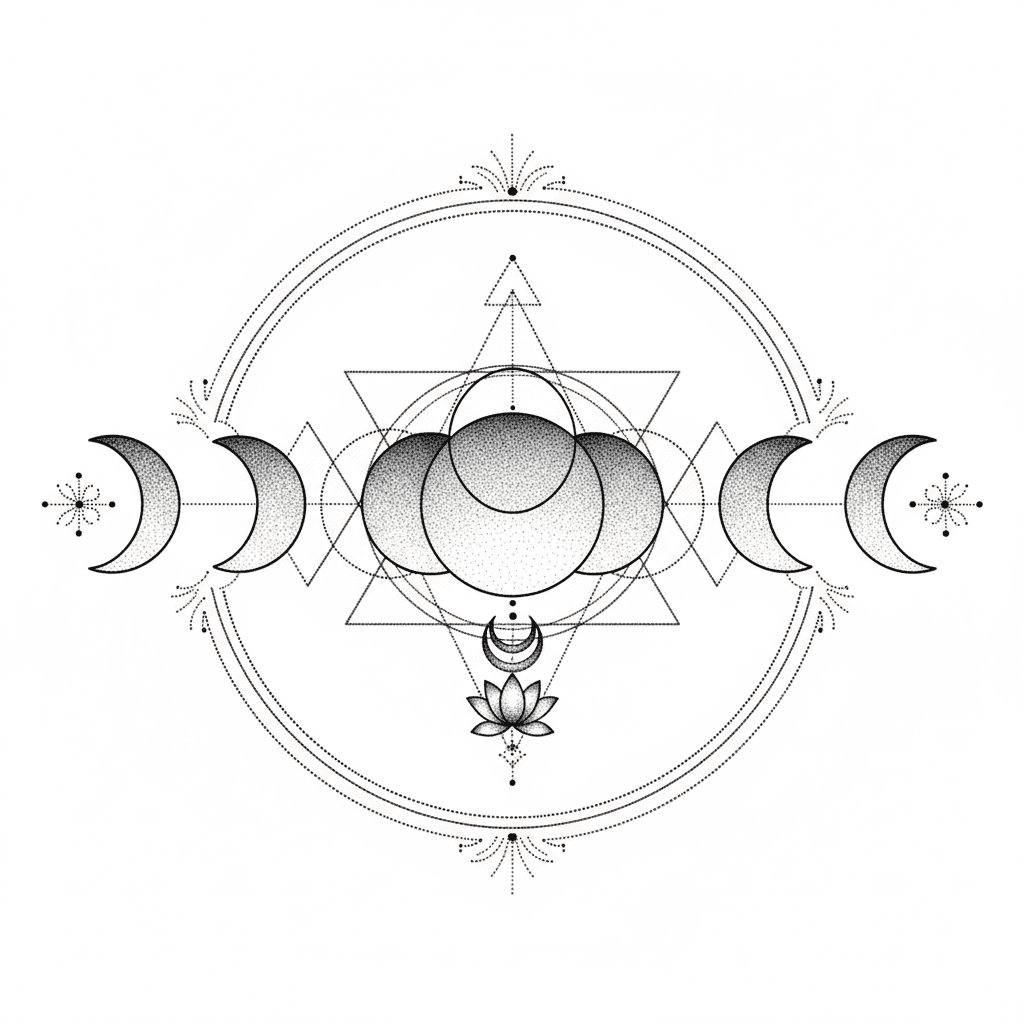
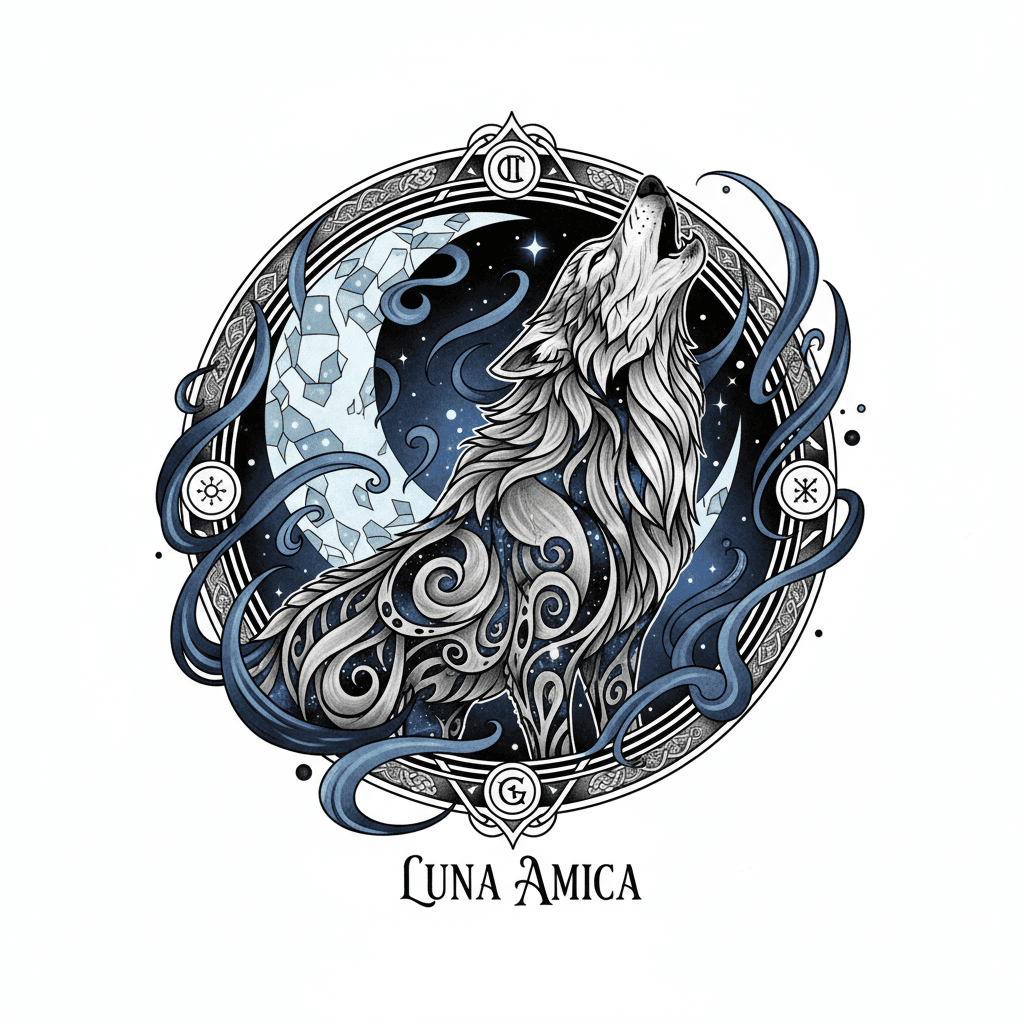
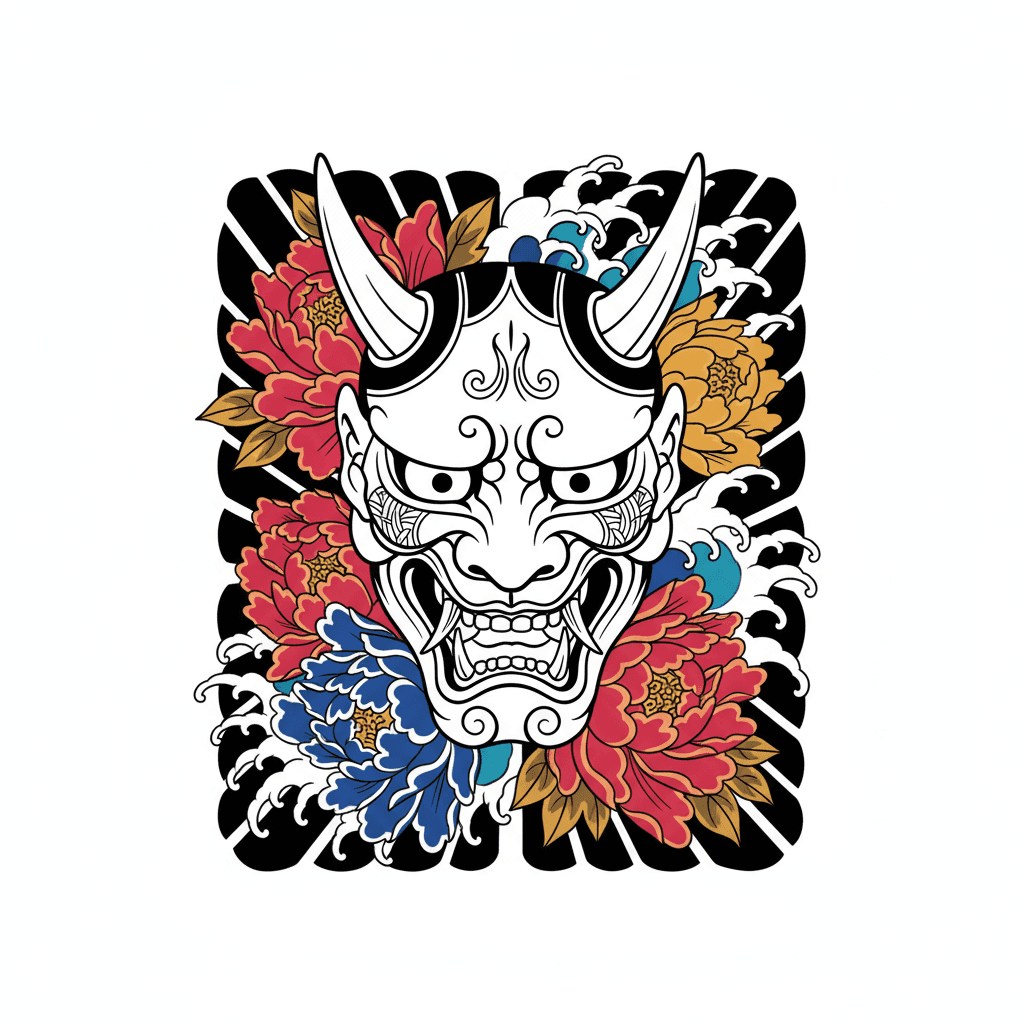
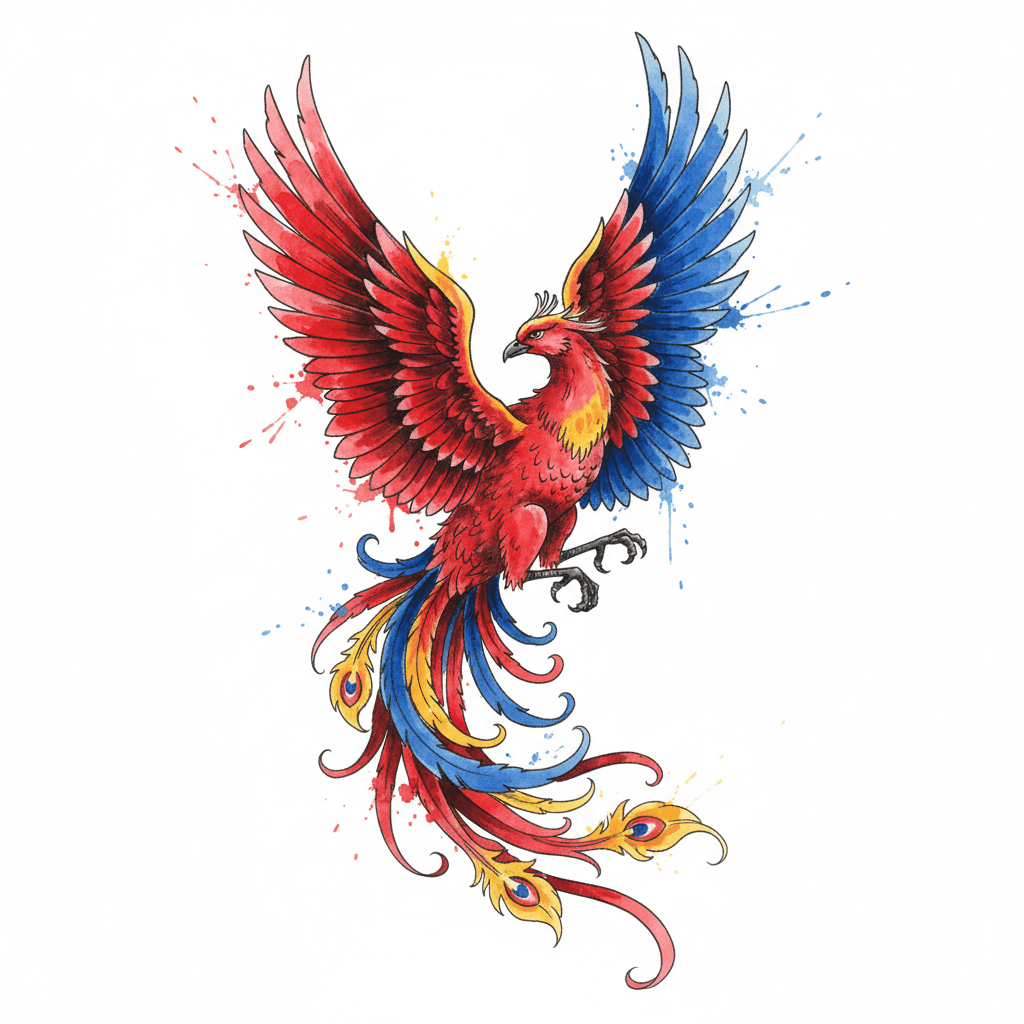
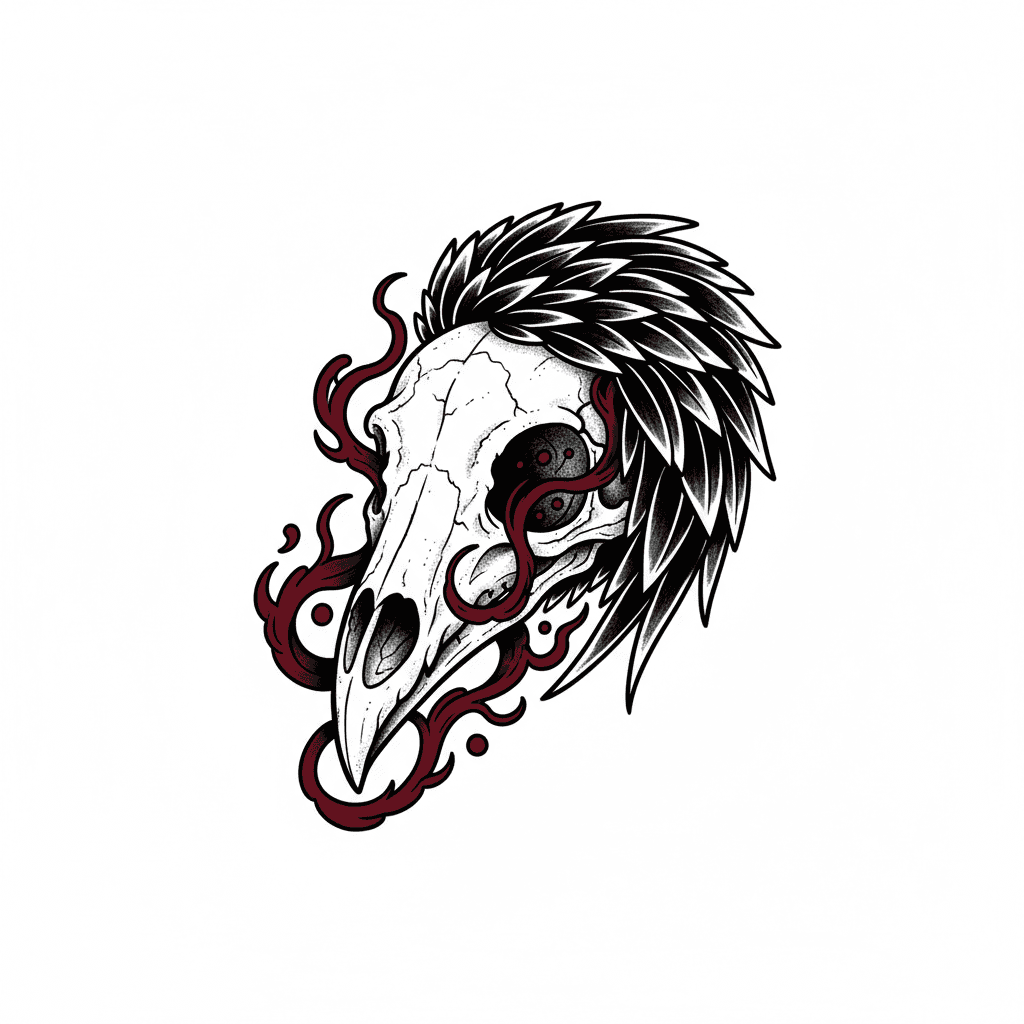
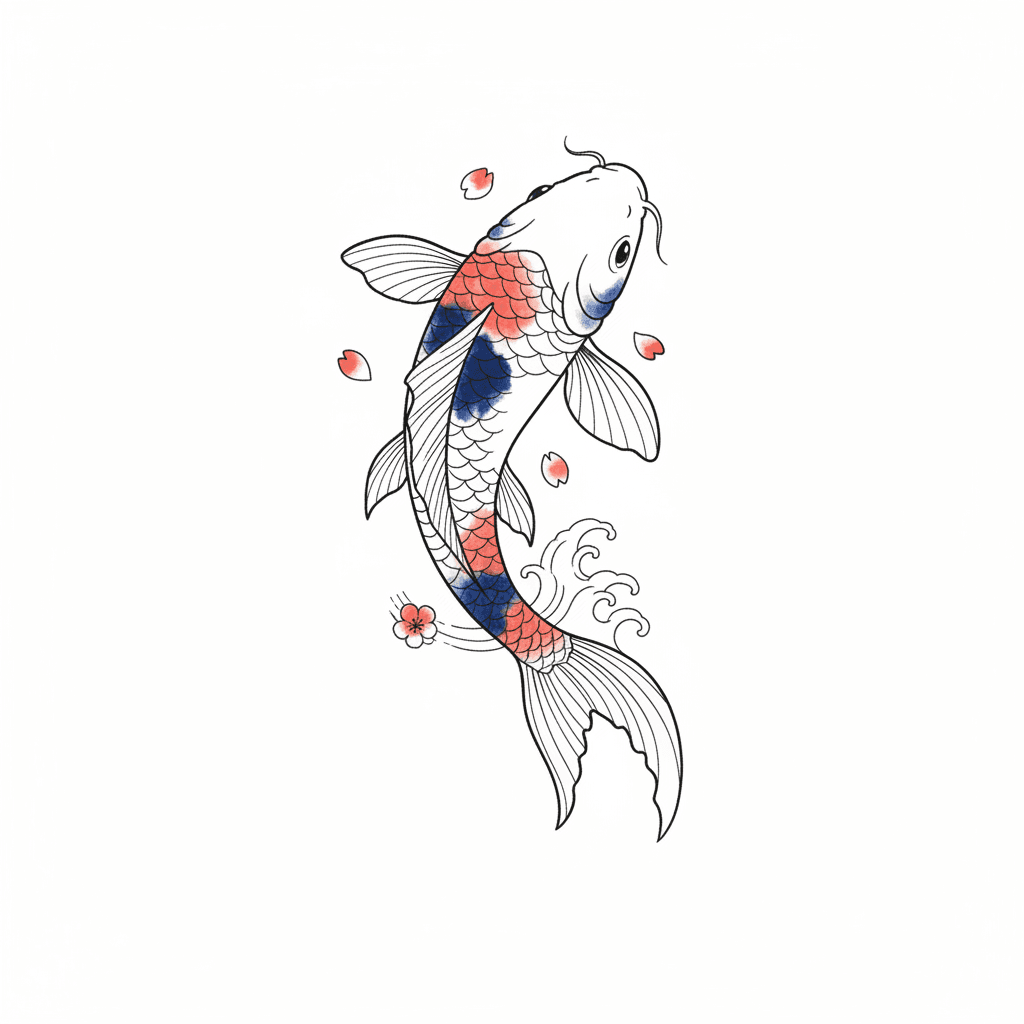
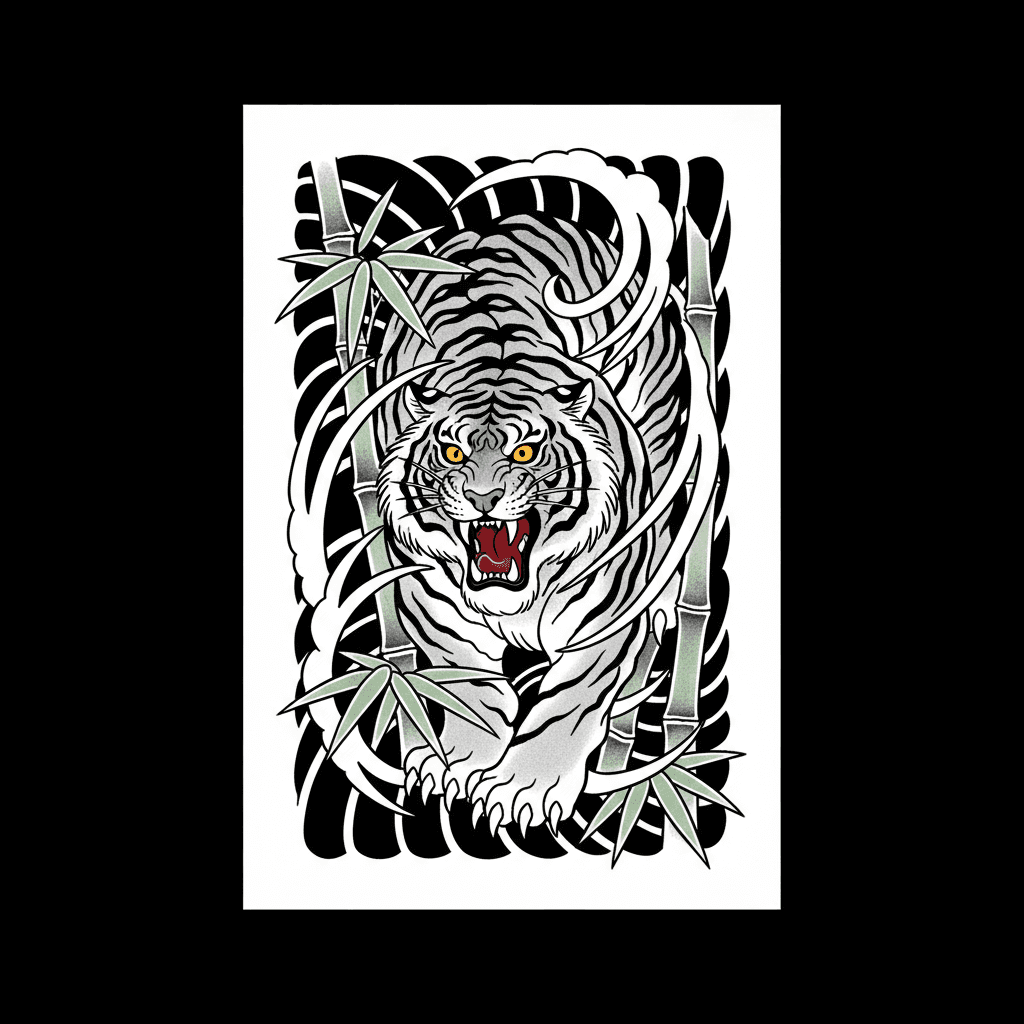
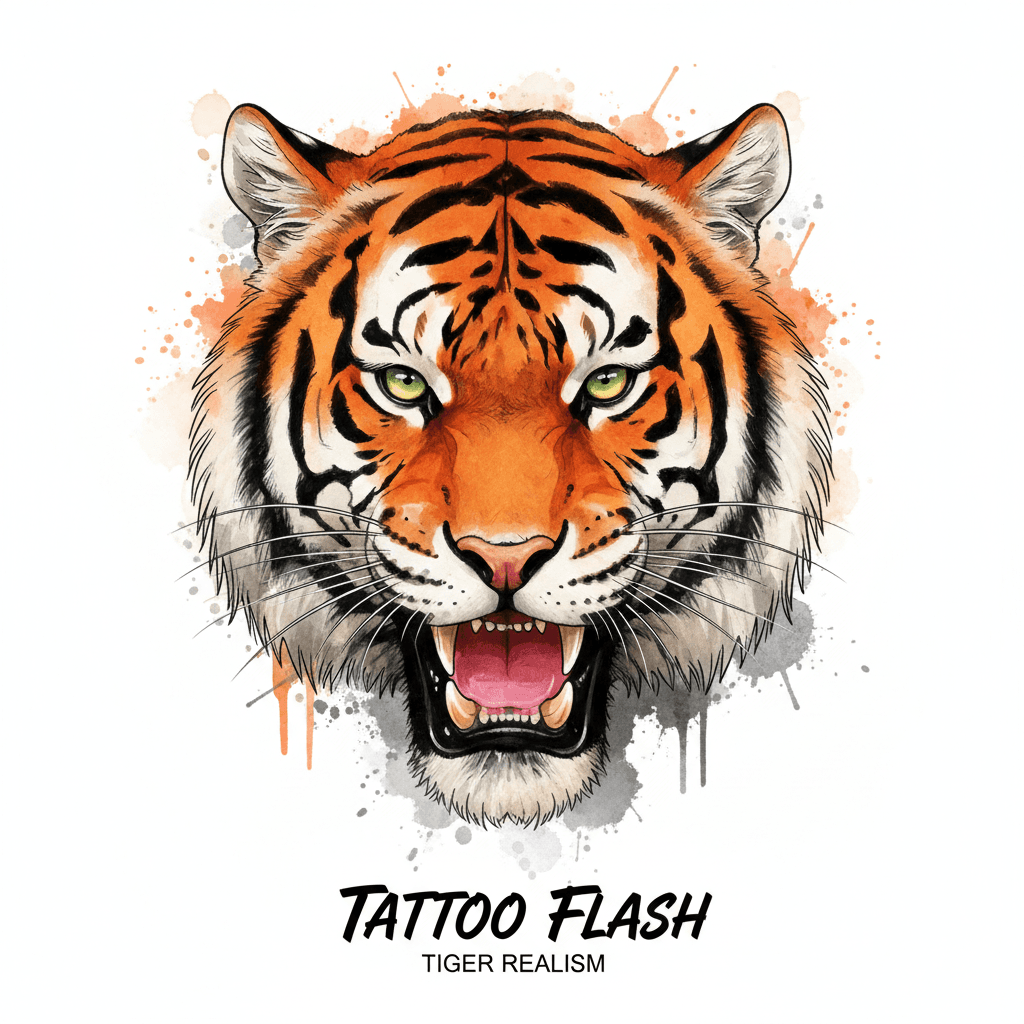
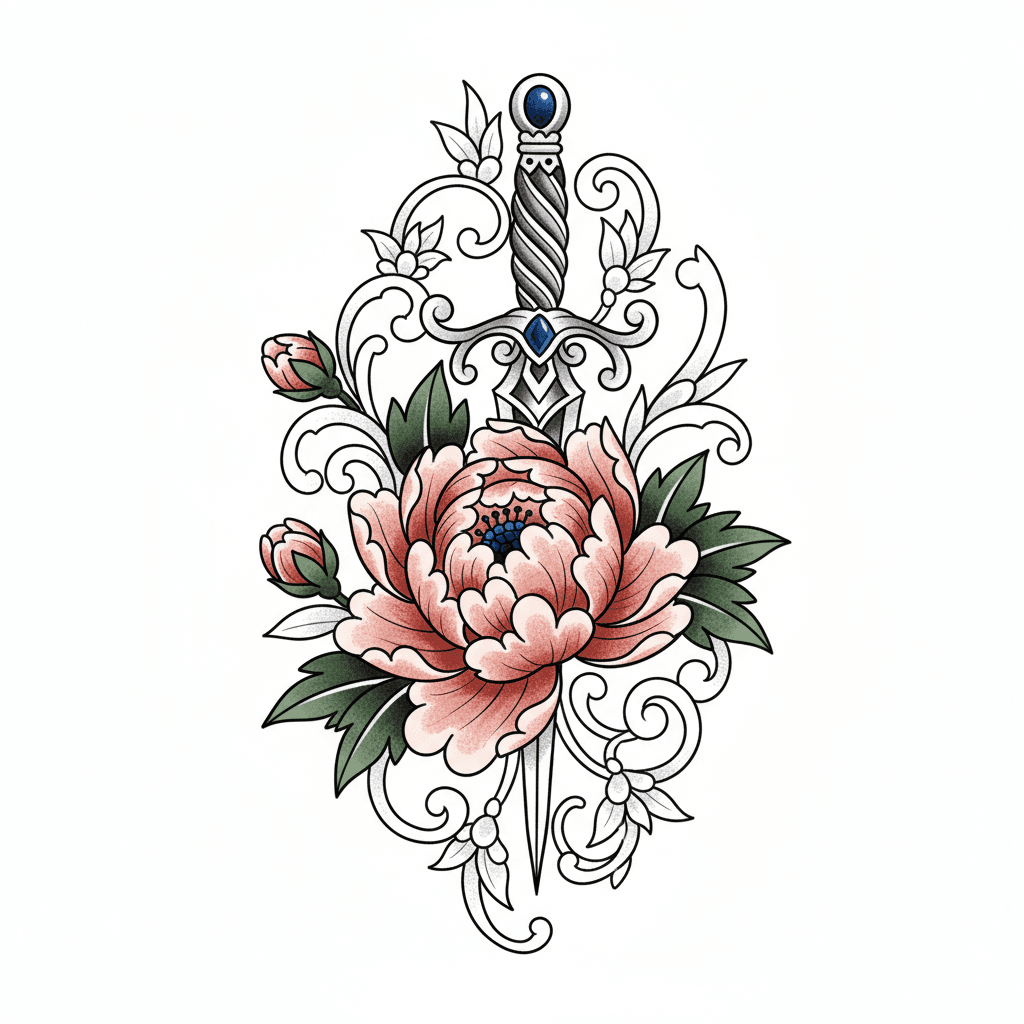
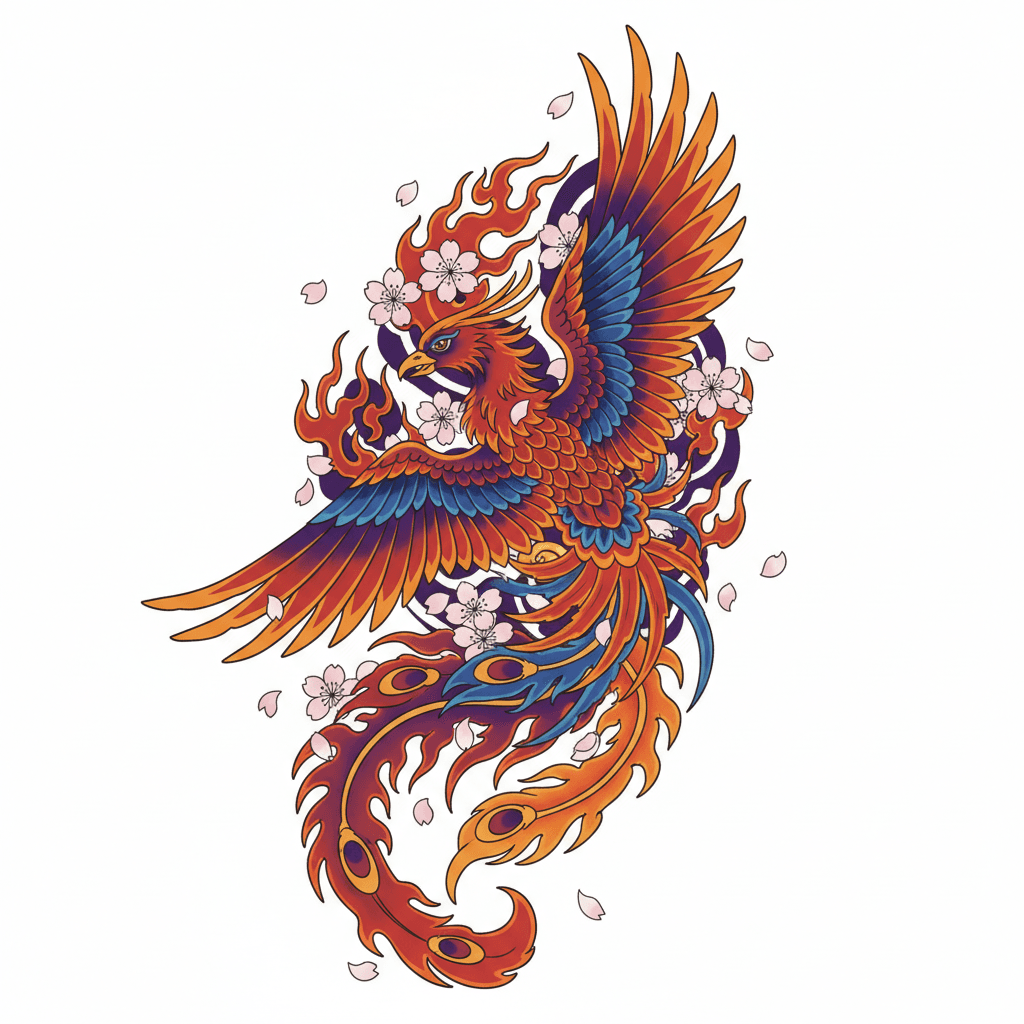
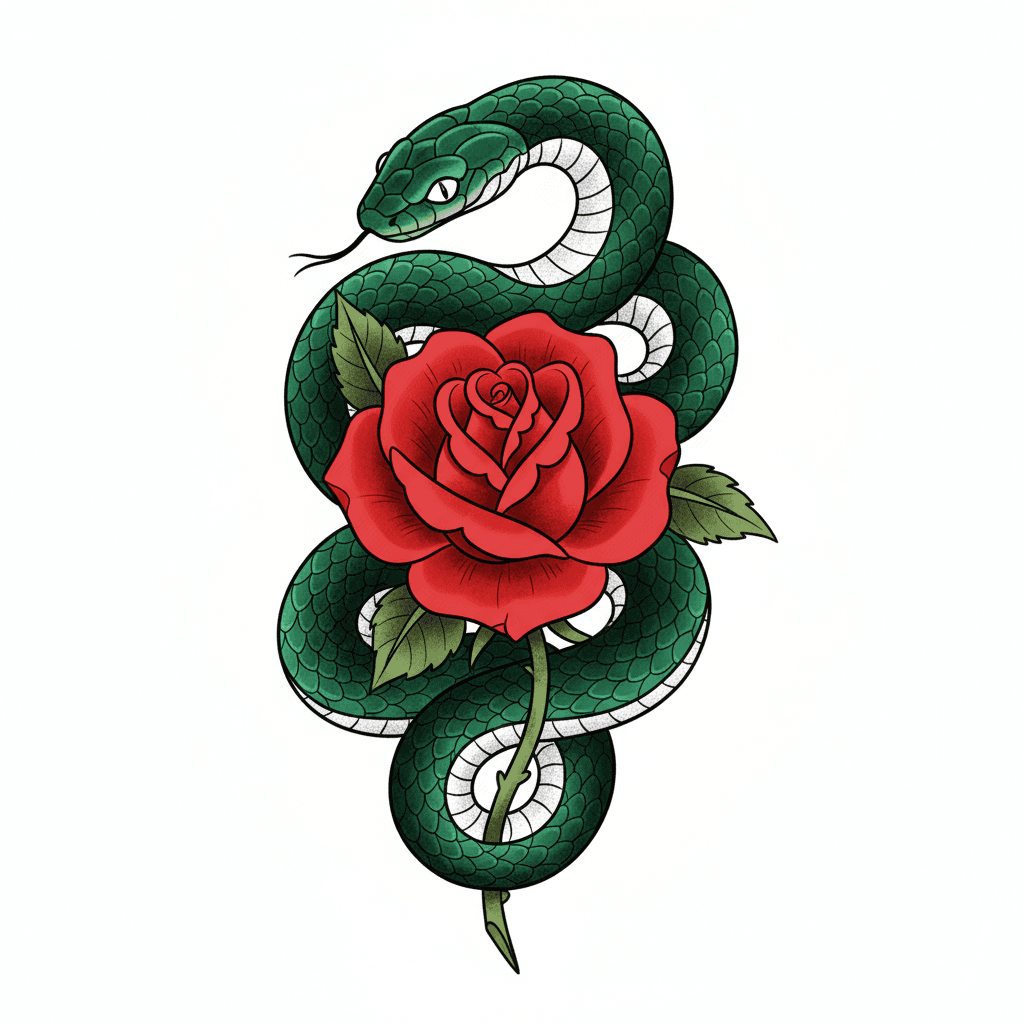
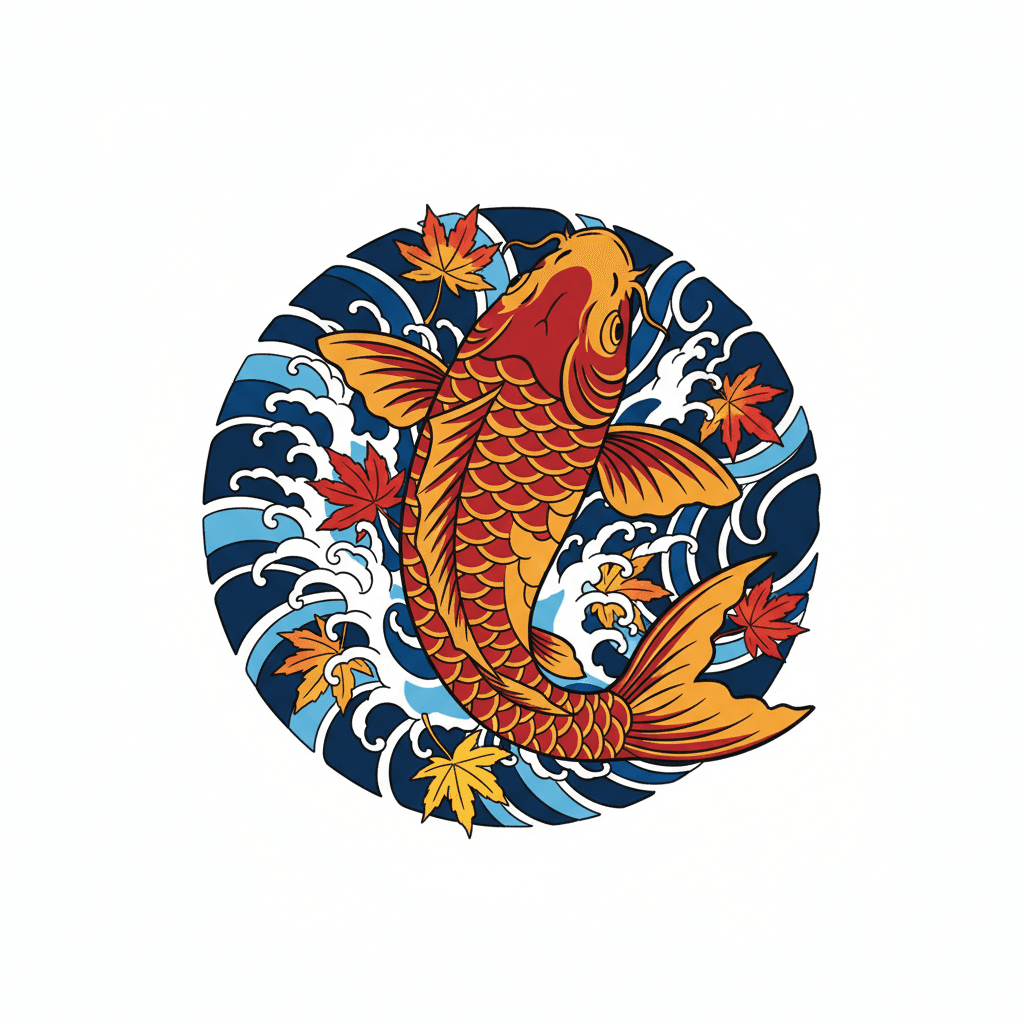
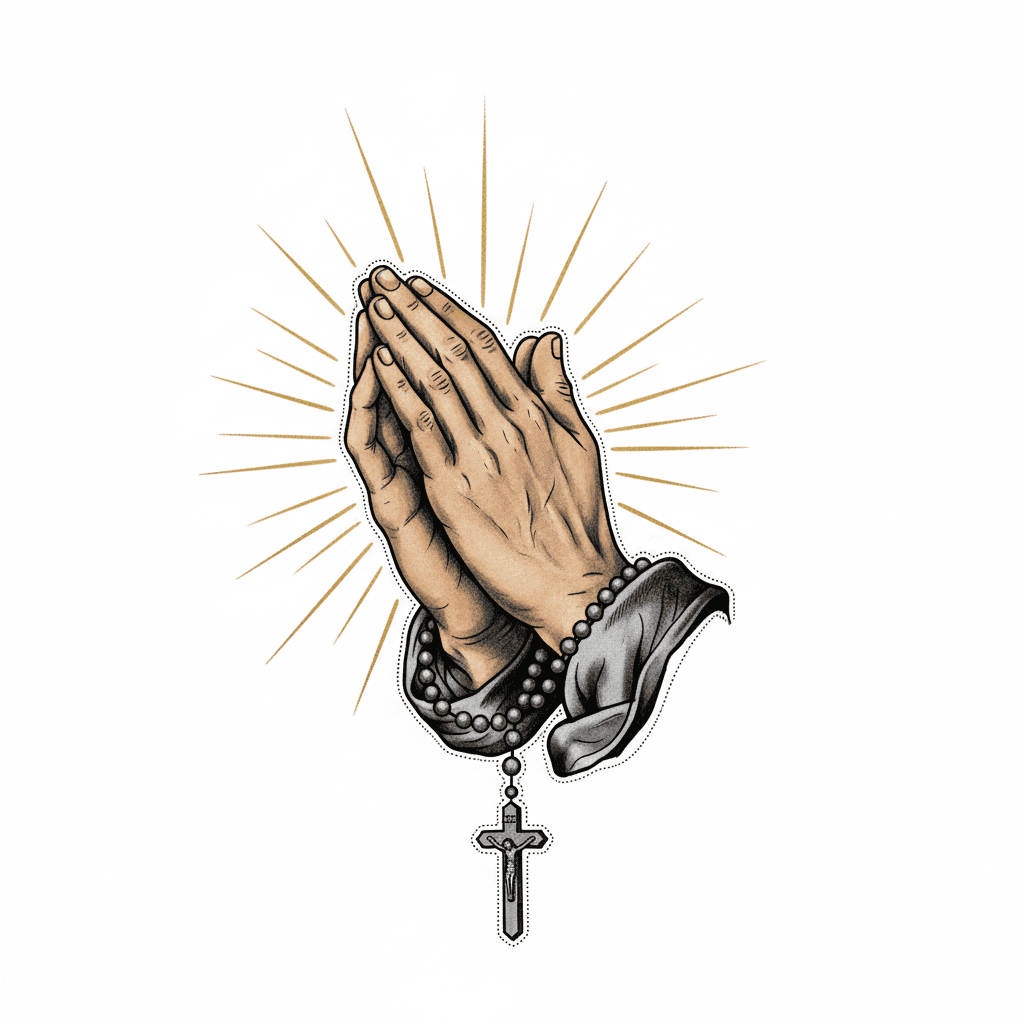
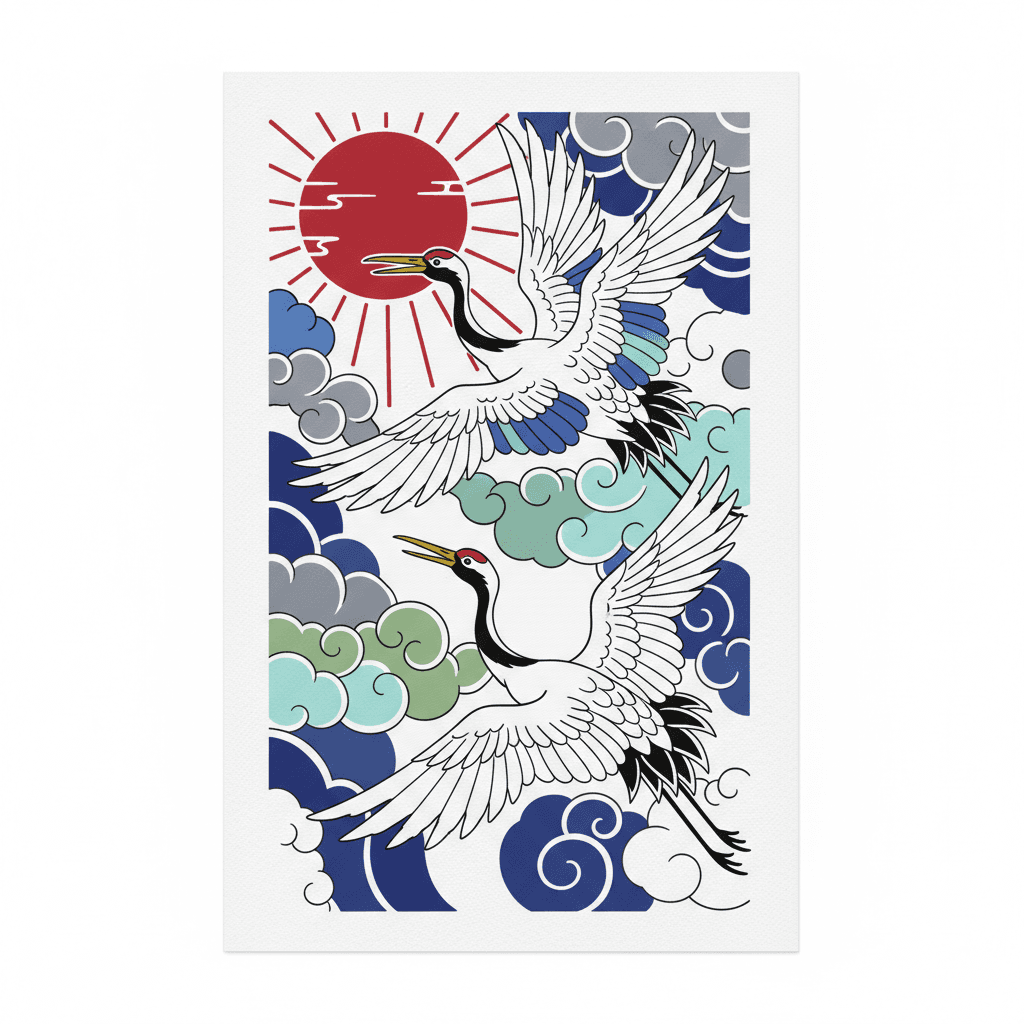
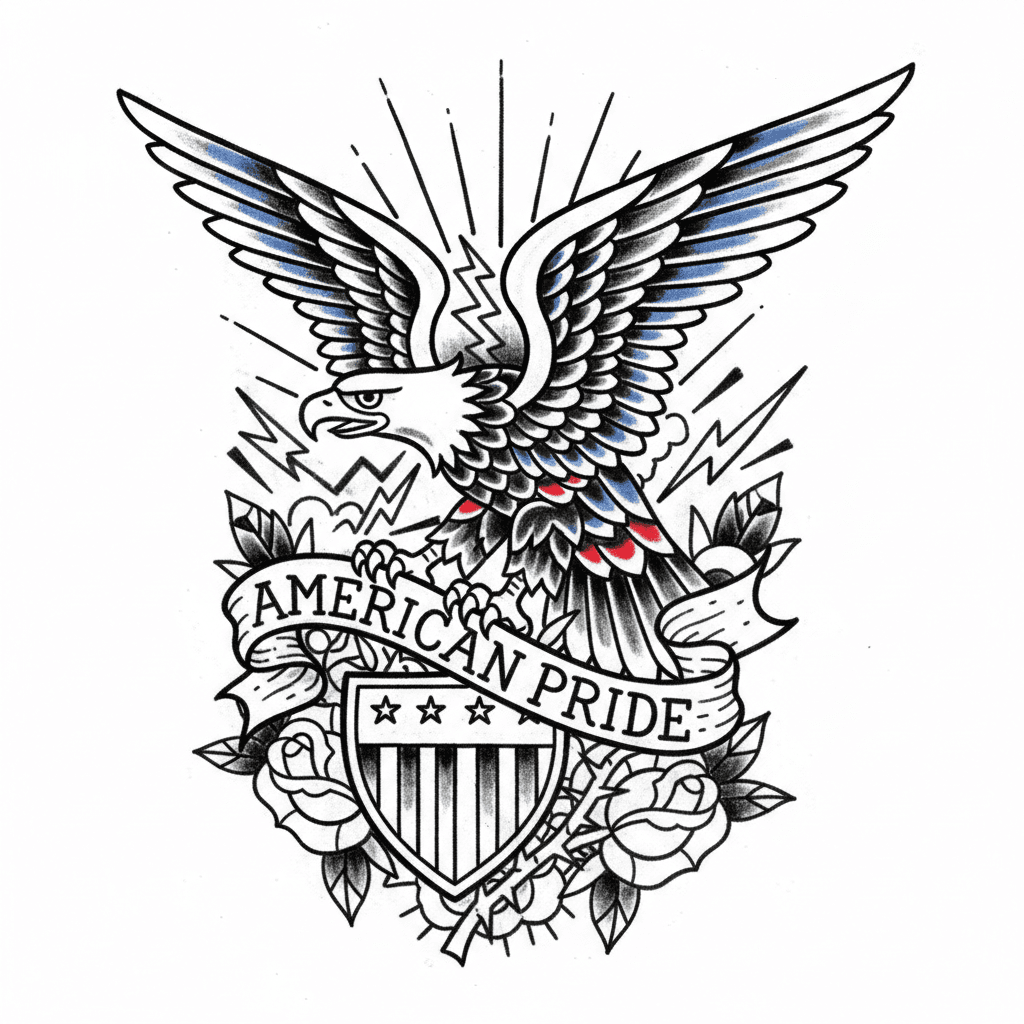
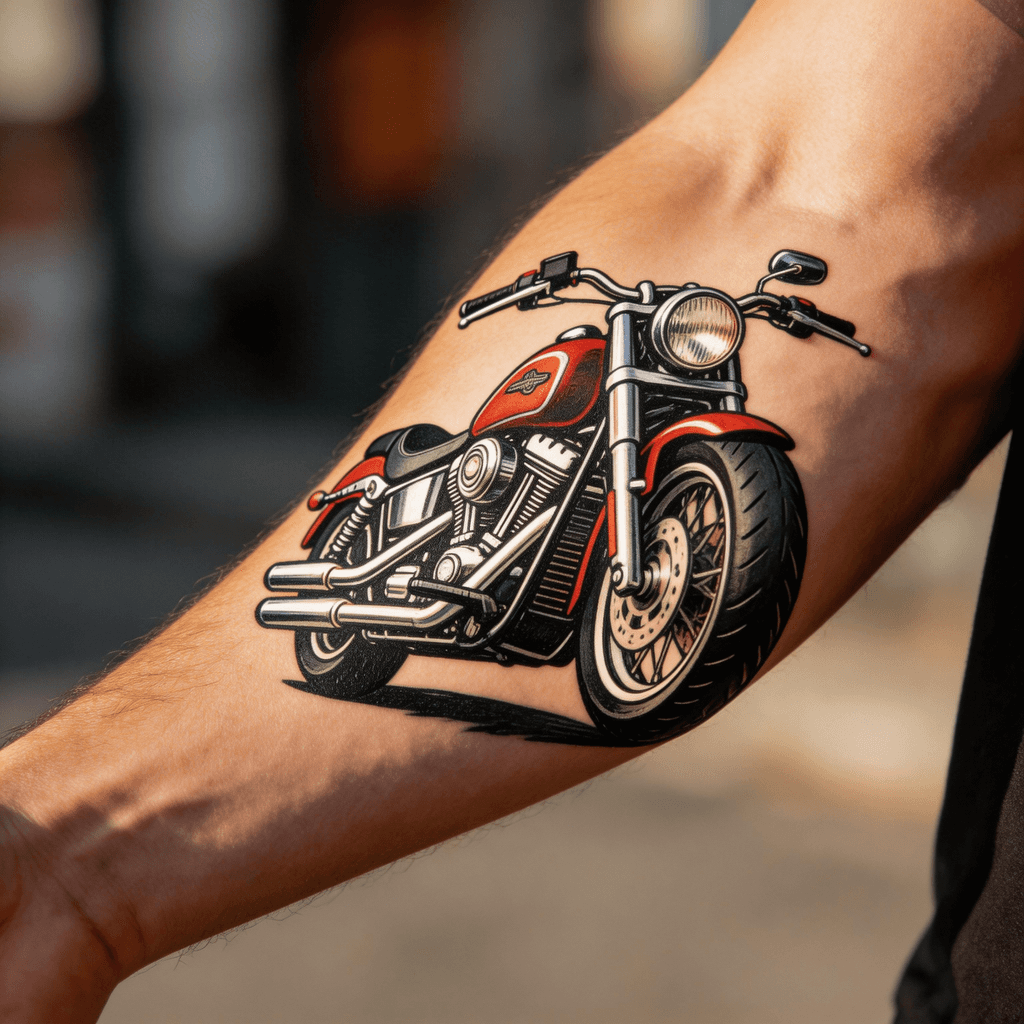
Bold outlines, classic flash motifs, and the most timeless visual language in Western tattoo history.
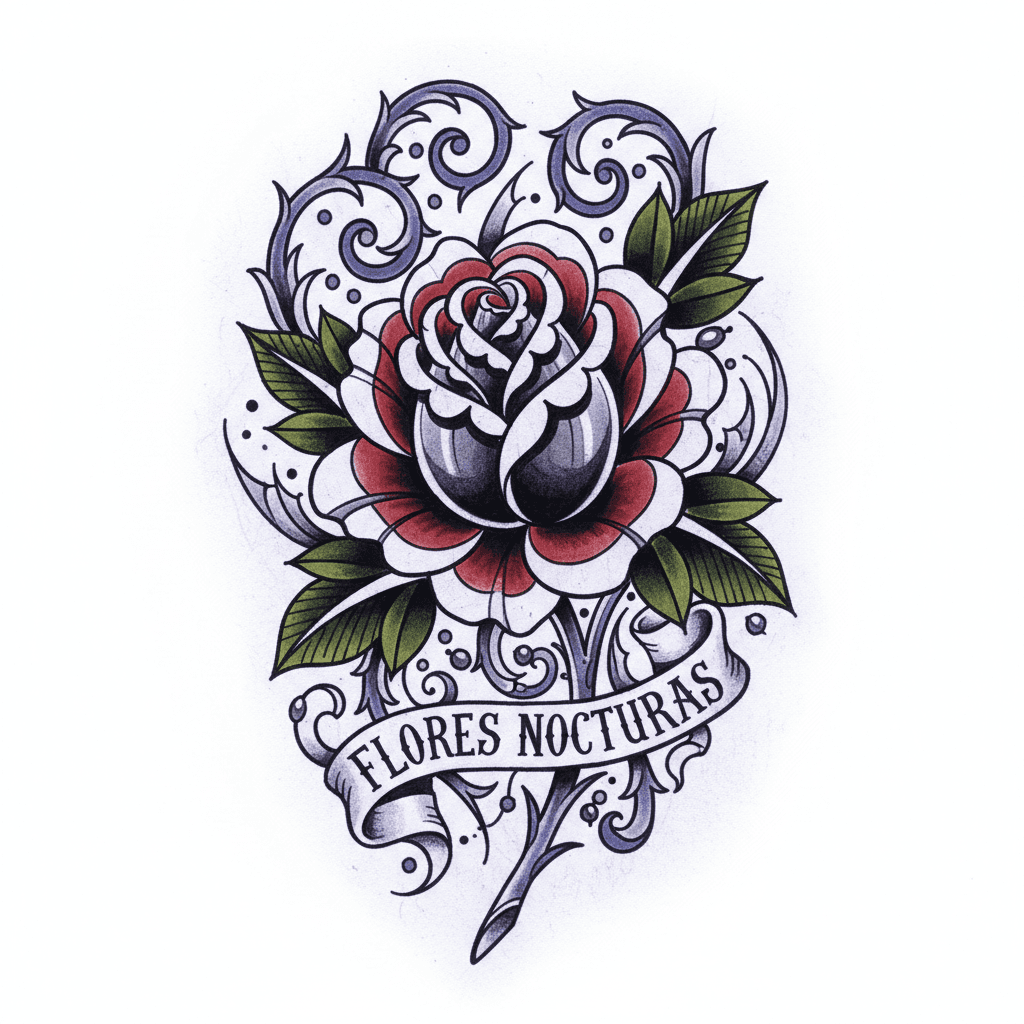
Classic tattoo foundations with richer shading, decorative detail, and a more illustrative finish.
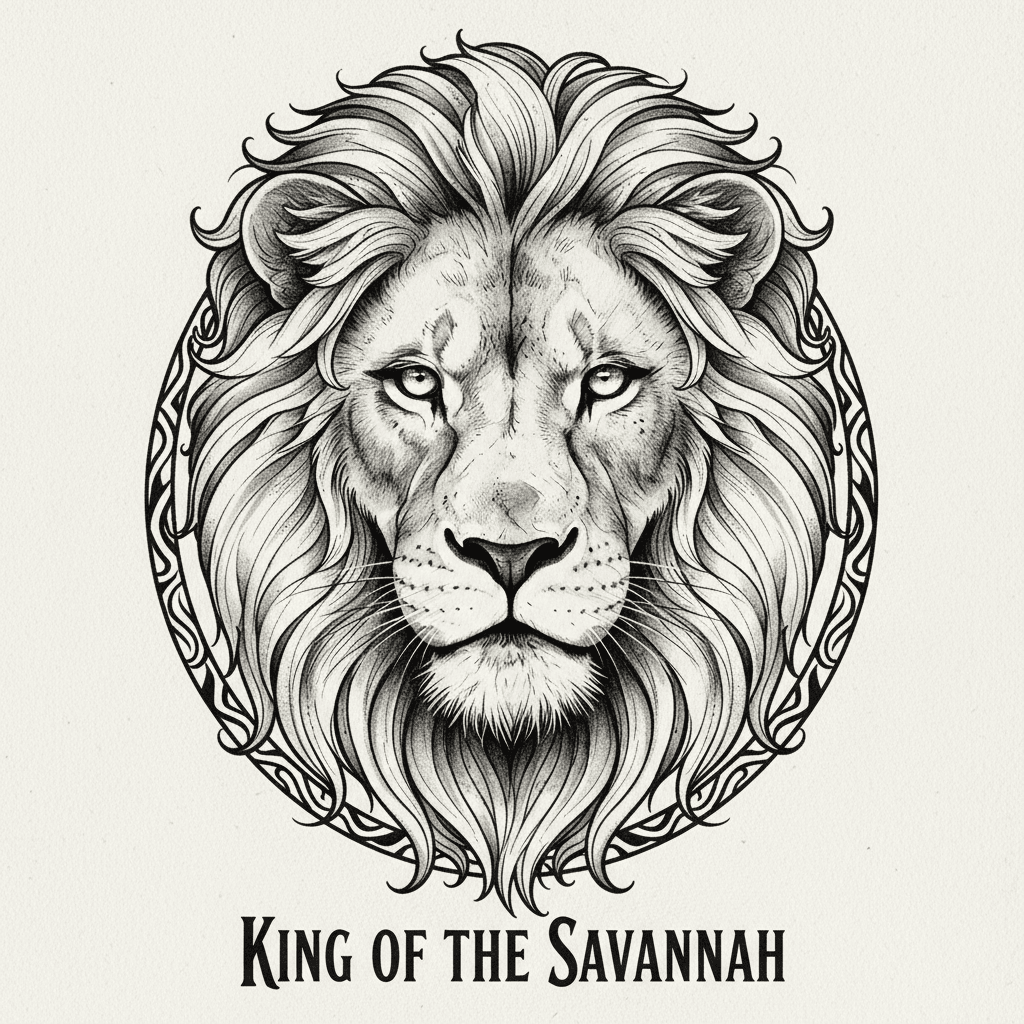
High-detail tattoo design focused on lifelike depth, texture, shading, and photographic impact.
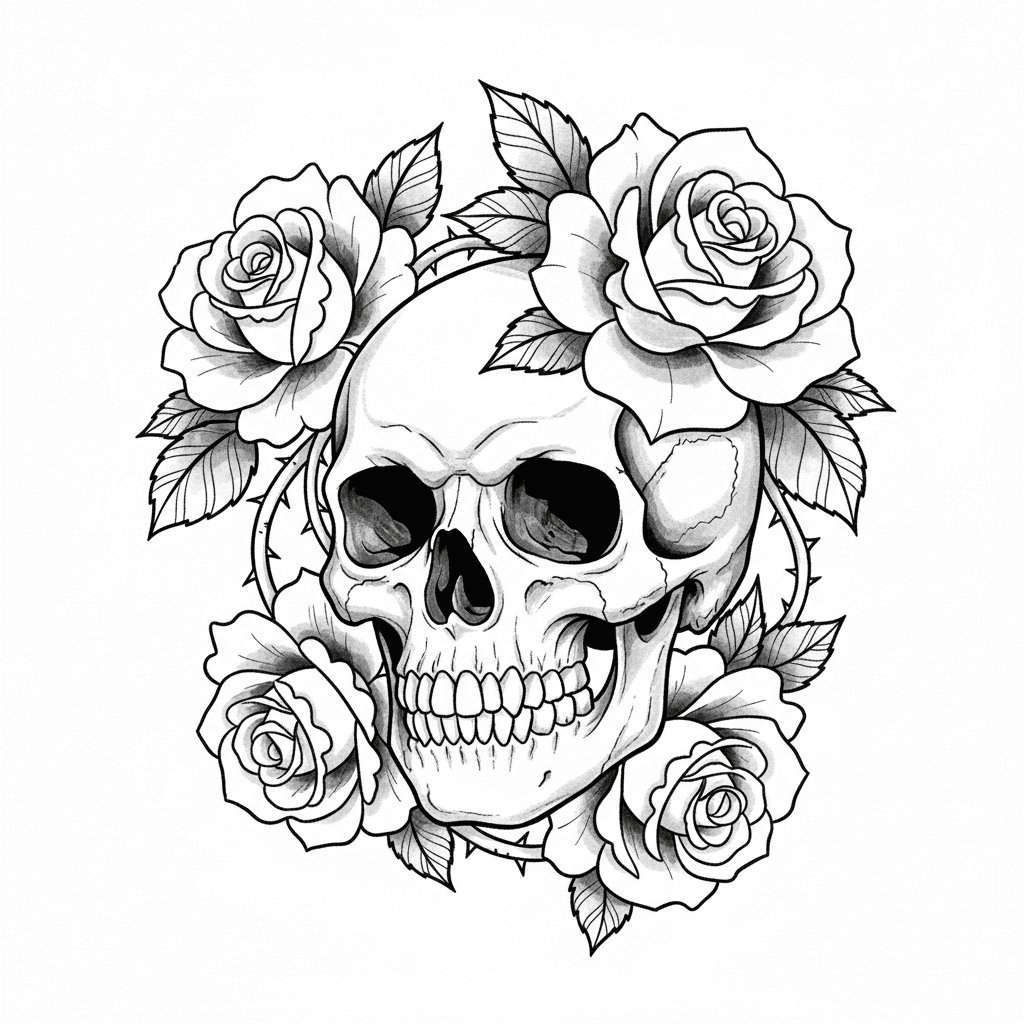
Monochrome tattooing built around wash shading, contrast, and a sculpted, atmospheric look.
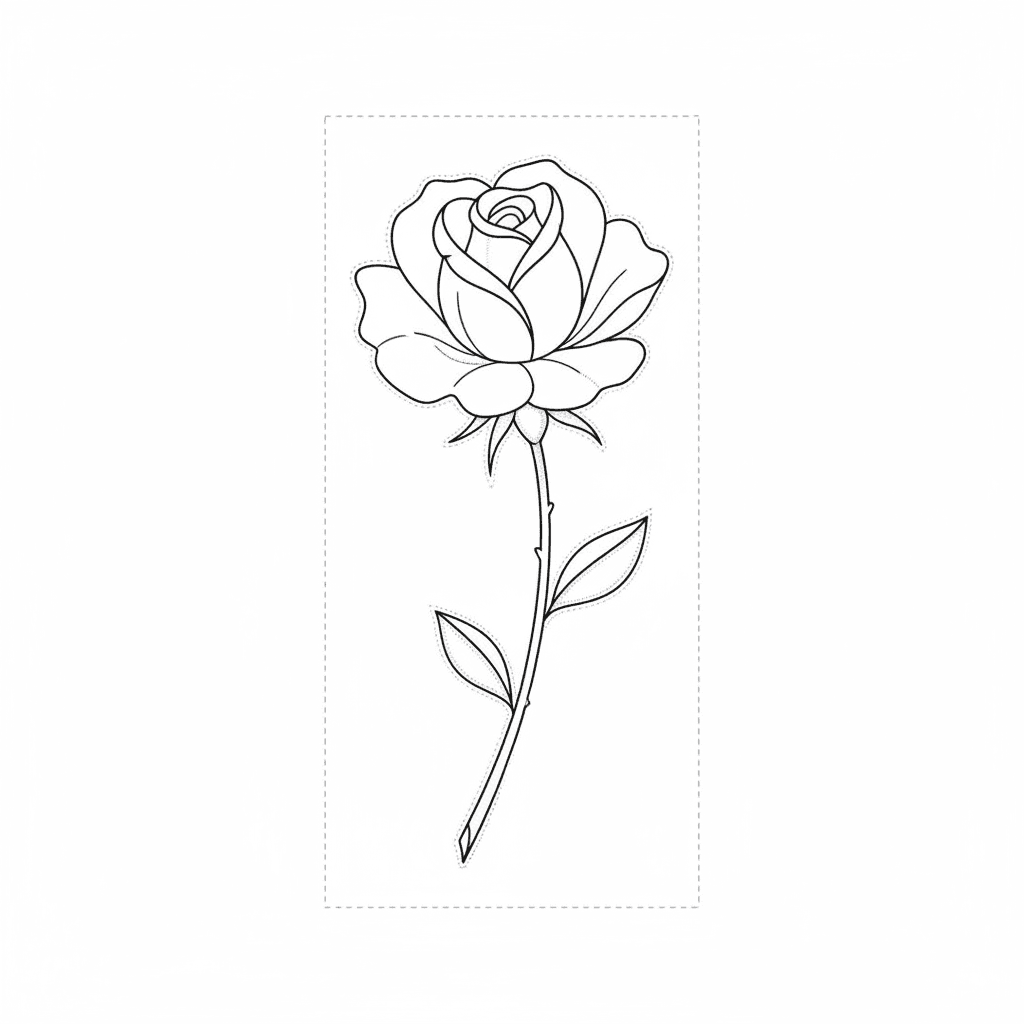
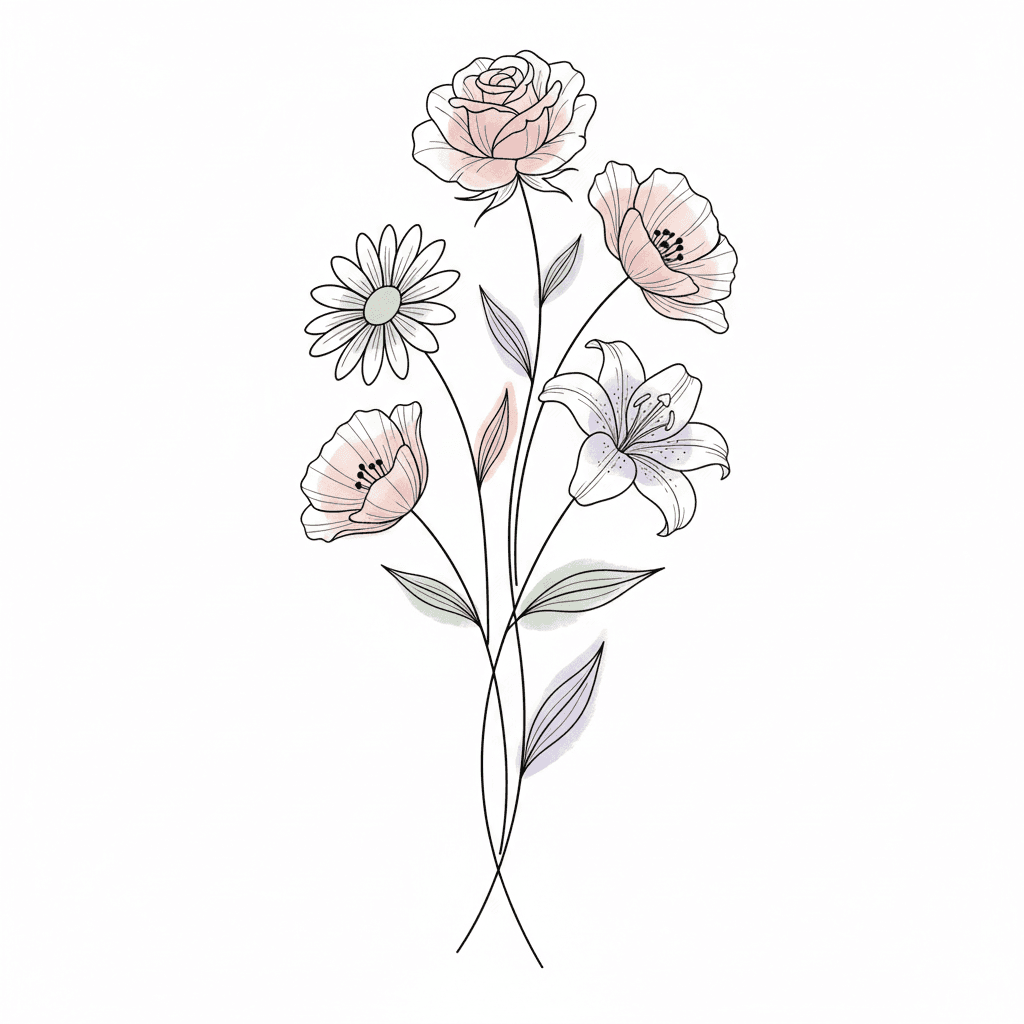
Delicate linework, minimalist structure, and clean compositions designed to feel light on the skin.
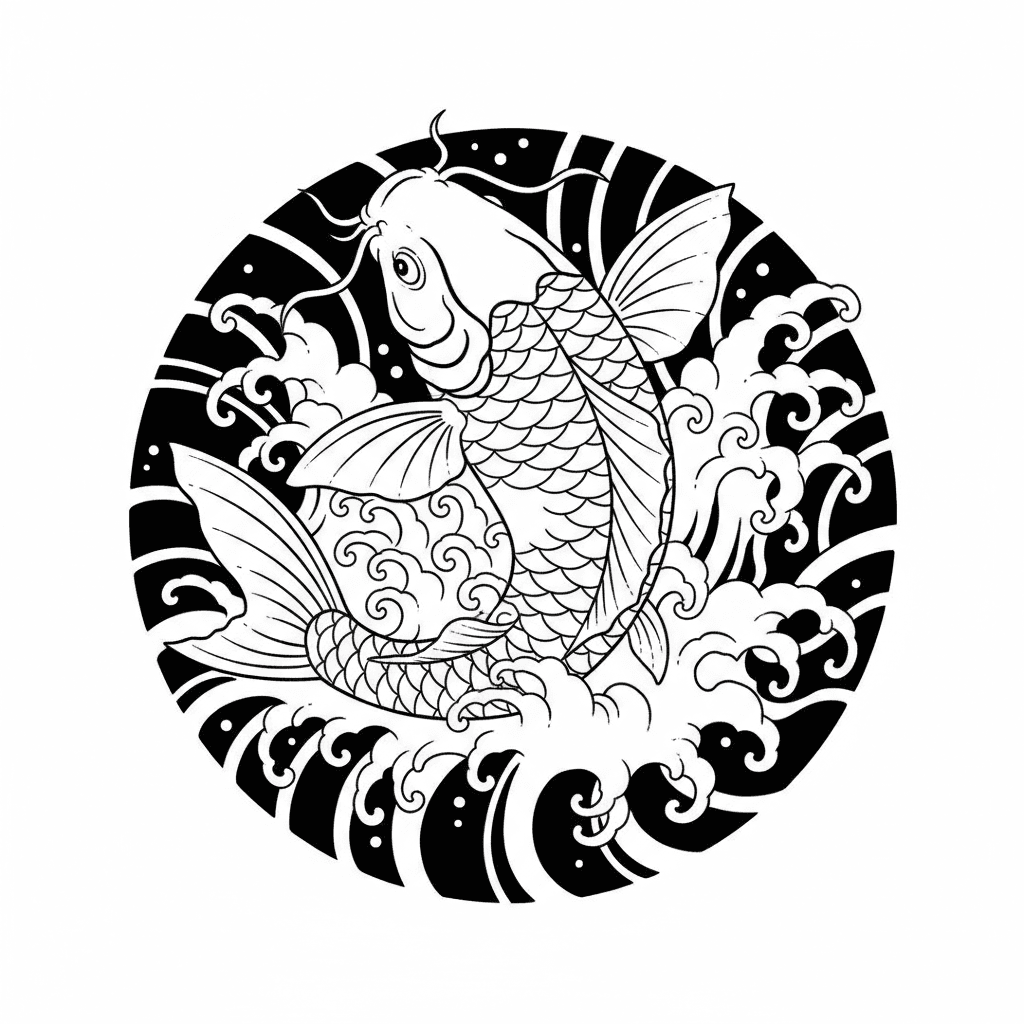
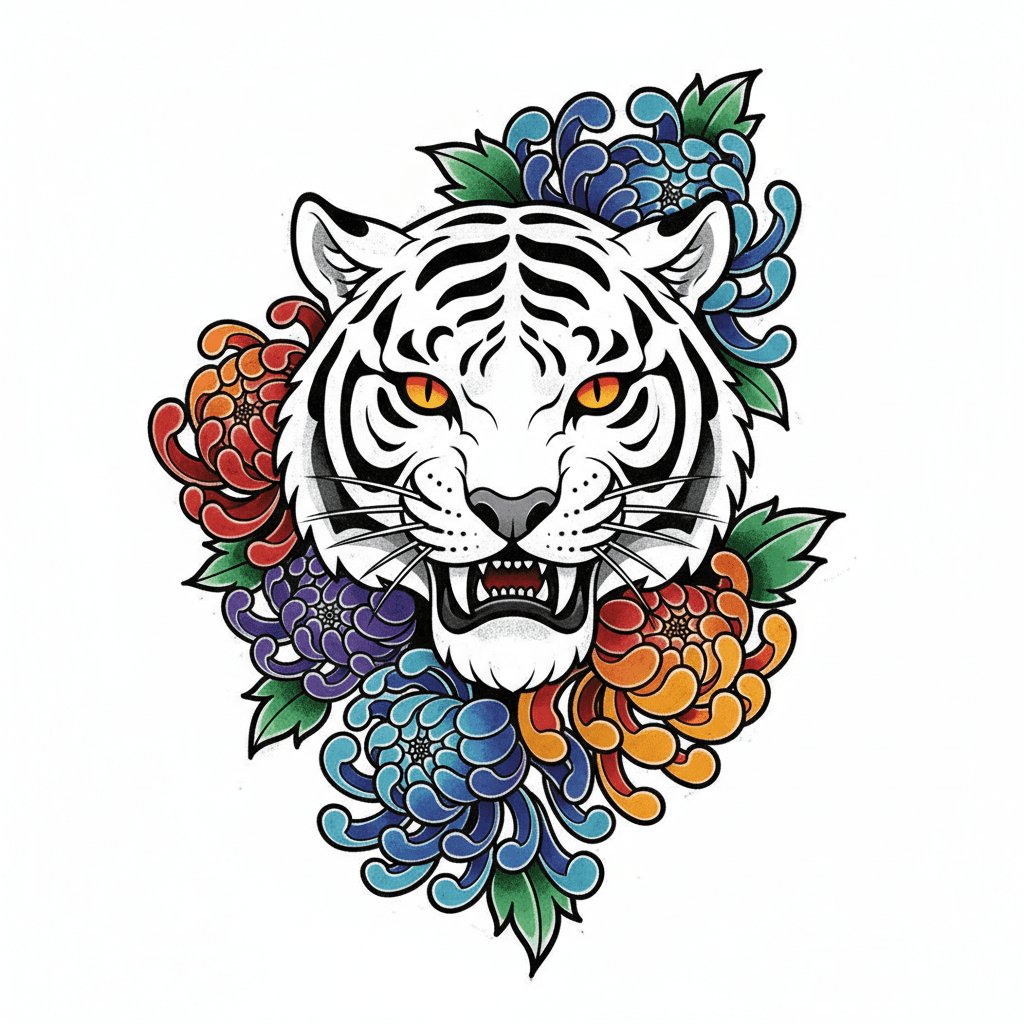
Flowing composition, strong symbolism, and body-aware structure rooted in traditional Irezumi.
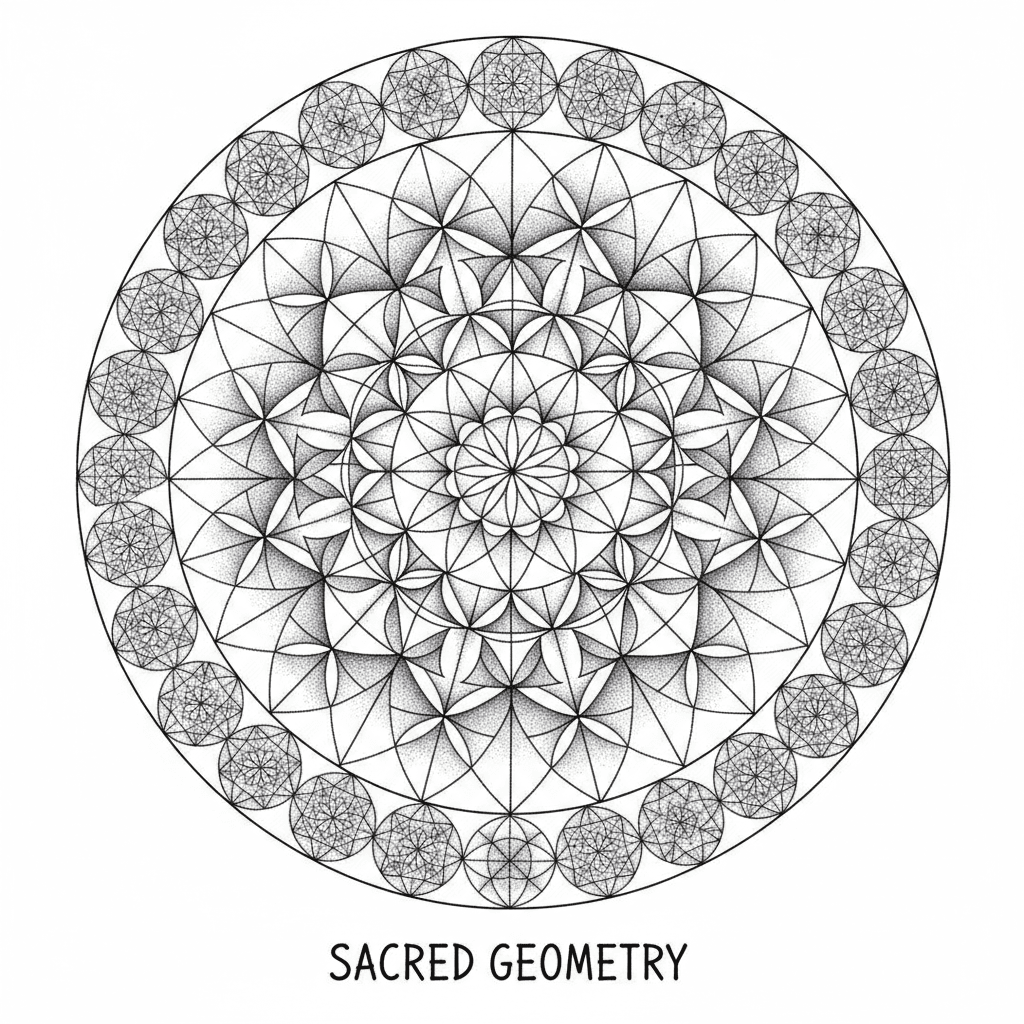
Precision-driven tattoo design built around symmetry, structure, repetition, and stippled shading.
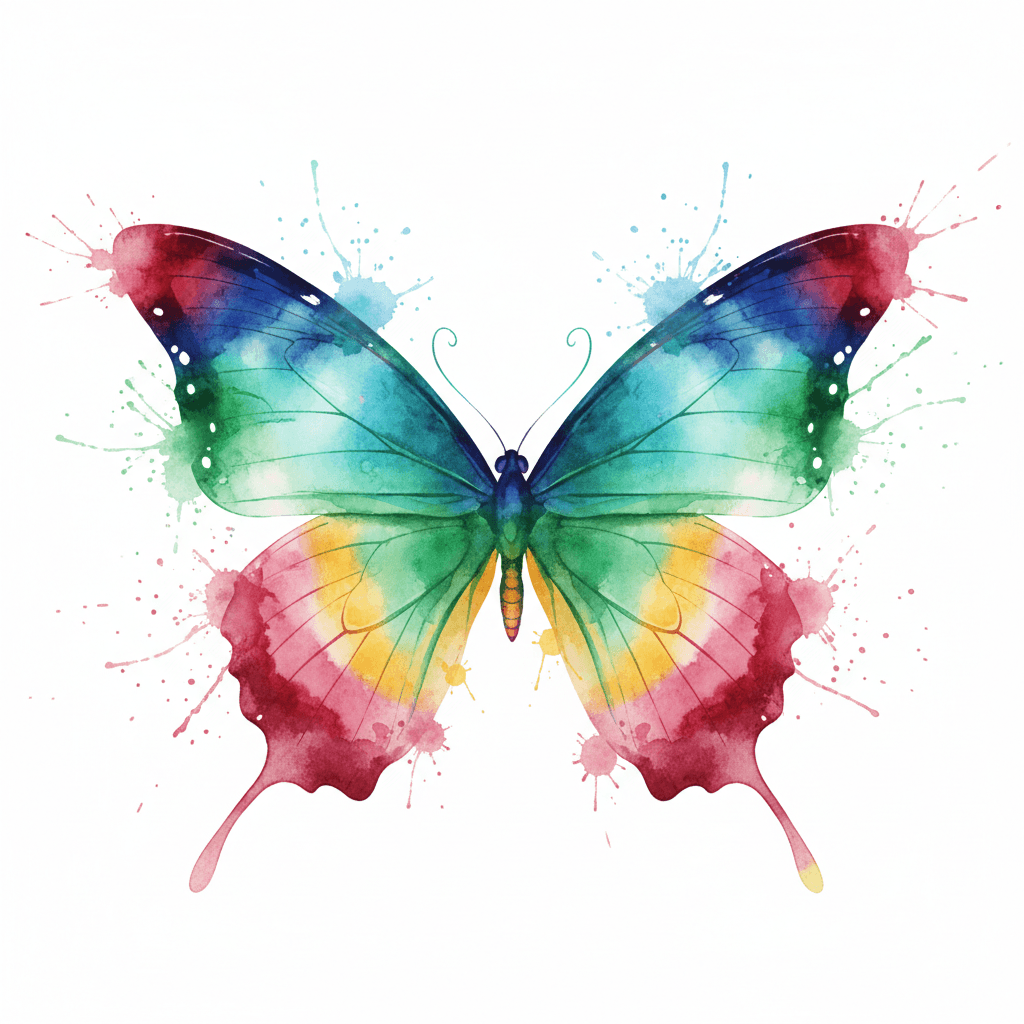
Tattoo ideas shaped by paint-like motion, blooming pigments, and a lighter illustrative energy.
Compare body areas first when placement is already clear but style and motif are not.
Visible, bold, and high-conversion placement keywords for hand-first concepts.

High-intent placement page for statement designs and visible tattoo planning.
A dependable placement page for readable tattoos and first visible work.
A small-placement page for symbolic, minimal, and first-tattoo ideas.
A strong page for centerpiece layouts, symmetry decisions, and statement motifs.
A large-format planning page for narrative tattoos and body-aware composition.
A medium-large placement page with more privacy and room for detailed motifs.
A premium planning page for connected arm composition and multi-motif tattoo flow.
These pages are the strongest next click when the user already knows the symbol they want but still needs design direction, placement fit, and style comparison. They are also some of the most useful internal pages to support with hub links.
A strong motif page for power, protection, and body-aware movement.
Explore meaning and designs ->A durable motif page for love, loss, beauty, and classic tattoo language.
Explore meaning and designs ->A flexible motif page for rebirth, danger, wisdom, and readable body flow.
Explore meaning and designs ->A motif page for night energy, transformation, and ornate symbolic work.
Explore meaning and designs ->A high-intent motif page for faith, remembrance, and sacred symbolism.
Explore meaning and designs ->A symbolism page for protection, grief, faith, and guardian imagery.
Explore meaning and designs ->These pages exist for users whose search intent is already tied to a relationship or life event. They are stronger than broad gallery browsing because the symbol choice, layout, and emotional angle are already partly defined.
The generator gets more useful when this hub narrows the idea first. The point is not to keep browsing forever. It is to turn style, motif, placement, and intent into one cleaner sentence.
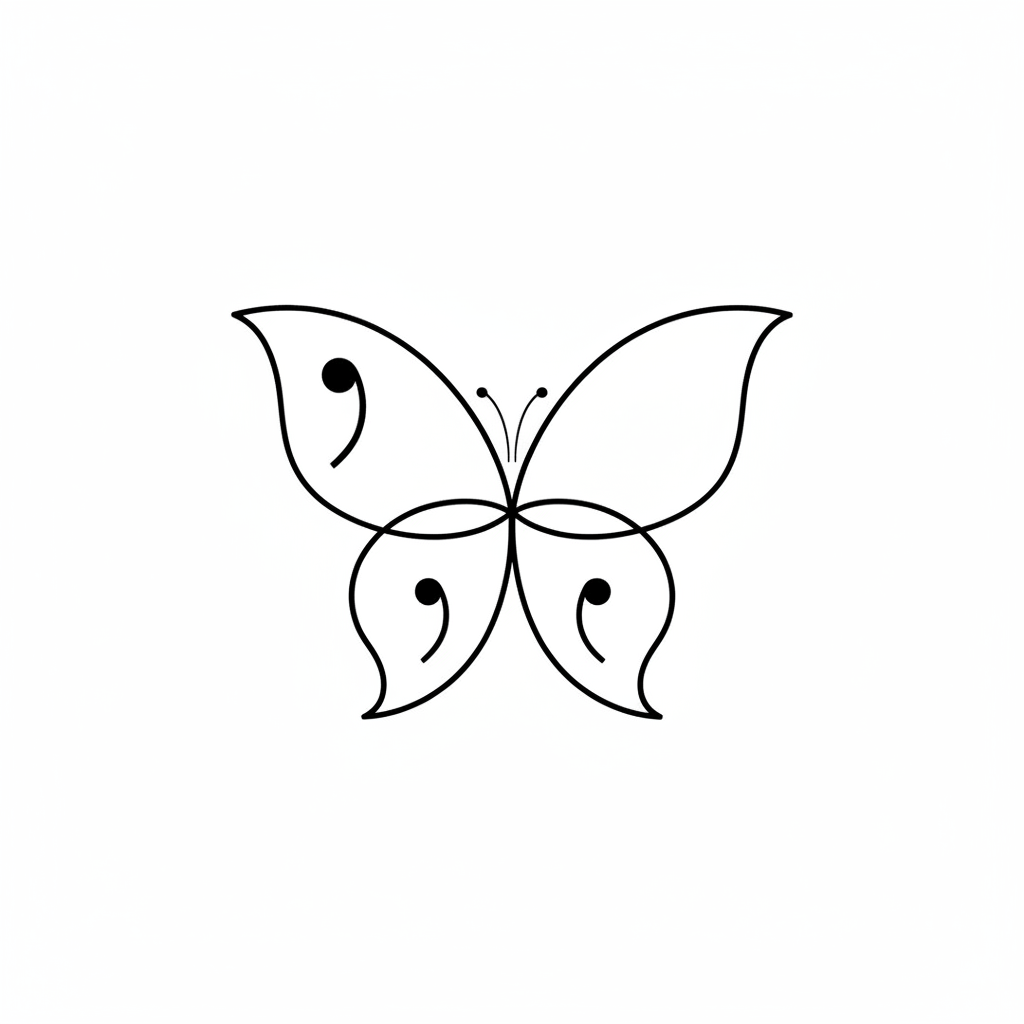
A powerful resilience symbol for healing, recovery, and continuing your story.
Explore designs →Mythology-led imagery tied to power, protection, and transformation.
Explore designs →A classic transformation motif that works from minimal fine line to soft color.
Explore designs →A mortality-driven symbol around time, purpose, and living more intentionally.
Explore designs →A strong motif page for power, protection, and body-aware movement.
Explore designs →A durable motif page for love, loss, beauty, and classic tattoo language.
Explore designs →A flexible motif page for rebirth, danger, wisdom, and readable body flow.
Explore designs →A motif page for night energy, transformation, and ornate symbolic work.
Explore designs →A high-intent motif page for faith, remembrance, and sacred symbolism.
Explore designs →A symbolism page for protection, grief, faith, and guardian imagery.
Explore designs →Compare pain levels by body area before choosing your placement.
Open guide →Explore lettering styles, script directions, and font-fit tips for words and names.
Open guide →Open this when the tattoo search is really about fixing or hiding an older piece.
Open guide →Describe your vision and generate unique tattoo ideas designs in seconds. Log in to unlock 2 free previews per day.
Generate AI Tattoo IdeasStart with style first, then narrow by motif, placement, or size. This keeps your shortlist consistent and makes it easier to generate usable directions.
American Traditional, Neo-Traditional, Realism, Black & Grey, Fine Line, Japanese, Geometric & Dotwork, and Watercolor remain the strongest mainstream style clusters.
Yes. AI works best for exploration, concept narrowing, and fast visual variation before you take the direction to a real tattoo artist.
Move to the generator after style, motif, and likely placement already match each other. If those three pieces are still fuzzy, a hub page is usually the better next click.
Open placement when body area is clear, styles when the visual lane is clear, and cover-up pages when old ink is the real problem. This hub works best as a router, not a dead-end gallery.