Tattoo Placement Guide
Placement pages usually convert better than broad inspiration browsing because the body area is already clear. Use this hub to compare visibility, pain, scale, and style fit before you open the generator.
Start here if your search already sounds like hand tattoo, forearm tattoo, or back tattoo instead of only browsing random inspiration. After you choose the body area, move into a matching tattoo style or a meaning-led page under tattoo ideas. If the body area already has unwanted old ink, jump straight into cover-up tattoo ideas, then open the generator with a more realistic prompt.
How To Use Placement Pages
The goal of this hub is not to trap the user inside a grid of cards. It is to help finish the search task faster: choose the body area, remove impossible style or detail options, then click into the one page that can actually support a real tattoo decision.
Visibility changes the whole decision
Hand and neck tattoos create a very different daily-life tradeoff from back, thigh, or chest placements. Start by deciding whether the tattoo should be public, private, or flexible.
Canvas size decides detail level
Wrist and hand pages reward simple symbols and cleaner structure. Back, thigh, chest, and sleeve pages support more narrative work and larger compositions.
Pain matters, but it is not the only filter
Use pain expectations as a planning constraint, not the only reason to choose a placement. Visibility, healing friction, and style fit usually matter just as much.
Generate after the placement is believable
The generator gets much better after body area, motif, and style already match each other. Placement-first prompts usually produce more realistic directions.
Compare Placements By Real Tradeoffs
Hand Tattoos
Neck Tattoos
Forearm Tattoos
Wrist Tattoos
Chest Tattoos
Back Tattoos
Thigh Tattoos
Sleeve Tattoos
High-Intent Placement Search Clusters
Placement searches usually fall into a few repeat patterns. This block makes the next best click explicit so the user leaves the hub faster instead of hovering between body areas with no direction.
Visible statement-first search
Users who search hand tattoos usually already accept visibility. The strongest next click is a hand page or a bold hand-specific generator prompt, not a broad inspiration hub.
Public-facing edge and visibility
Neck queries usually need sharper visibility tradeoffs, silhouette discipline, and a faster route into bolder prompt testing.
Lower-regret starting route
When the user is still trying to stay safe, readable, and livable, the real job is not bold placement. It is narrowing a smarter first-tattoo lane.
Pain-led placement filtering
Pain search is usually a hidden placement-decision query. It belongs in a pain chart or a safer placement page before the generator.
Old ink already controls the route
As soon as the body area already has a tattoo, the search changes from placement planning to concealment strategy and redesign logic.
Prompt-ready after placement
The generator becomes much stronger after one believable body area, one style family, and one motif direction are already locked in.
Where Placement Search Usually Ends
A placement query usually wants one of three outcomes: a fresh placement page, a cover-up page, or a ready-to-use prompt. These routes make that next click explicit so the hub can keep moving users deeper instead of leaving them in broad browsing mode.
Hand search with fresh-ink intent
Open the hand placement page when the user wants a bold visible tattoo first, then jump into the generator after the motif and contrast level feel believable on skin.
Neck search with statement or edge intent
Open the neck placement page when visibility and public signal are still the real decision. Move into cover-up when the neck already has old ink that needs stronger structure.
Forearm or wrist search with first-tattoo intent
Forearm and wrist usually convert when the user wants readability, lower regret, and cleaner daily wear. The generator works better after one of these safer placements becomes real.
Thigh or back search with larger-canvas intent
These routes win when the user wants more room, more detail, and stronger composition. Larger private canvases usually deserve one more placement click before they deserve a prompt.
Old ink is already controlling the body area
The right next step is the cover-up hub as soon as placement search turns into concealment search. That shift keeps the prompt honest and protects the generator from generic output.
Placement is clear and style is clear
This is the last clean state before prompt testing. One believable body area plus one believable style family is usually enough to open the generator with much less noise.
Prompt Bridges After You Pick The Body Area
Hand tattoo prompt
Use this when the user already accepts visibility and wants a clearer first pass for a hand tattoo idea.
Open prompt-ready route ->Neck tattoo prompt
A better route for neck searches where the main job is sharper shape control and public-facing edge.
Open prompt-ready route ->Forearm tattoo prompt
A safer visible-placement route for users who want readability and lower regret before they go bolder.
Open prompt-ready route ->Large back or thigh prompt
Best when the user already wants a larger private canvas and needs a cleaner composition-first prompt.
Open prompt-ready route ->Best Second Click After Placement
Placement is clear, but style is not
Open the style hub when the body area is already fixed and the next job is choosing black and grey, japanese, fine line, realism, or another visual lane.
Placement is clear, but the motif is still loose
Go to the tattoo ideas hub when the symbol or emotional meaning is still the real blocker after the body area has been chosen.
The search is really about old ink
Jump into the cover-up hub when the body area already has an old tattoo and the project is more about concealment, darkness, or redesign than fresh inspiration.
You have body area plus direction and want output
Open the generator only after placement, style, and motif start matching. That produces cleaner prompts and less random noise.
Compare Placement Pages
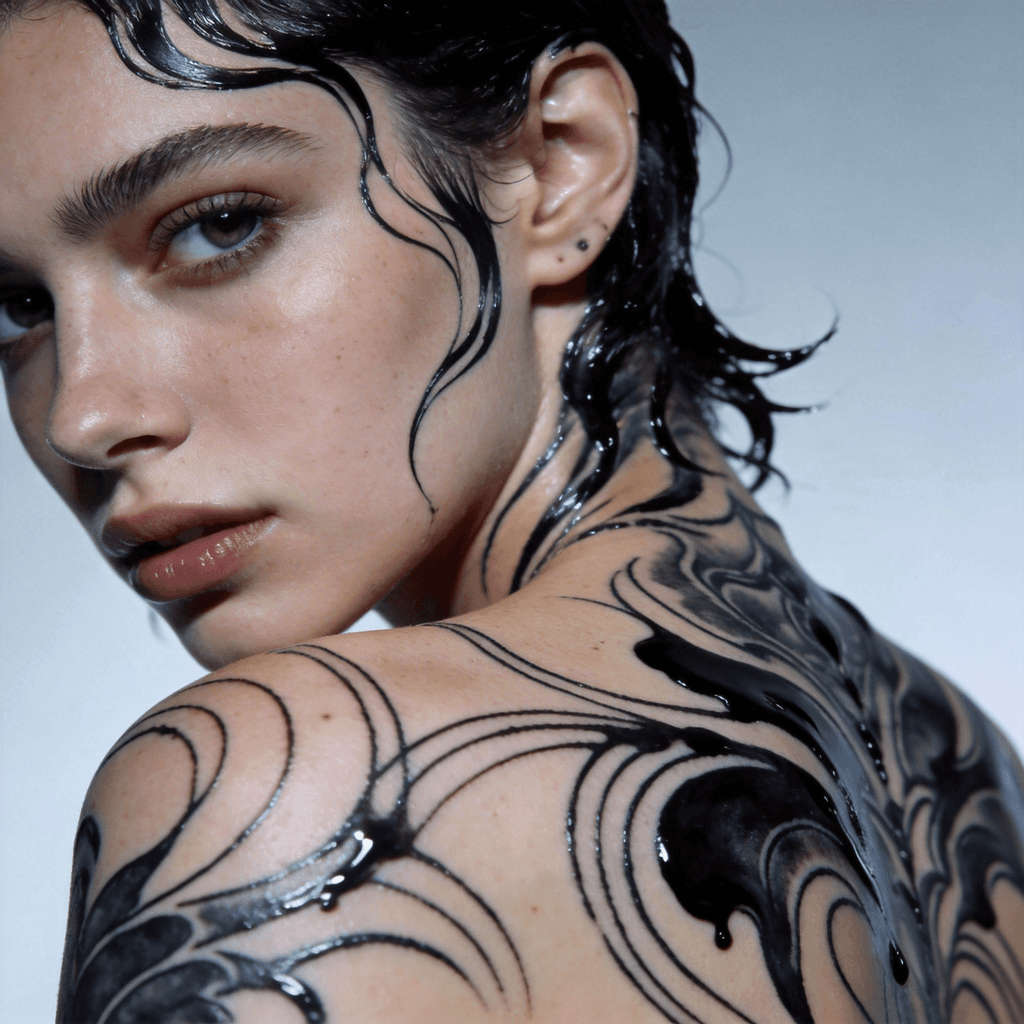
Placement Hub
Compare body areas first when placement is already clear but style and motif are not.
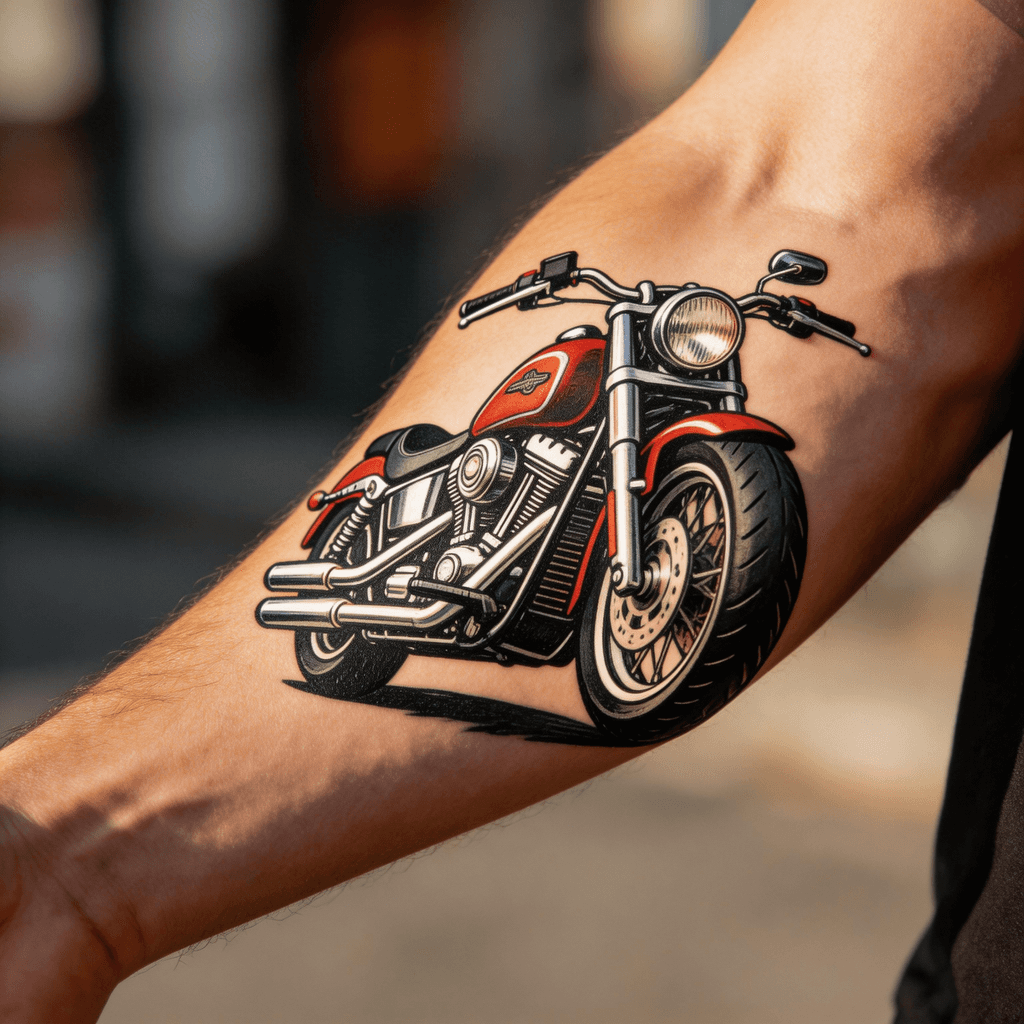
Hand Tattoos
Visible, bold, and high-conversion placement keywords for hand-first concepts.
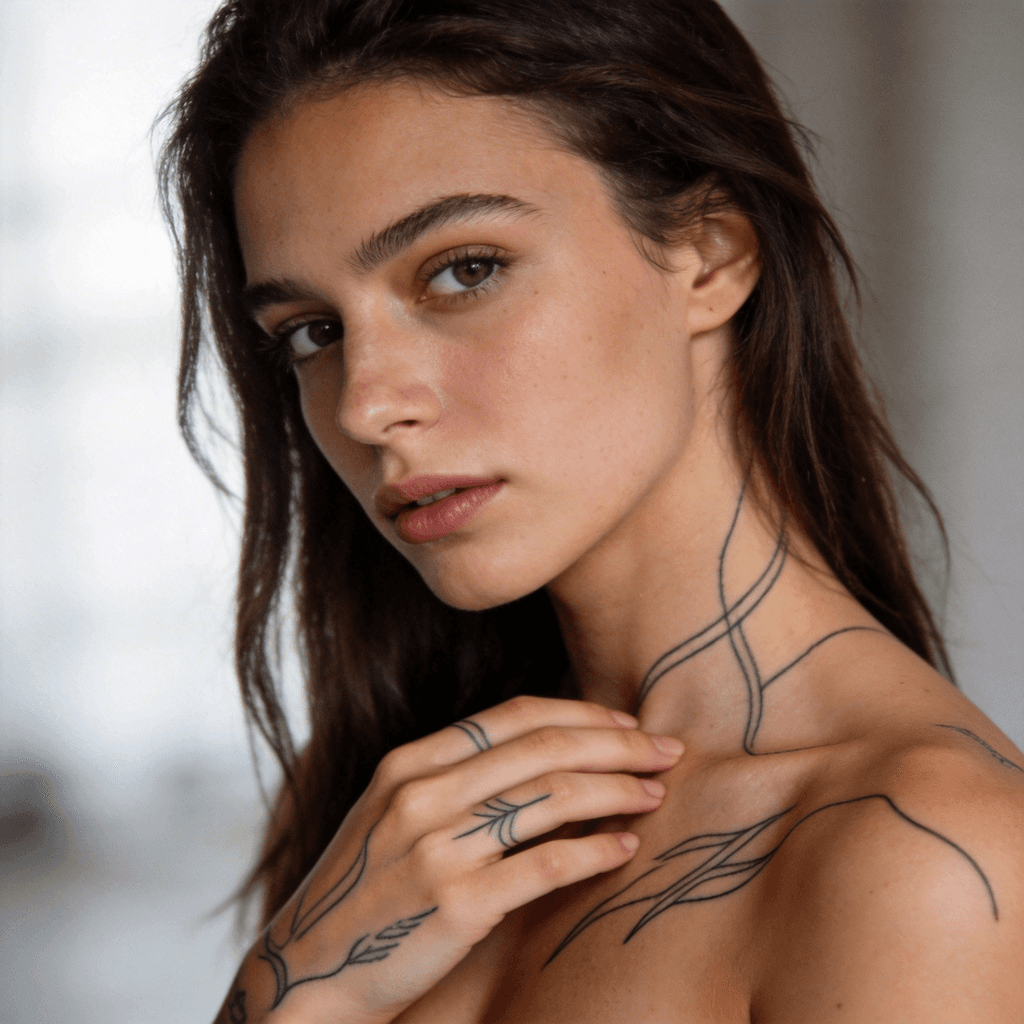
Neck Tattoos
High-intent placement page for statement designs and visible tattoo planning.
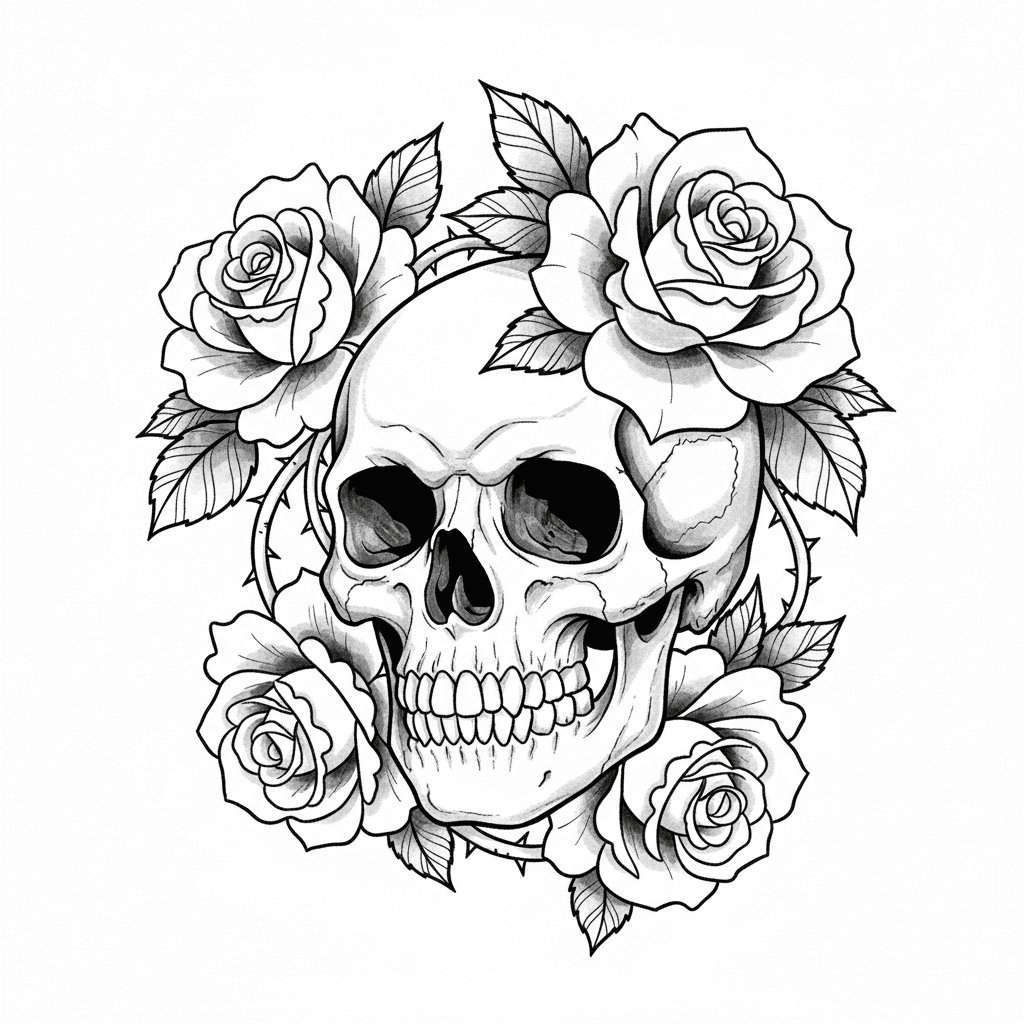
Forearm Tattoos
A dependable placement page for readable tattoos and first visible work.
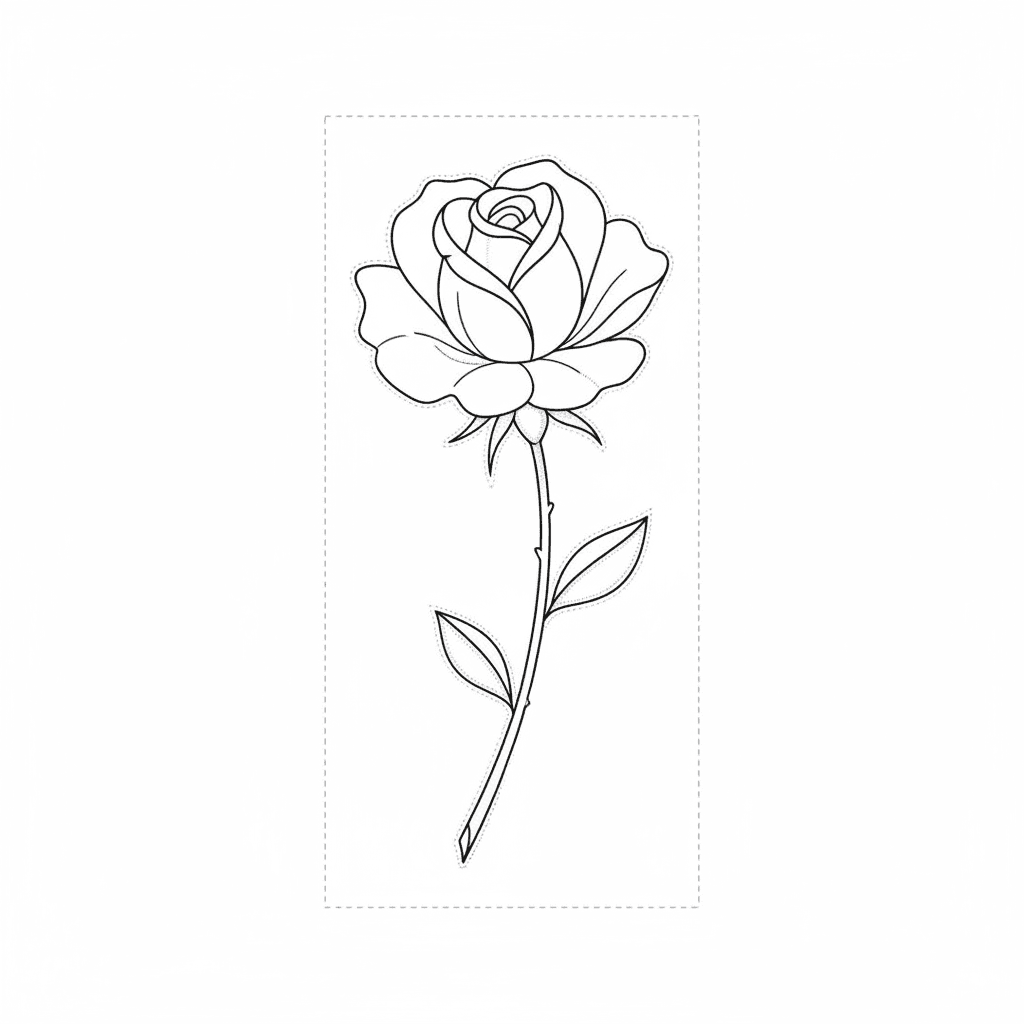
Wrist Tattoos
A small-placement page for symbolic, minimal, and first-tattoo ideas.
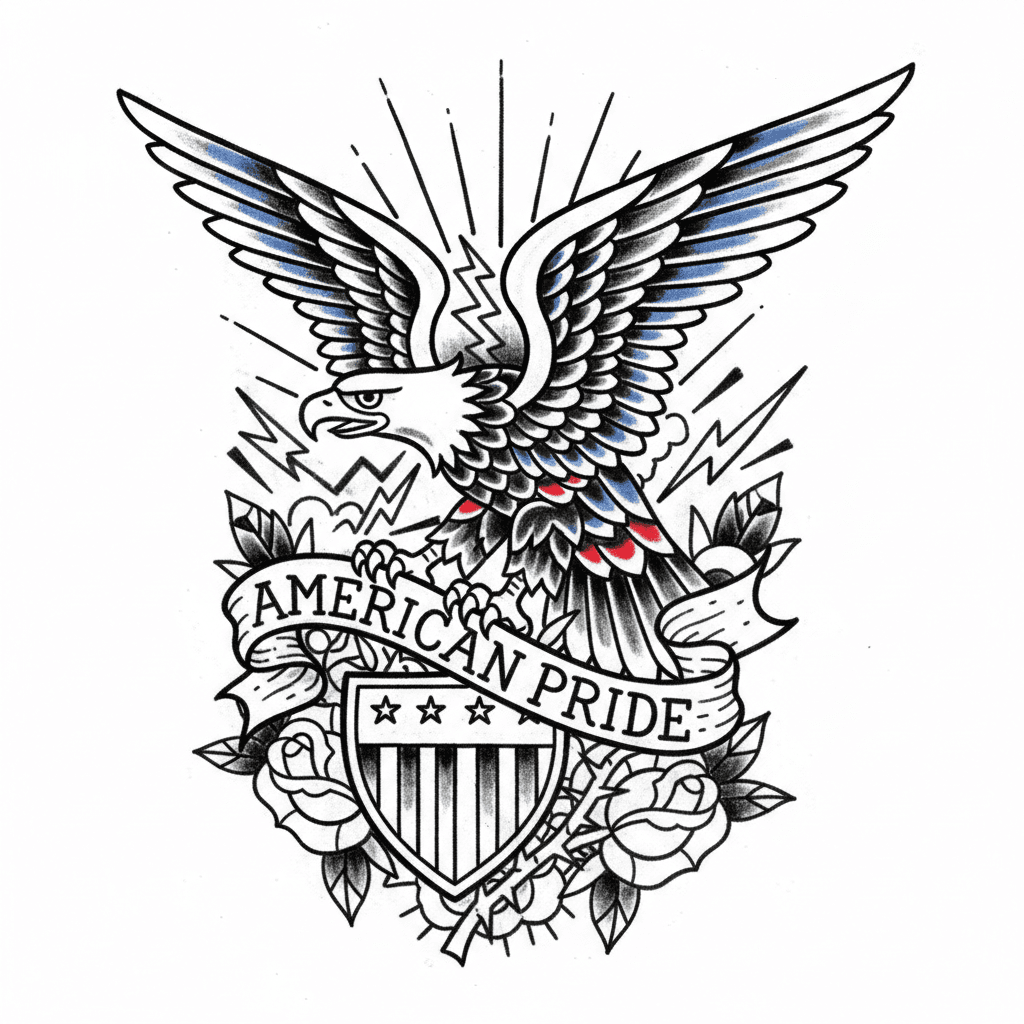
Chest Tattoos
A strong page for centerpiece layouts, symmetry decisions, and statement motifs.
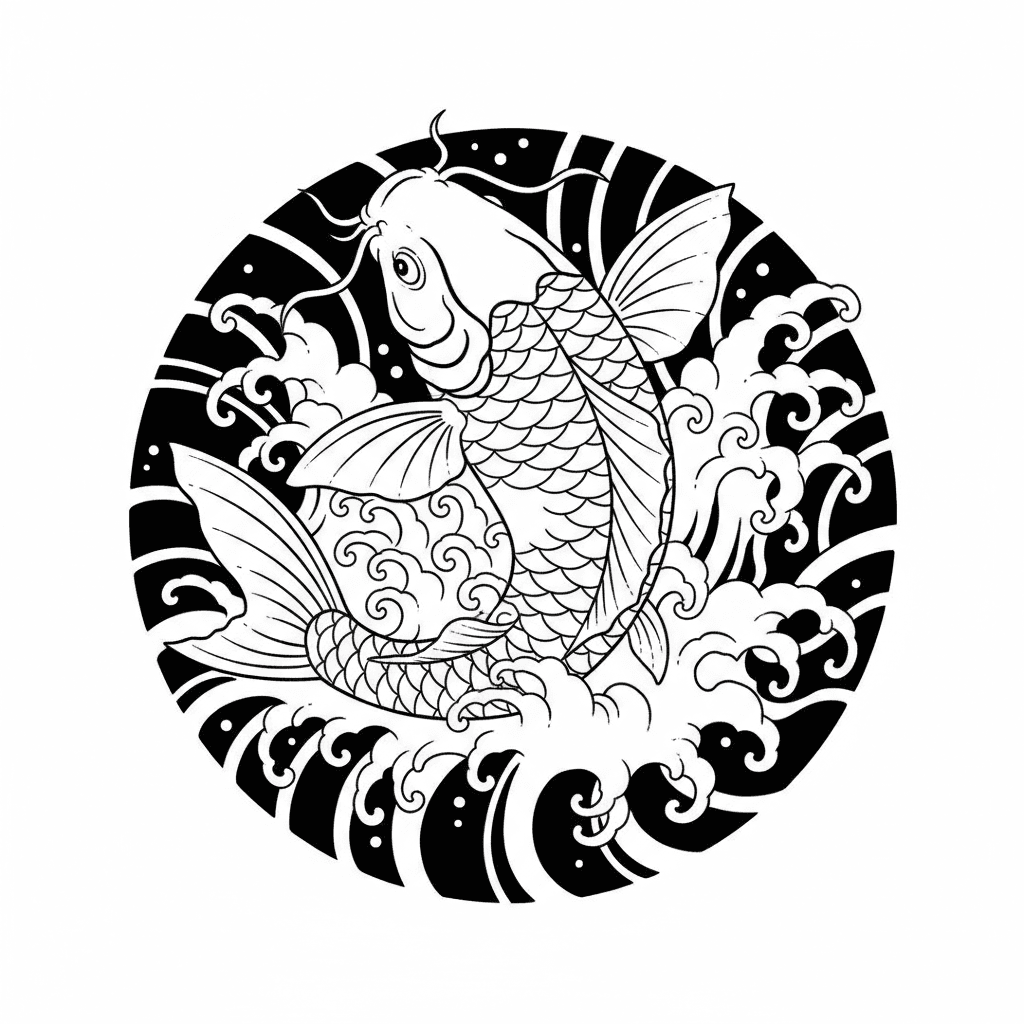
Back Tattoos
A large-format planning page for narrative tattoos and body-aware composition.
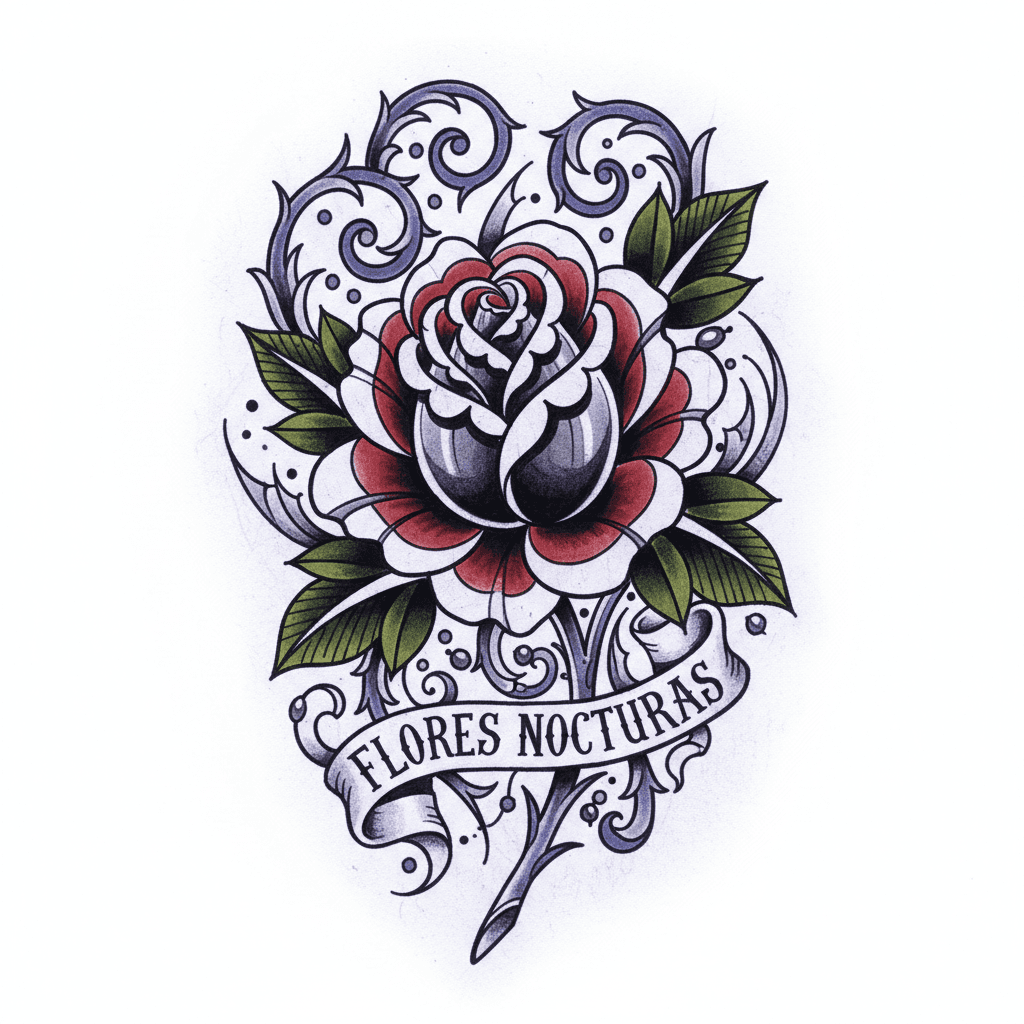
Thigh Tattoos
A medium-large placement page with more privacy and room for detailed motifs.
Sleeve Tattoos
A premium planning page for connected arm composition and multi-motif tattoo flow.
Start From Your Actual Goal
I want a low-risk first tattoo
Open the beginner page when the real job is choosing something readable, livable, and low-regret before going bolder.
I want a safer first visible tattoo
Forearm stays the best starting page when you want readability, moderate pain, and less risk than hand or neck work.
I want a tiny symbolic piece
Wrist is usually the right route for semicolons, crosses, moons, script, and small personal reminders.
I want a bold public statement
Hand tattoos convert when the user already accepts visibility and wants a tattoo to read immediately.
I need to hide old hand ink
A stronger page when the old tattoo already lives on fingers, side hand, or the main hand panel and the new design has to stay bold enough to survive the placement.
I need to hide old finger ink
Use this when the problem is a faded ring tattoo, side-finger script, or tiny visible symbol that needs compact cover-up logic.
I need to hide an old hand name
A stronger path when the old visible tattoo is lettering on the hand, fingers, or knuckles and the redesign has to break the word shape.
I need to hide old neck ink
Open this when the real problem is visible neck ink and the redesign has to account for side-neck flow, back-neck symmetry, or a throat statement reset.
I need to hide old side-neck ink
A narrower page for visible side-neck script or symbols where vertical flow and stronger public-facing silhouette matter most.
I want a private larger canvas
Thigh gives room for Medusa, tiger, dragon, rose, and other medium-large motifs without full public exposure.
I need to hide old thigh ink
A placement-led cover-up page when the old thigh tattoo needs a larger, cleaner replacement panel instead of a tiny patch fix.
I want a centerpiece near the heart
Chest works best for sacred, memorial, symmetrical, and high-emotional-weight tattoo ideas.
I want a full composition, not just one icon
Back is the strongest option when the tattoo depends on atmosphere, scale, movement, or wing/body flow.
I need to hide old forearm ink
A more specific page when the search is really about solving an old forearm tattoo instead of choosing a fresh placement.
I need to hide old wrist ink
A tighter placement page for old wrist tattoos where compact layout and visibility matter more than broad inspiration.
I need to hide old chest ink
Open this when the real problem is a sternum, center chest, or chest panel tattoo that needs a stronger symbolic or symmetry-led redesign.
I need to reset an old back piece
Back cover-ups often become composition resets, so this page helps when the old tattoo is too large for a simple patch fix.
I need to rebuild an old sleeve
A better page when the old arm work is already behaving like a half sleeve, full sleeve, or patchwork rescue problem.
Motif Pages That Often Start With Placement Search
After the body area is clear, these meaning-led pages are usually the next best click. They help you compare whether the symbol still fits the canvas, the emotional tone, and the level of detail the placement can realistically hold.
Dragon Tattoo
A strong motif page for power, protection, and body-aware movement.
Rose Tattoo
A durable motif page for love, loss, beauty, and classic tattoo language.
Snake Tattoo
A flexible motif page for rebirth, danger, wisdom, and readable body flow.
Moth Tattoo
A motif page for night energy, transformation, and ornate symbolic work.
Cross Tattoo
A high-intent motif page for faith, remembrance, and sacred symbolism.
Angel Tattoo
A symbolism page for protection, grief, faith, and guardian imagery.
Generate A Tattoo After You Pick The Placement
Use the placement page first, then open the generator once body area, style, and motif start matching each other.
Generate AI Tattoo IdeasFrequently Asked Questions
Should I choose placement before style?
If the body area is already obvious, yes. Placement usually narrows visibility, pain, scale, and how much detail the design can realistically hold.
Which placement pages are best for first tattoos?
Forearm tattoos and wrist tattoos are usually the safest starting pages. They help you compare pain, readability, and day-to-day livability without jumping straight into high-commitment placements.
Which placement pages deserve the most attention first?
High-intent pages usually include forearm, wrist, chest, back, thigh, sleeve, hand, and neck because users often search the body area before they search the exact motif.
When should I move from placement pages into cover-up pages?
Move into cover-up pages as soon as the user is trying to solve old ink, not just choose a fresh body area. At that point the job changes from placement planning to concealment strategy.
Should I use the generator before or after the placement page?
Usually after. The placement page helps remove impossible detail levels, visibility mismatches, and scale mistakes before you start prompting.